
Give your AI agent a knowledge base: connect your docs so it answers from your project, not the internet
Ask a general-purpose AI agent how your team ships a release and it will give you a confident, plausible, wrong answer. It has read a million blog posts about release processes. It has not read yours. So it invents one, and it sounds fine until someone follows it.
The fix is not a smarter model. It is giving the agent access to your actual documents, so it answers from what your team wrote down instead of from the average of the internet. That is what people mean by "give the agent a knowledge base," and in 2026 there is a clear pattern for doing it well. This post walks through the pattern and shows how it works when your docs already live next to the work, in a tool like Utter.
Why a general model guesses
A language model only knows two things: what it learned during training, and what you put in front of it right now. Your onboarding doc, your API conventions, the reason you dropped the old billing flow, none of that was in training. If you do not hand it over at question time, the model fills the gap with its best statistical guess.
For casual questions that is fine. For "which service owns the retry logic" or "what is our definition of done," a guess is worse than silence, because it reads as authoritative. The person asking has no way to tell a grounded answer from a confident fabrication.
So the job is retrieval: when a question comes in, find the handful of documents that actually bear on it and put them in the model's context before it answers. That is retrieval-augmented generation, RAG, and the whole game is retrieval quality. A perfect model with the wrong three documents still gives you a wrong answer.
The 2026 pattern: good retrieval, exposed through MCP
Two things have settled over the last year.
First, retrieval quality matters more than model choice. Teams that chased the newest model but fed it a keyword search over a stale wiki got mediocre results. Teams with decent search over current, well-scoped docs got good ones. The lesson is boring and correct: invest in what the agent can find, not in which brand of model reads it.
Second, the plumbing standardized on the Model Context Protocol. Before MCP, connecting an agent to your docs meant writing a custom tool for each client, describing every call in a prompt, and keeping that description in sync forever. MCP is a common shape a model already understands. The service exposes its search and read tools once, the client discovers them, and any MCP-capable agent can use them without bespoke glue. We wrote more about that trade-off in should your agent use MCP or the REST API.
Put the two together and you get the pattern: keep your documents somewhere with real search, expose that search as tools over MCP, and let any agent ground its answers through it. Model-agnostic, no per-client wrappers, retrieval you can actually reason about.
What that looks like when an agent actually asks something:
sequenceDiagram
    participant A as Agent, any MCP client
    participant M as MCP server
    participant K as Docs + issues search
    A->>M: discover the tools, once, no glue code
    A->>M: search "deploy checklist"
    M->>K: query the live workspace
    K-->>M: current doc sections and issues
    M-->>A: results, with sources
    Note over A: answer grounded in what it found
Where Utter fits, and where it does not
Here is the honest scope up front. Utter is not a general-purpose RAG platform. You do not point it at a folder of PDFs or your whole Google Drive. It will not index your Slack history or your codebase.
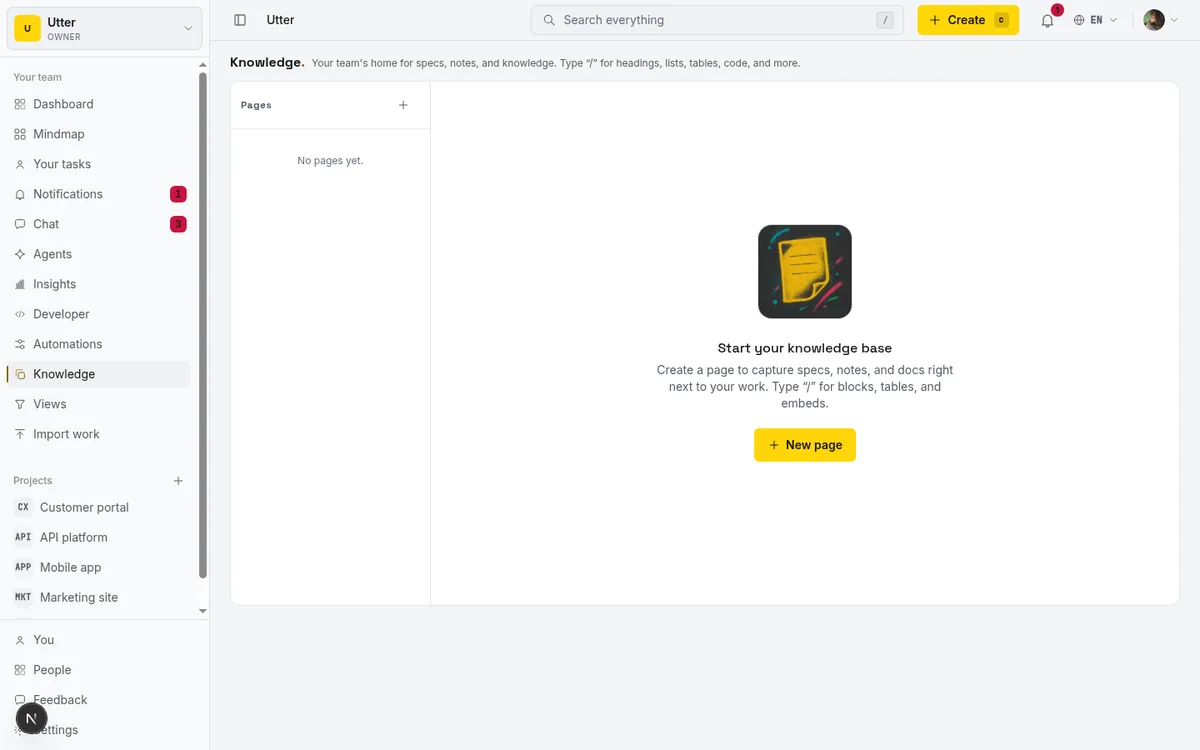
What Utter does is narrower and, for a project tool, more useful: it grounds an agent in your workspace. Your docs live in the same place as your issues, your board, and your backlog. That co-location is the point. When an agent asks "what is the acceptance criteria for WEB-142," the doc that describes it and the issue it belongs to are in the same tenant, reachable with the same key, searchable in one call.
If you need a knowledge base that swallows arbitrary files from everywhere, use a dedicated RAG product. If you want your agent to answer from the project it is already working on, that is what this is.
What actually lives in Utter that an agent can read
Utter has workspace documentation with rich text and images, doc mentions, and versioned history. Docs can be workspace-wide (an engineering handbook, a style guide) or scoped to a single project (that project's architecture notes, its runbook). Alongside them sit issues, comments, and custom fields, which are just as much "what the team knows" as any formal doc.
Search runs on Typesense across both docs and issues. It is typo tolerant and ranks by relevance, which is the retrieval-quality half of the pattern doing its job.
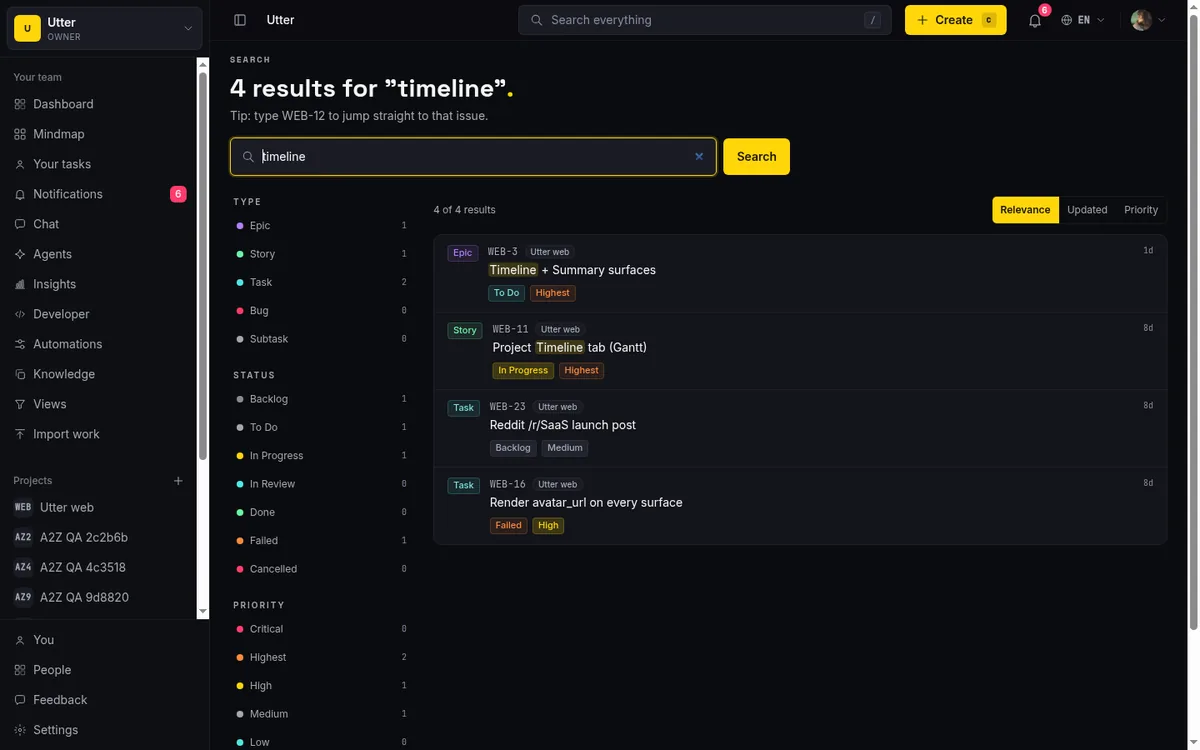
One deliberate design choice worth naming: if the search index is unreachable, Utter returns no results rather than falling back to a slow database scan. An agent gets an honest empty answer instead of a query that hangs for a minute. Empty and fast beats slow and eventually-empty when a model is waiting on the other end.
flowchart TD
    Q[Agent question] --> S[Search the workspace]
    S -->|hits| C[Put docs in context]
    C --> G[Grounded answer]
    S -->|index down| E[Fast empty result]
    E --> H[Agent says it does not know]
Connecting an agent to it
The mechanics are short. Every capability Utter exposes over the REST API is also exposed as an MCP tool, generated from the same source, so the two never drift. For grounding, three of those tools matter:
searchlooks across issues and docs. One call takes a query and an optional type filter (types=issue,doc), and returns ranked hits from the workspace. This is the retrieval step.get_docreads a doc. Once search points at the right document, the agent fetches its full body to put in context.list_docslists docs, for an agent that wants to walk a project's documentation rather than search it.
In an MCP-native client, you add the Utter server once with an API key and these show up in the agent's toolset:
claude mcp add utter-product https://utter.ae/api/mcp/v1/ \
  --header "Authorization: Bearer utp_live_YOUR_KEY"
No wrapper to write, no prompt describing each endpoint to maintain. When we add an endpoint, it appears; when we change a field, the description the model reads updates with it.
If your agent speaks plain HTTP instead, the same retrieval step is one GET. Here it is three ways:
curl "https://utter.ae/api/v1/workspaces/YOUR_WORKSPACE/search?q=deploy+checklist&types=issue,doc" \
  -H "Authorization: Bearer utp_live_YOUR_KEY"
const res = await fetch(
"https://utter.ae/api/v1/workspaces/YOUR_WORKSPACE/search?" +
new URLSearchParams({ q: "deploy checklist", types: "issue,doc" }),
{ headers: { Authorization: "Bearer utp_live_YOUR_KEY" } },
);
const { data } = await res.json();import requests
res = requests.get(
"https://utter.ae/api/v1/workspaces/YOUR_WORKSPACE/search",
params={"q": "deploy checklist", "types": "issue,doc"},
headers={"Authorization": "Bearer utp_live_YOUR_KEY"},
)
hits = res.json()["data"]The response is one relevance-ordered list that mixes both kinds of hit, so the agent sees the doc and the ticket side by side:
{
  "data": [
    {
      "type": "doc",
      "id": "0197f3a2-...",
      "title": "Release checklist",
      "icon": null,
      "project_slug": "web",
      "updated_at": "2026-05-28T09:14:00.000Z"
    },
    {
      "type": "issue",
      "key": "WEB-142",
      "id": "0197f3a2-...",
      "title": "Ship the new billing flow",
      "project_key": "WEB",
      "project_slug": "web",
      "project_name": "Web app",
      "issue_type": "story",
      "status": "in_progress",
      "priority": "high",
      "updated_at": "2026-06-01T15:02:00.000Z"
    }
  ],
  "pagination": { "next_cursor": null }
}
When search points at the right document, reading it is one more call:
curl "https://utter.ae/api/v1/workspaces/YOUR_WORKSPACE/docs/DOC_ID" \
  -H "Authorization: Bearer utp_live_YOUR_KEY"
The security model is the part not to skip. Mint a separate, scoped key per agent. A grounding agent that only needs to read wants docs:read and search:read and nothing else, so it can look at the whole knowledge base but cannot touch a single ticket.
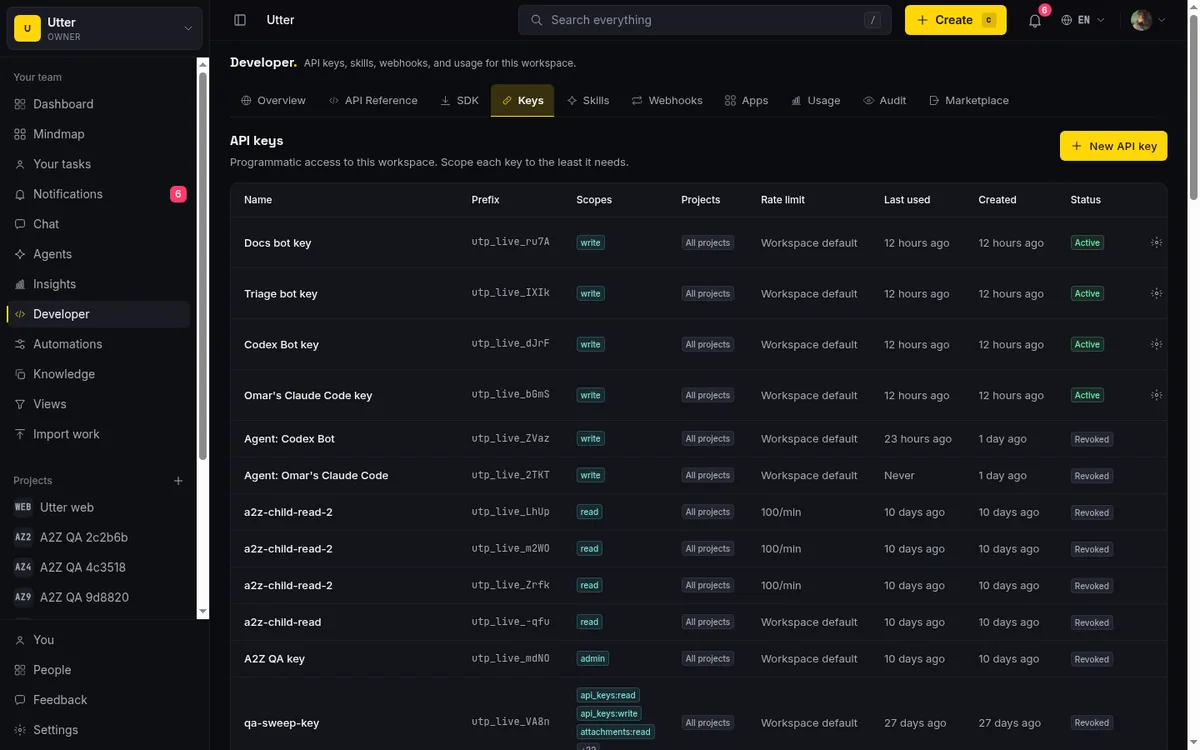
Search also respects tenant isolation: a key scoped to two projects will not surface doc titles from a project it cannot reach. Read broadly, write narrowly, revoke one key without touching the rest.
The workflow this unlocks
Once an agent can search and read, the useful behavior falls out. A support agent looks up how a feature actually works before answering, instead of paraphrasing the marketing page. A coding agent reads the project's architecture doc and the linked issue before it writes anything, so its plan matches your conventions rather than a generic best practice. An onboarding assistant answers a new hire from your real runbook.
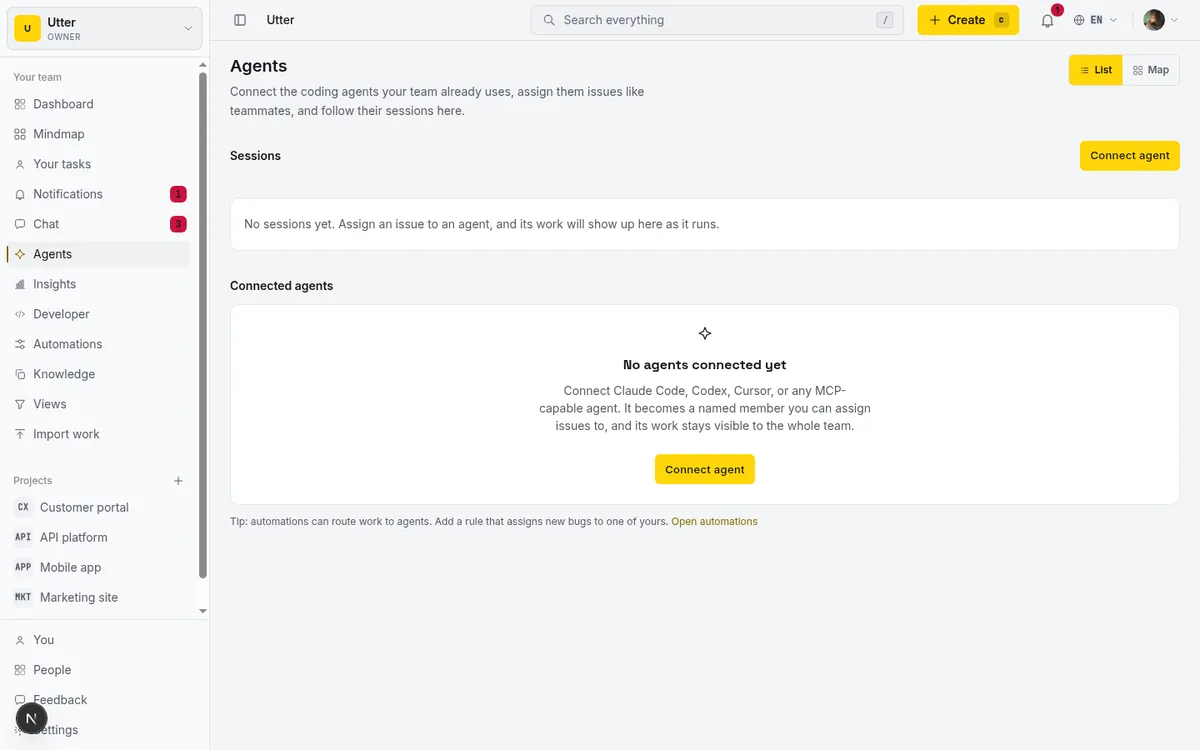
And because the docs sit next to the issues, the agent's answer can cite the exact ticket, and its follow-up action, filing a bug, moving a card, can land in the same board a human would use. Grounding and acting are not two separate integrations. They are the same key against the same workspace. We go deeper on the acting half in run your projects with AI agents.
The trade-offs, plainly
Retrieval is only as good as what you write down. An agent grounded in a doc that is six months stale will confidently repeat six-month-old facts. RAG moves the problem from "the model does not know" to "keep the docs current," which is a better problem but still a real one. Utter's versioned doc history helps you see when something last changed; it cannot make anyone update it.
MCP is also still young. The spec moves, and client support is uneven, so some agents will need the plain REST path instead. That is fine, both doors reach the same tools.
The honest summary: connecting your docs will not make a mediocre model brilliant, and it will not fix documentation nobody maintains. What it does is stop a good model from guessing about your project. For most teams, that is the difference between an assistant you can trust and a toy you have to double-check.
If you want to try it, put your project's docs in Utter, mint a read-only key with docs:read and search:read, and point one agent at it. See the developer docs for the setup, and pricing if you are weighing the seats.
Frequently asked questions
How do you give an AI agent a knowledge base?
Keep your documents somewhere with real search, expose that search as tools over the Model Context Protocol (MCP), and let the agent pull the relevant docs into its context before it answers. That pattern is retrieval-augmented generation (RAG), and retrieval quality matters more than which model you pick.
Why do AI agents give wrong answers about internal processes?
A language model only knows what it learned during training and what you put in front of it at question time. Your onboarding doc, API conventions, and release process were not in training, so the model fills the gap with a plausible statistical guess that reads as authoritative.
Can Utter be the knowledge base for an AI agent?
Yes, for project work, with an honest limit: Utter is not a general-purpose RAG platform and will not index a folder of PDFs, your Slack history, or your codebase. It grounds an agent in your workspace, where docs live next to issues and the board, with typo-tolerant Typesense search across both exposed as MCP tools to search, read, and list docs. Clients that do not speak MCP can reach the same tools through the plain REST path.
What API scopes does a doc-grounding agent need?
Mint a separate key per agent with docs:read and search:read and nothing else, so it can read the whole knowledge base but cannot touch a single ticket. Search respects tenant isolation, meaning a key scoped to two projects will not surface doc titles from a project it cannot reach, and you can revoke one key without touching the rest.
Related reading
Why we gave Utter an MCP server, and what it changes
What the Model Context Protocol is in plain terms, why a project tracker is a good fit for it, and how an agent picks up your workspace without any glue code.
July 11, 2026 · 5 min read

What is agentic project management? A plain-language guide with a working example
A copilot waits for your prompt. An agent acts on an event. Here is the perceive-plan-act-check loop explained, with one real end-to-end run inside Utter.
June 11, 2026 · 11 min read
How to use AI agents in Utter: connect them, assign work, and follow their sessions
A start-to-finish walkthrough: connect an agent, scope its key, assign it issues, and watch its sessions, without giving up control of the board.
July 15, 2026 · 11 min read
Onboard an AI agent like a new hire: identity, access, and a first task
You already know how to bring on a new hire. Do the same for an AI agent: give it an identity, scoped access, one small task, a review, and an offboarding path.
July 15, 2026 · 8 min read
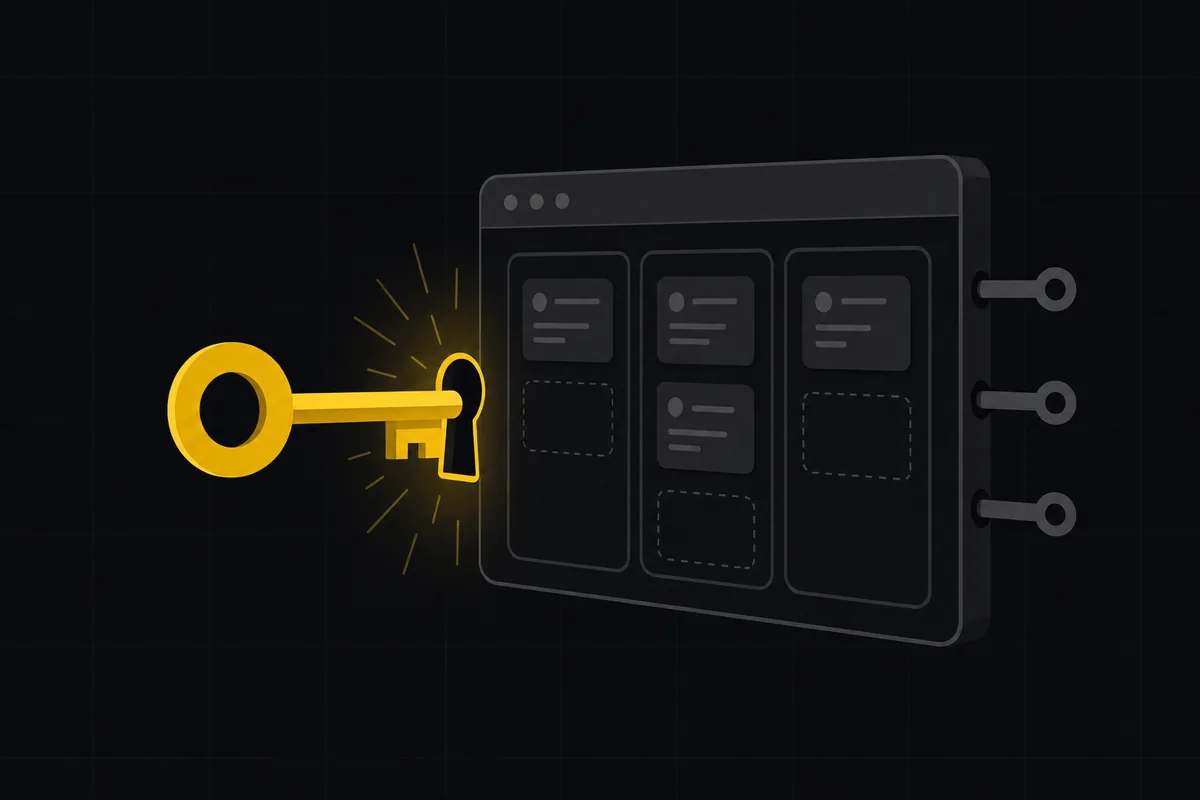
Let AI agents run your board over the REST API: authentication, scopes, and safe writes
A developer guide to giving an AI agent a scoped Utter API key so it can move cards and file issues without a big blast radius.
June 26, 2026 · 7 min read

Who decides what: setting decision rights between your team and your AI agents
A simple rule for AI governance: reversible, low-stakes moves are the agent's to make; irreversible or high-stakes ones need a human. How to draw the line.
July 15, 2026 · 7 min read

Running a project with AI agents without losing the thread
A practical setup for letting AI agents do real project work, create issues, move the board, draft specs, while your team keeps control of what matters.
July 11, 2026 · 5 min read
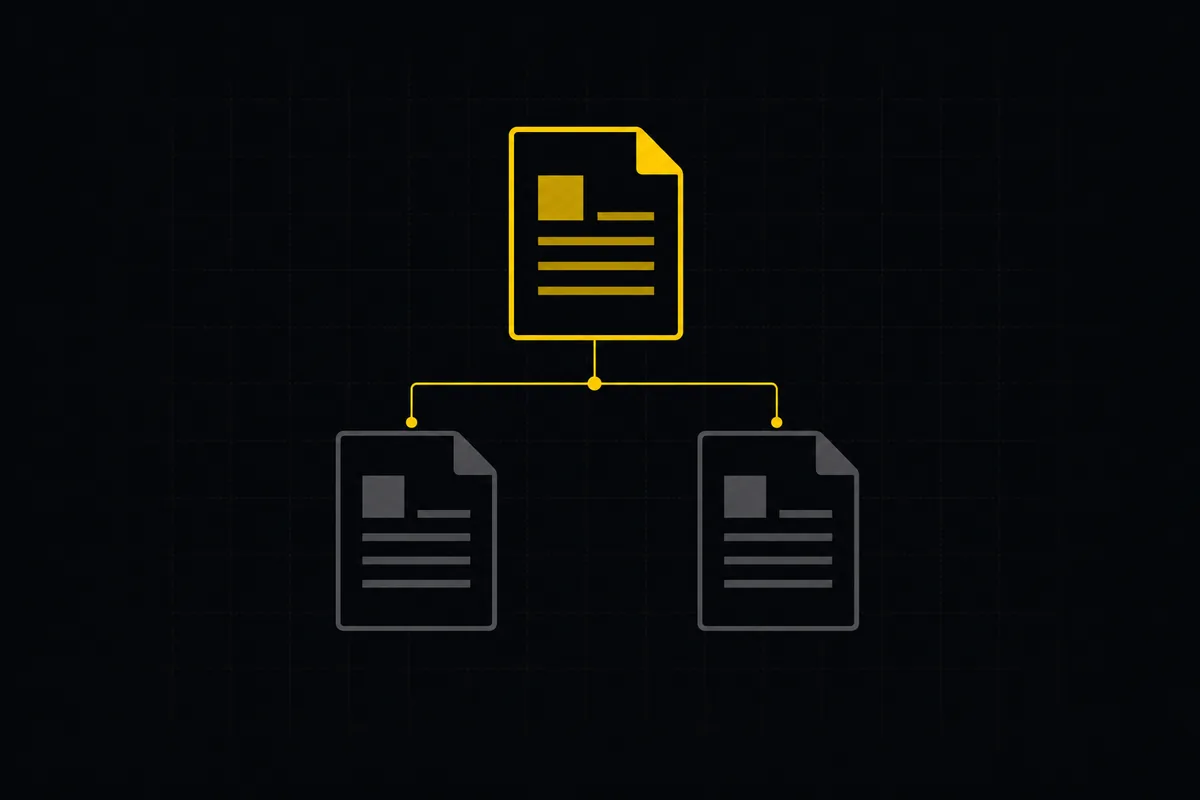
How to write project docs
Build a project documentation knowledge base in Utter: workspace Knowledge vs project Docs, nested pages, templates, autosave and version history, doc-issue links.
July 15, 2026 · 15 min read

Should your agent use MCP or the REST API?
MCP and a REST API solve overlapping problems for AI agents. Here is a plain guide to when each one is the right call, and why you often want both.
July 12, 2026 · 5 min read

How to manage a team of AI agents without losing track of what they're doing
Running several AI agents at once? The day-to-day of a fleet: a roster, live sessions, instant delegation, per-field permissions, and verified work.
July 15, 2026 · 16 min read
أضف تعليقًا
ابدأ النقاش.