Comparison

Utter vs Linear.
Linear is fast, focused, and loved by engineering teams for good reason. Utter aims at the same calm feel, adds AI agents as real teammates, and stops charging you for people who only read the board.
Last updated: 15 Jul 2026
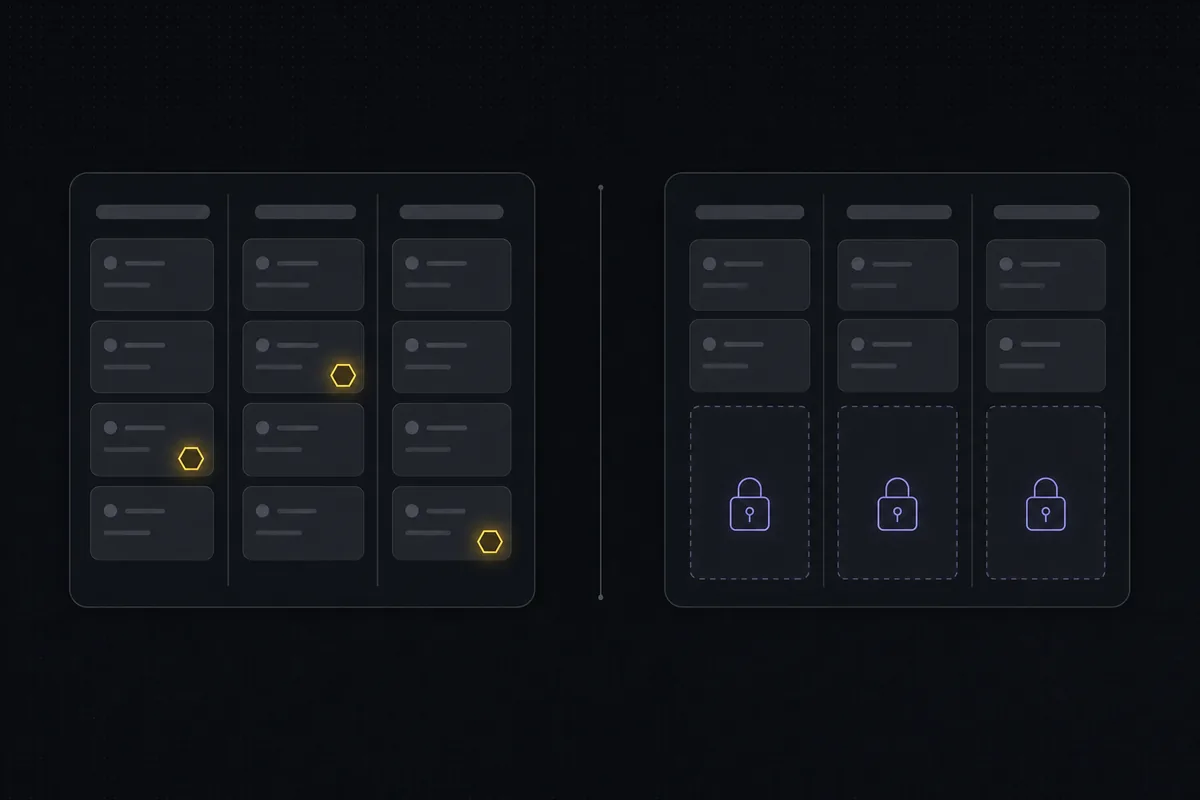
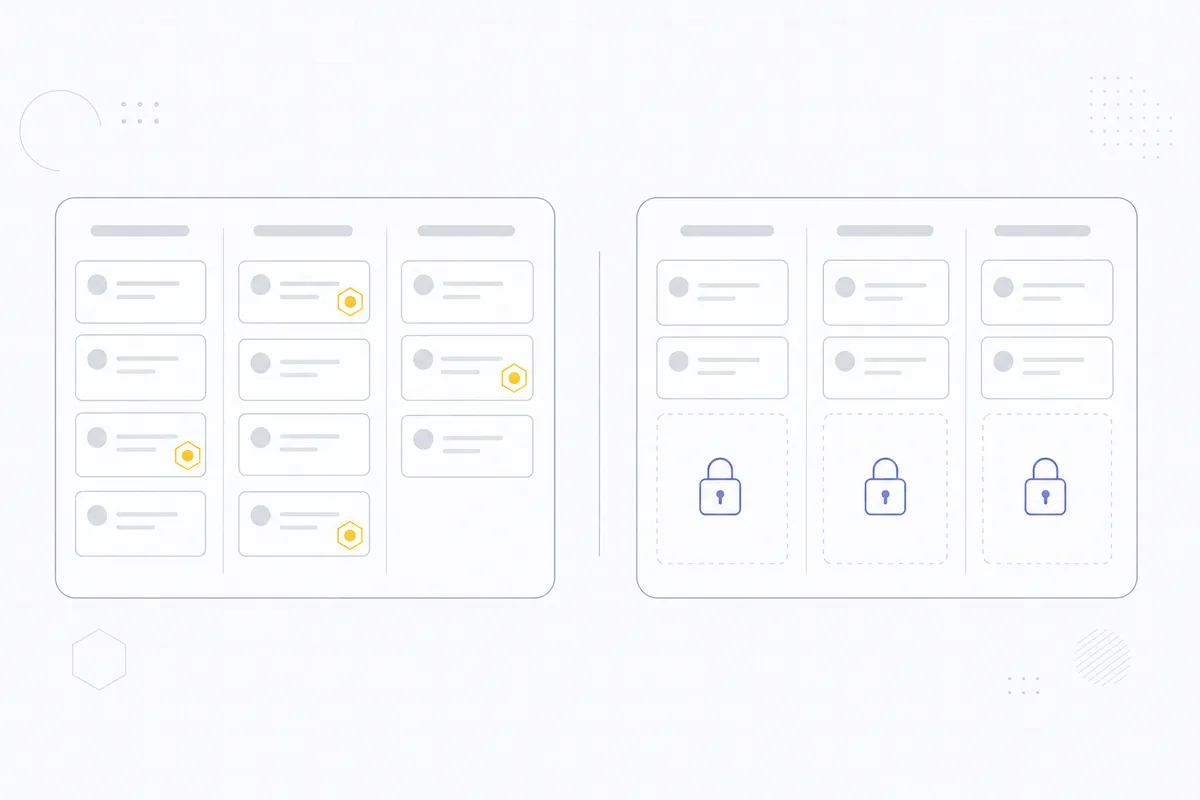
The short version.
Pick Utter if
- You want AI coding agents assigned to issues as named members, with their sessions visible on the ticket.
- Half your company wants to see the roadmap without a $10 seat each. Viewers are free on Utter, no cap.
- You need docs, request-intake forms, and a timeline in the same product instead of separate tools.
- You work in English and Arabic. Utter ships full RTL, Linear does not.
Stick with Linear if
- Your whole team lives in the keyboard-first triage flow and loves it. That polish is real.
- You want cycle analytics like Linear Insights that are tuned specifically to engineering velocity.
- You are already on Linear and nobody is watching the seat count.
Feature by feature.
| Feature |  |  Linear Linear |
|---|---|---|
| Price, standard tier | $3 per builder / month. Viewers free, no cap | $10 per user / month (Basic). Every user is a paid seat |
| Business tier | $6 per builder / month | $16 per user / month |
| Free plan | Unlimited members, 5 projects, no issue cap | Unlimited members, 2 teams, capped at 250 issues |
| Free viewers on paid plans | Yes, unlimited | No. Guest access starts on Business |
| Boards, backlog, sprints | Yes | Yes (cycles) |
| Custom statuses and workflow rules | Yes, per project, with transition rules and WIP limits | Statuses per team, lighter rules |
| Named AI agents as members | Yes, agents join as members with their own profile and attribution | Agent integrations, tied to its paid seats |
| Live agent sessions on the ticket | Yes, see which agent is running, blocked, or ready for review | No session view on the issue |
| MCP server | Yes, first-party, covers the full API | Yes, first-party |
| Docs and wiki | Built in | Project documents, lighter than a wiki |
| Request-intake forms | Yes, public branded forms that file issues | Intake via Asks, Business plan and up |
| Arabic and RTL | Full, first-class | No RTL support |
| Trial | 14 days of Pro on your first workspace, no card | Free plan, then paid per seat |
Rival prices and limits are public list prices as of July 2026. Check linear.app/pricing for current numbers.
What a real team pays.
Linear charges per user, and read access is what quietly inflates the bill. Product, design, support, and leadership all want to follow the work; on Linear each of them is another paid seat. On Utter they are free viewers.
Team of 6 builders and 15 viewers, per month
- Linear Basic: 21 paid seats at $10 = $210
- Utter Pro: 6 builders at $3 = $18, viewers free
Linear's Free plan allows unlimited members but caps you at 250 non-archived issues and 2 teams, which active teams outgrow in weeks. Utter's Free plan has no issue cap.
Where Linear is genuinely strong.
Speed and polish
Linear's keyboard-first UI and triage flow are the best in the category. If your team measures tools by keystrokes, Linear sets the bar.
Engineering analytics
Linear Insights gives velocity and cycle analytics tuned for engineering leaders, on the Business plan.
Opinionated method
Cycles, triage, and projects come with a clear philosophy. Teams that adopt the Linear method wholesale get a lot of structure for free.
Where Utter is different.
Agents are teammates, not scripts
Connect Claude Code, Codex, Cursor, or any MCP client as a named agent. Assign it issues, watch its session run on the ticket, and see every change attributed to it in the activity log.
You pay for builders only
Viewers are free with no cap on every plan, not a Business-tier guest feature. The bill tracks the people changing work, not the people watching it.
More of the work in one place
Docs, public intake forms, timeline with dependencies, mindmap, and reports ship in the product, so following the work does not require three more subscriptions.
Built for English and Arabic
Full right-to-left layout, Arabic templates, and a Hijri-aware date layer. Not a translation pass, a first-class locale.
Common questions.
Can I import from Linear?
Yes. Utter's importer brings issues, statuses, assignees, and comments across. Free workspaces can import up to 1,000 rows per run, Pro 10,000, Business 50,000.
Does Utter have cycles?
Utter uses sprints, which work the same way: time-boxed iterations with a backlog, velocity, and burndown reports. They ship on every plan, including Free.
Is Utter as fast as Linear?
Utter is built to feel calm and quick, with keyboard shortcuts for the common moves. Linear's keyboard-first depth is still ahead; if that is your main buying criterion, try both on real work for a week.
Linear has an MCP server too. What is different?
Both products let agents in over MCP. The difference is what happens after: on Utter an agent is a named member with a profile, assigned issues, and a live session view on the ticket, and it never counts as a billed seat.
What does Utter not have that Linear has?
Linear Insights-style engineering analytics and the same depth of keyboard-first triage. If those two carry your workflow, Linear is the safer pick.
Try the whole thing free.
Every new team gets 14 days of Pro on their first workspace, no card. Bring a project over, connect an agent, and compare on your own work.