
Should your agent use MCP or the REST API?

If you are wiring an agent into a service like Utter, you have two doors: the Model Context Protocol server and the plain REST API. They overlap, which is exactly why people get stuck choosing. Here is how to think about it without overthinking it.
What each one actually is
The REST API is the classic contract. You send an HTTP request with a bearer token, you get JSON back. It does not care whether a human, a cron job, or a model is calling it. It is the source of truth for what the service can do.
MCP sits on top of that idea and adds discovery. An MCP client asks the server "what tools do you have and how do I call them," gets a machine-readable answer, and can use those tools without anyone hand-writing a description of each endpoint. If the service adds a tool, the client sees it on the next connection. No wrapper to ship, no prompt to maintain.
In Utter's case the discovery request is a plain JSON-RPC message to the MCP endpoint, authenticated with the same key the REST API takes:
{ "jsonrpc": "2.0", "id": 1, "method": "tools/list" }The server answers with a descriptor for every tool the key's scopes allow, and a call to one of those tools (say create_issue) re-enters the REST pipeline in-process. Same auth, same rate limits, same behavior:
sequenceDiagram
    participant A as Agent client
    participant M as MCP server
    participant R as REST API
    A->>M: tools/list
    M-->>A: tool descriptors
    A->>M: tools/call create_issue
    M->>R: same request, in process
    R-->>M: 201 with the new issue
    M-->>A: result
So they are not really competitors. MCP is a convenience layer for agents; the REST API is the layer underneath it that does the actual work.
Reach for MCP when the agent lives in an MCP-native client
If your agent runs inside something that already speaks MCP, like Claude or a coding client that supports it, MCP is the low-effort win. You add the server once with a key, and the tools appear in the agent's toolset. For Claude Code the whole setup is one command:
claude mcp add utter-product \
  https://utter.ae/api/mcp/v1 \
  --header "Authorization: Bearer <key>"
You are not writing glue, and you are not keeping a hand-rolled tool list in sync with the API.
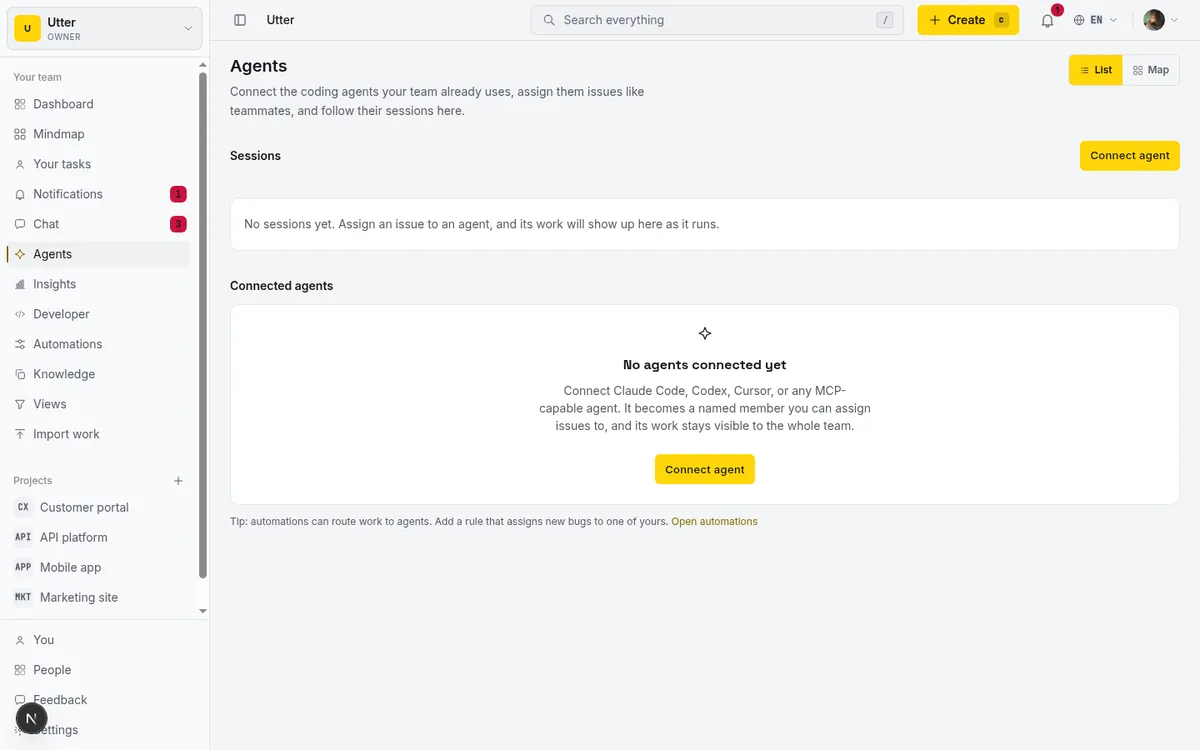
This is the case where MCP clearly beats calling REST yourself: the client handles the protocol, the tools show up, and you spend your time on the agent's behavior instead of on plumbing.
Reach for the REST API when you control the code
If you are writing the integration yourself, in a script, a backend service, a CI job, or an agent framework that does not speak MCP, call the REST API directly. You get exact control over requests, retries, pagination, and error handling. You are not adding a protocol layer you would only have to work around.
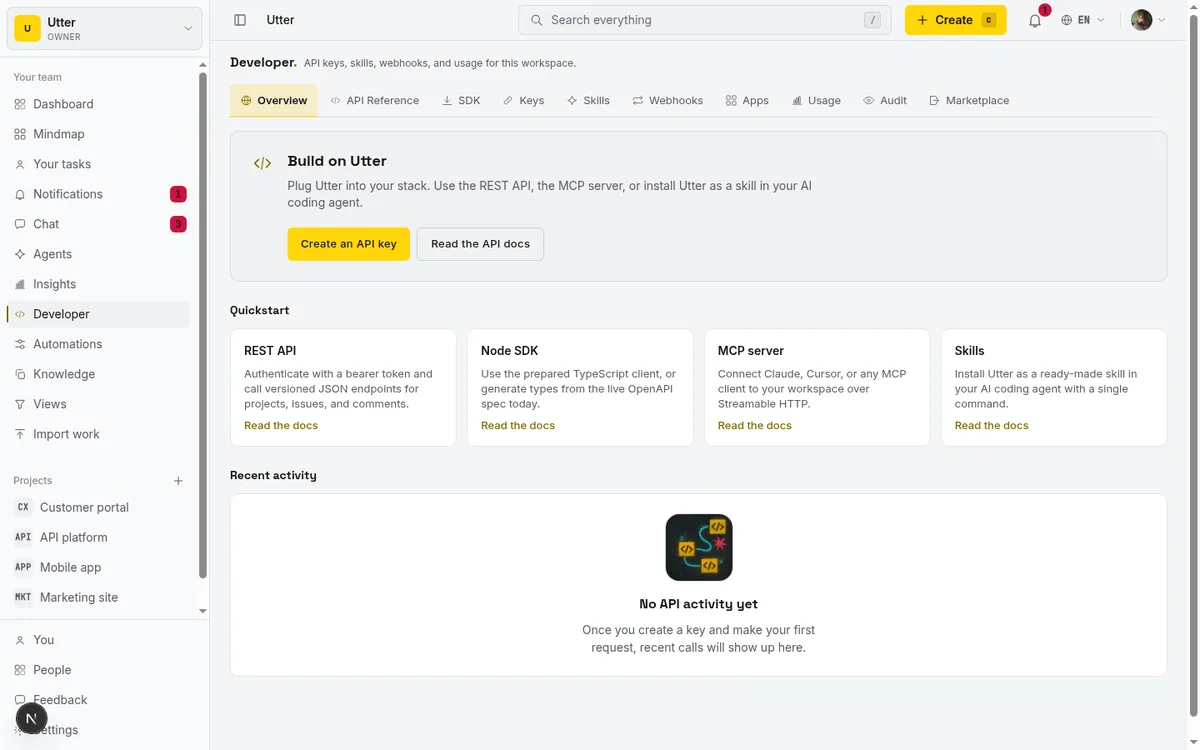
The core write, filing an issue, looks like this from the shell:
curl -X POST "https://utter.ae/api/v1/workspaces/utter/projects/WEB/issues" \
  -H "Authorization: Bearer utp_live_a1b2..." \
  -H "Content-Type: application/json" \
  -d '{
    "type": "task",
    "title": "Timeline + Summary tab",
    "priority": "medium"
  }'
const res = await fetch(
"https://utter.ae/api/v1/workspaces/utter/projects/WEB/issues",
{
method: "POST",
headers: {
Authorization: "Bearer utp_live_a1b2...",
"Content-Type": "application/json",
},
body: JSON.stringify({
type: "task",
title: "Timeline + Summary tab",
priority: "medium",
}),
}
);
const issue = await res.json(); // 201, includes the new key like WEB-142import requests
res = requests.post(
"https://utter.ae/api/v1/workspaces/utter/projects/WEB/issues",
headers={"Authorization": "Bearer utp_live_a1b2..."},
json={"type": "task", "title": "Timeline + Summary tab", "priority": "medium"},
)
issue = res.json() # 201, includes the new key like WEB-142A few concrete signs REST is the right door:
- You need to run a batch job or a scheduled task, not an interactive agent session.
- You want deterministic behavior and precise error handling around each call.
- Your client or framework has no MCP support, and adding it would be more work than the handful of endpoints you need.
- You are doing something the tool surface does not expose but the full API does.
The honest trade-offs
MCP is younger. The spec still moves, client support is uneven, and you are trusting the client to handle auth and transport correctly. When it works it is genuinely less code. When it does not, you are debugging someone else's protocol implementation instead of a plain HTTP call you understand end to end. You can see how uneven the landscape still is in our audit of 13 trackers' MCP servers.
REST is boring in the good way. It has been stable for years, every language has a client, and when something breaks you can curl it and see exactly what happened. The cost is that you write and maintain the description of the API that the model reads, and you keep it current yourself.
| MCP | REST | |
|---|---|---|
| Tool discovery | Automatic, on connect | You write and maintain it |
| Spec maturity | Young, still moving | Stable for years |
| Debugging | Through the client's protocol layer | curl it and read the response |
| Code you own | Almost none | The whole integration |
| Fits best | Interactive agents in MCP clients | Scripts, services, batch jobs |
There is also a security point that applies to both. Whichever door the agent uses, give it its own key with a narrow scope. An agent that only files bugs does not need permission to close sprints or edit settings.
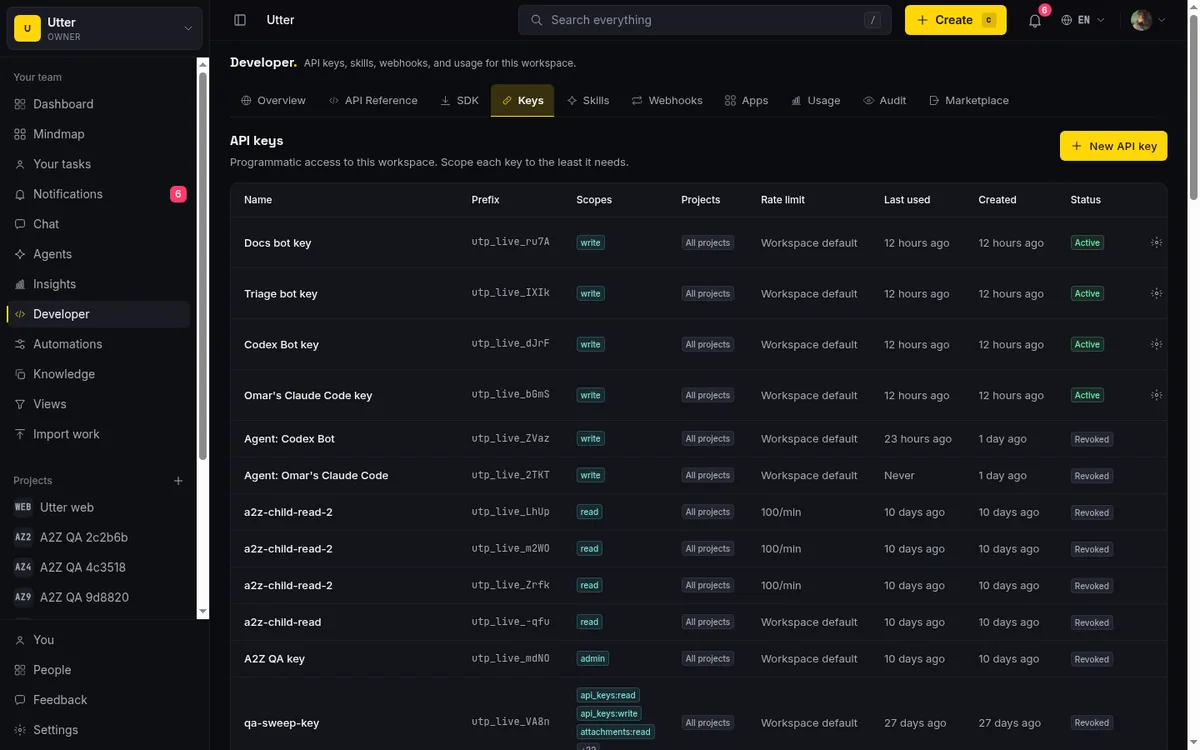
Read broadly, write narrowly, and mint a separate key per agent so you can revoke one without touching the rest.
Why you probably want both available
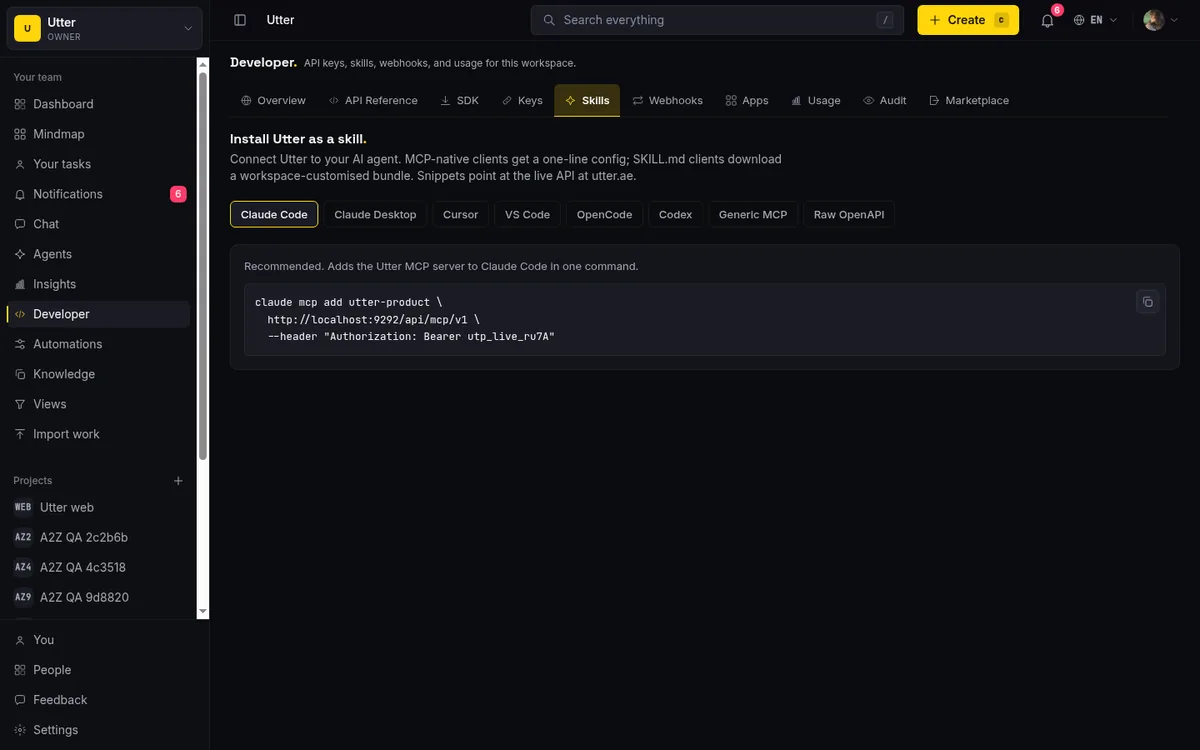
The useful position is not "pick one forever." It is "expose both and let each agent use whichever fits." Utter runs a first-party MCP server for agents in MCP-native clients, keeps the full REST API as the source of truth for everything else, and also ships an installable skill bundle for clients that want a described tool set without MCP. Same capabilities, three front doors.
The decision, in one picture:
flowchart TD
    Q["Where does your agent run?"] -->|"an MCP-native client"| M["Use the MCP server"]
    Q -->|"code you write and run yourself"| R["Call the REST API"]
    Q -->|"a client that wants described tools without MCP"| S["Install the skill bundle"]
    M --> U["The same underlying API"]
    R --> U
    S --> U
Practical default: if your agent is in a client that speaks MCP, start there because it is the least code. If you are writing the integration by hand or automating a job, call REST. And do not treat that as a permanent decision, the two sit on the same underlying API, so moving between them later is cheap.
Frequently asked questions
Should my agent use MCP or the REST API?
If your agent runs inside an MCP-native client like Claude, use MCP: you add the server once with a key and the tools appear, with no glue code to write. If you are writing the integration yourself, in a script, backend service, CI job, or a framework without MCP support, call the REST API directly.
What is the difference between MCP and a REST API?
The REST API is the classic contract: an HTTP request with a bearer token, JSON back, the source of truth for what the service can do. MCP sits on top and adds discovery, so a client can ask the server what tools it has and call them without anyone hand-writing endpoint descriptions. They are not really competitors; MCP is a convenience layer for agents, and REST is the layer underneath doing the actual work.
When is the REST API the better choice for an AI agent?
When you control the code and want exact control over requests, retries, pagination, and error handling: batch jobs and scheduled tasks, frameworks with no MCP support, or anything the tool surface does not expose but the full API does. Here is what it looks like to run a board over the REST API.
What are the trade-offs of using MCP?
MCP is younger: the spec still moves, client support is uneven, and you are trusting the client to handle auth and transport correctly. When it works it is genuinely less code; when it does not, you are debugging someone else's protocol implementation instead of a plain HTTP call you understand end to end. Our audit of 13 trackers' MCP servers shows how uneven support still is.
Related reading

Why we gave Utter an MCP server, and what it changes
What the Model Context Protocol is in plain terms, why a project tracker is a good fit for it, and how an agent picks up your workspace without any glue code.
July 11, 2026 · 5 min read

Which project management tools actually ship a first-party MCP server
Having AI features is not the same as shipping an MCP server. Here is how to tell first-party from community-built from none, with an honest checklist.
June 22, 2026 · 9 min read
Give your AI agent a knowledge base: connect your docs so it answers from your project, not the internet
How to give an AI agent access to your company docs, so it grounds answers in your workspace instead of guessing, using RAG exposed through MCP.
June 5, 2026 · 8 min read

How to use AI agents in Utter: connect them, assign work, and follow their sessions
A start-to-finish walkthrough: connect an agent, scope its key, assign it issues, and watch its sessions, without giving up control of the board.
July 15, 2026 · 11 min read

What is agentic project management? A plain-language guide with a working example
A copilot waits for your prompt. An agent acts on an event. Here is the perceive-plan-act-check loop explained, with one real end-to-end run inside Utter.
June 11, 2026 · 11 min read

The MCP audit: which project tools can AI agents actually use? (July 2026)
We audited the MCP servers of 13 project management tools: who has one, what agents can really do, the call caps, and the gaps nobody mentions.
July 15, 2026 · 7 min read

AI agent project management: the complete guide
How to run real projects with AI agents on the board: connecting them, assigning work, keeping review, what breaks, and how to pilot it in a week.
July 15, 2026 · 12 min read
Onboard an AI agent like a new hire: identity, access, and a first task
You already know how to bring on a new hire. Do the same for an AI agent: give it an identity, scoped access, one small task, a review, and an offboarding path.
July 15, 2026 · 8 min read
Let AI agents run your board over the REST API: authentication, scopes, and safe writes
A developer guide to giving an AI agent a scoped Utter API key so it can move cards and file issues without a big blast radius.
June 26, 2026 · 7 min read
Cursor task management: give the agent a shared board over MCP
Cursor task management usually means a local Task Master or .cursor/rules file. Connect Cursor to a shared board over MCP so the agent reads issues, claims work, and reports sessions humans can review.
July 16, 2026 · 12 min read
أضف تعليقًا
ابدأ النقاش.