
Two agents, one backlog: coordinating a triage agent and a coding agent with issue status as handoffs
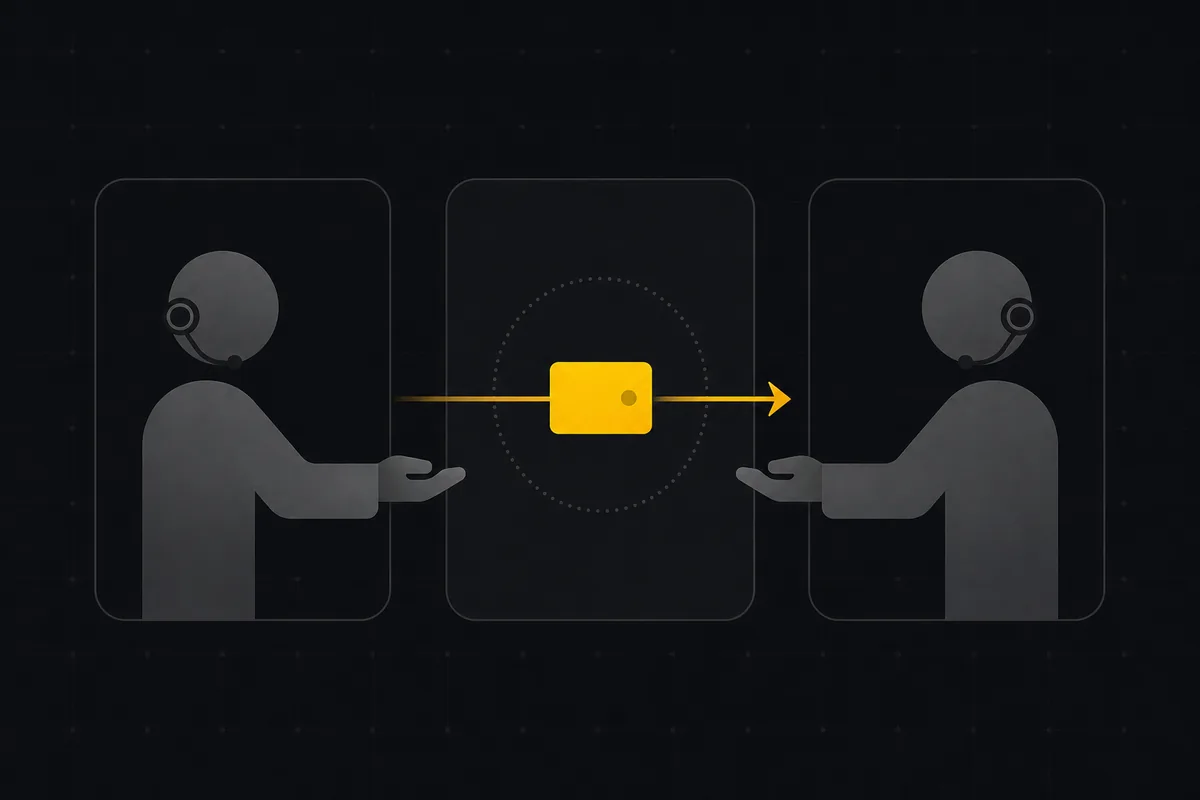
Say you want two agents working the same backlog. One reads incoming issues and figures out what they are: is this a real bug, which project does it belong to, how urgent is it. The other picks up the ones that are ready and writes the fix. The obvious question is how they talk to each other without stepping on each other's work.
The tempting answer is to build a message queue, or have the agents call each other, or keep some shared state in a side channel. You do not need any of that. The issue tracker already has a handoff primitive sitting in plain sight: the status of the issue. When agent A moves an issue from one column to the next, that move is the message. Agent B watches for issues in its column and picks them up. Nothing else has to coordinate them.
This is a pattern you compose out of features Utter already ships, not a "connect two agents" button. It is worth doing when you actually have two distinct jobs to split. If one agent can do the whole thing, keep it as one agent. But once triage and fixing are genuinely separate concerns, status columns are the cleanest wire between them.
Why status makes a good handoff
A status change has three properties that make it a good message bus, and most homegrown coordination schemes lack at least one of them.
It is durable. The state lives in the database, not in an agent's memory. If the coding agent crashes halfway through, the issue is still sitting in its column when the agent restarts. Nothing is lost in a channel that only existed while a process was running.
It is observable. A human can open the board and see exactly where every issue is. That matters more than it sounds. When two agents are passing work around, the failure mode you fear is silent drift: something got misclassified three steps ago and nobody noticed. With the board, the pile-up is visible. If forty issues stack up in one column, you can see it at a glance and go find out why.
It is already the source of truth. In Utter, issues.status is the semantic backbone that drives whether an issue is open, when it resolved, and how it shows up in reports. You are not inventing a parallel state machine that can drift out of sync with the real one. The handoff and the truth are the same field.
Design the columns as the protocol
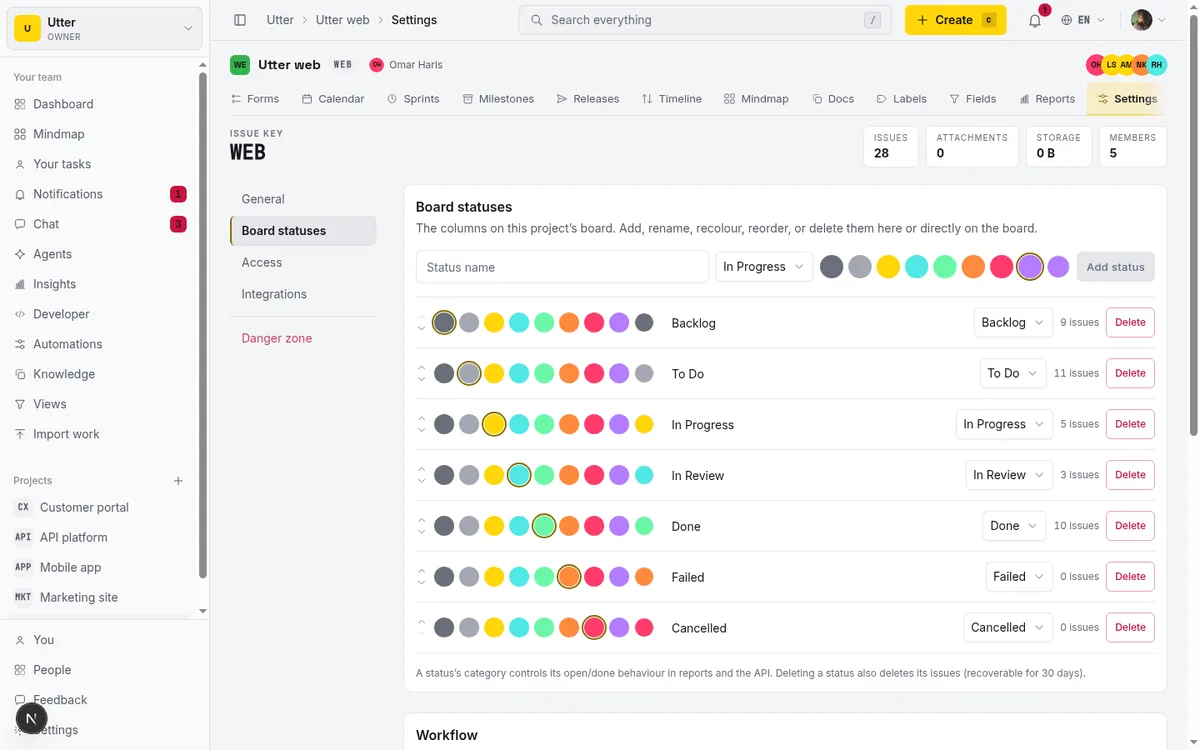
Utter's board columns are custom (STATUS-CUSTOM-01). Each project gets named, colored, ordered columns, and each column maps to one of seven fixed status categories (backlog, todo, in progress, in review, done, failed, cancelled). The category is the semantic bucket; the column is the human-readable name you give it. This split is what lets you shape columns around your workflow without breaking reports.
For a two-agent setup, lay the columns out as a pipeline and treat each one as a mailbox for whoever owns that stage:
| Column | Category | Whose in-tray it is |
|---|---|---|
| Inbox | backlog | Triage agent. Every new issue lands here. |
| Classified | todo | A human. The triage agent moves an issue here once type, priority, project, and labels are set. |
| Ready to code | todo | Coding agent. A human moved it here after a look. |
| In progress | in progress | Nobody. The coding agent claims the issue by moving it here, so no second worker grabs it. |
| In review | in review | A human. The coding agent moved it here when it opened a pull request. |
| Done / Failed | done / failed | Terminal. |
Read down that table and the choreography is obvious. Each agent has exactly one column it pulls from and one column it pushes to. The human sits in the two gaps that need judgment. Nobody has to ask anybody anything; the position of the card is the whole conversation.
The whole pipeline, with who moves each card:
flowchart TD
    I[Inbox] -->|"triage agent"| C[Classified]
    C -->|"a human, after a look"| RC["Ready to code"]
    RC -->|"coding agent claims it"| P["In progress"]
    P -->|"coding agent opens a PR"| R["In review"]
    R -->|"a human"| D[Done]
    R -->|"a human"| F[Failed]
The deliberate choice here is the human review column in the middle. You could wire the triage agent's output straight into the coding agent and let the whole thing run unattended. I would not, at least not at first. Triage is where the expensive mistakes happen: a bug filed against the wrong project, a "trivial" label on something that touches auth. One glance from a person before code gets written is cheap insurance, and because the handoff is a column, adding or removing that human step is just moving where the agents pull from. The protocol does not change.
Make wrong moves impossible
The risk with a pipeline is an agent moving an issue somewhere it should not go. A triage agent should not be shipping things straight to Done. A coding agent should not be reclassifying an issue back to the inbox.
Utter has transition rules for exactly this (WORKFLOW-01). Each column can declare which columns an issue is allowed to move to next, stored as allowed_transitions. Leave it null and every move is allowed, which is the default. Set it, and the workflow refuses any move that is not on the list. The rule is enforced on every path that writes a status, including the public API and the MCP server, so an agent cannot route around it by calling a different endpoint.
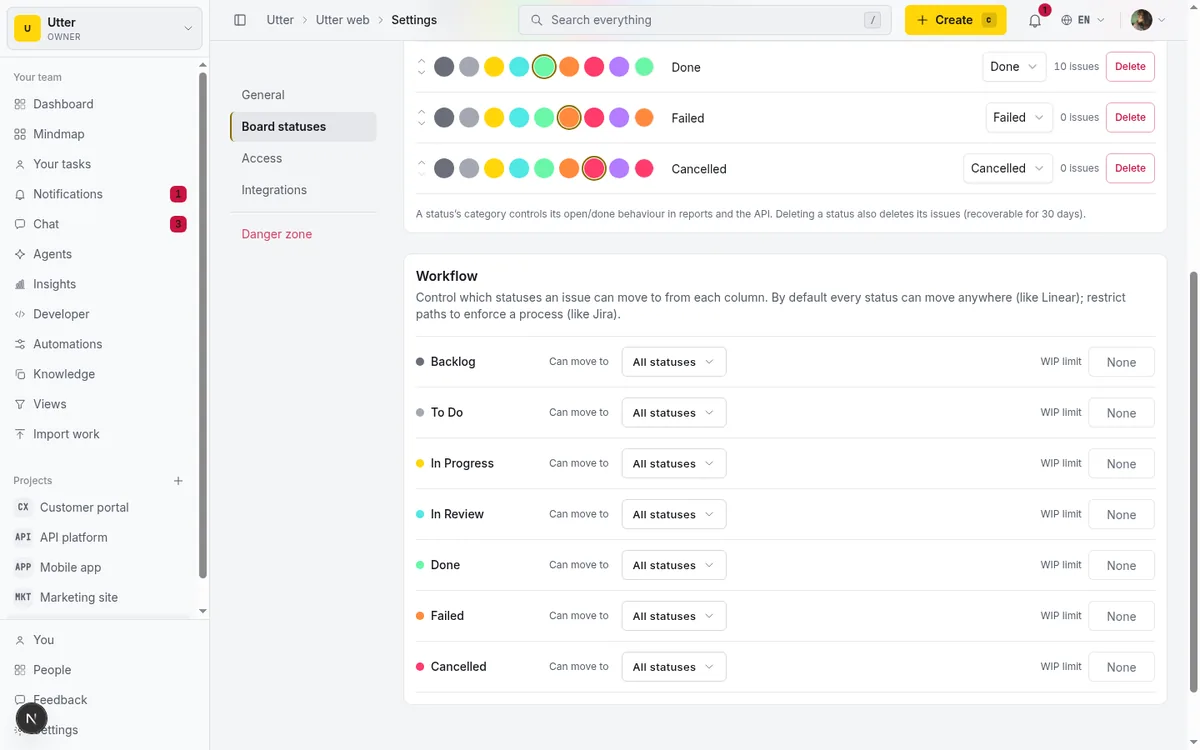
Configure the transitions to match the pipeline above and the columns stop being suggestions and become a real state machine:
- Inbox can only go to Classified.
- Classified can only go to Ready to code (a human does that).
- Ready to code can only go to In progress.
- And so on down the line.
If the coding agent tries to shove something back to the inbox, the write is rejected with a readable message, and you find the bug in the agent's logic instead of in a tangled board a week later.
There is a second guard worth setting: a WIP limit per column. Give In progress a limit of, say, three, and the coding agent cannot pull a fourth issue while three are already in flight. That keeps a runaway agent from claiming the entire backlog at once, and it maps to how you would run a real team.
Wire the agents in
Each agent needs to do two things: find the issues in its column, and move the ones it finishes. Both go through the same interface a human would use, just programmatically. Point each agent at the REST API or the MCP server, whichever fits how the agent is built.
First, fetch the project's columns once so each agent knows the status_id of its own mailbox:
curl -s https://utter.ae/api/v1/workspaces/utter/projects/WEB/statuses \
  -H "Authorization: Bearer $UTTER_API_KEY"
To find work, list issues filtered by category, then match the column on the client. Every issue in the response carries status_id and status_name, which is how you tell "Classified" apart from "Ready to code" when both map to todo:
curl -s "https://utter.ae/api/v1/workspaces/utter/projects/WEB/issues?status=todo" \
  -H "Authorization: Bearer $UTTER_API_KEY"
The move itself is a PATCH. Passing status_id targets an exact column; the tracker derives the category, checks the transition rules, and writes the activity row. Here is the coding agent claiming WEB-12, in curl:
curl -s -X PATCH https://utter.ae/api/v1/workspaces/utter/projects/WEB/issues/WEB-12 \
  -H "Authorization: Bearer $UTTER_API_KEY" \
  -H "Content-Type: application/json" \
  -d '{"status_id": "<id of In progress>"}'
const res = await fetch(
"https://utter.ae/api/v1/workspaces/utter/projects/WEB/issues/WEB-12",
{
method: "PATCH",
headers: {
Authorization: `Bearer ${process.env.UTTER_API_KEY}`,
"Content-Type": "application/json",
},
body: JSON.stringify({ status_id: inProgressId }),
},
);
const issue = await res.json();import os
import requests
res = requests.patch(
"https://utter.ae/api/v1/workspaces/utter/projects/WEB/issues/WEB-12",
headers={"Authorization": f"Bearer {os.environ['UTTER_API_KEY']}"},
json={"status_id": in_progress_id},
)
issue = res.json()There is also a dedicated transition endpoint, POST /api/v1/workspaces/{slug}/projects/{key}/issues/{KEY-N}/transition, which takes a status category plus an optional rank for repositioning; it mirrors the board drag. For this pattern, PATCH with status_id is the sharper tool because it names the exact column.
Because the transition rules and WIP limits live in the tracker, not in the agent, the agent code stays small: read my column, act, advance. It does not need to know the rest of the pipeline exists.
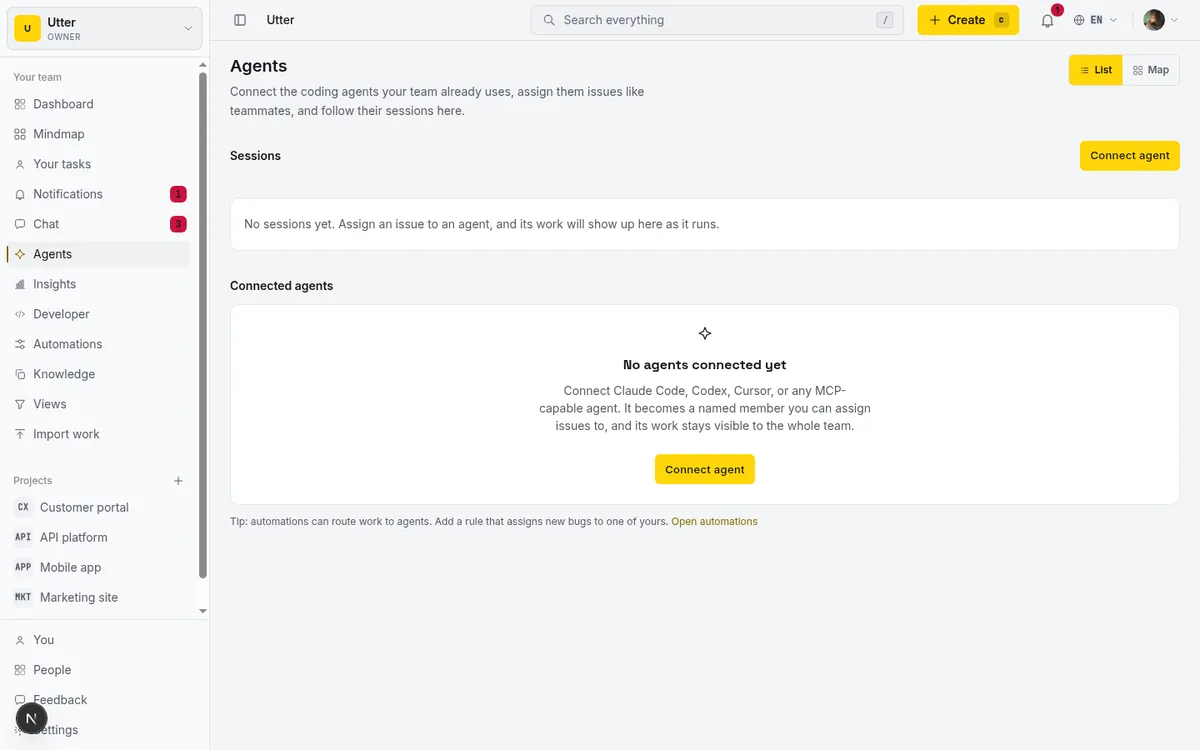
Give each agent its own scoped API key. The triage agent needs to read issues and edit their fields; it does not need to close sprints or change project settings. The coding agent needs to move issues and comment; it does not need to reclassify. Narrow keys mean a misbehaving agent can only misbehave inside its lane, and you can revoke one without touching the other. This is the same advice from our post on MCP versus the REST API: read broadly, write narrowly, one key per agent.
The choreography over time, with the board as the only shared surface:
sequenceDiagram
    participant T as Triage agent
    participant B as The board
    participant H as A human
    participant C as Coding agent
    Note over B: new issue lands in Inbox
    T->>B: read Inbox, classify, set fields
    T->>B: move to Classified
    H->>B: sanity check, move to Ready to code
    B->>C: automation pings the coding agent
    C->>B: claim it, move to In progress
    C->>B: open a PR, move to In review
    H->>B: approve to Done, or send to Failed
Let automations do the boring moves
Some of the choreography does not need an agent at all. Utter's workflow automations run a "WHEN this happens, IF these conditions, THEN do this" rule on issue events, so the trivial routing can happen on its own.
A couple that pair well with the two-agent setup. WHEN an issue is created, IF it came in through a public intake form, THEN drop it in the triage agent's inbox column and add an incoming label. WHEN an issue's status changes to In review, THEN post a comment tagging the reporter so a human knows to look. The coding agent does not have to remember to notify anyone; the automation fires off the status change the agent already made.
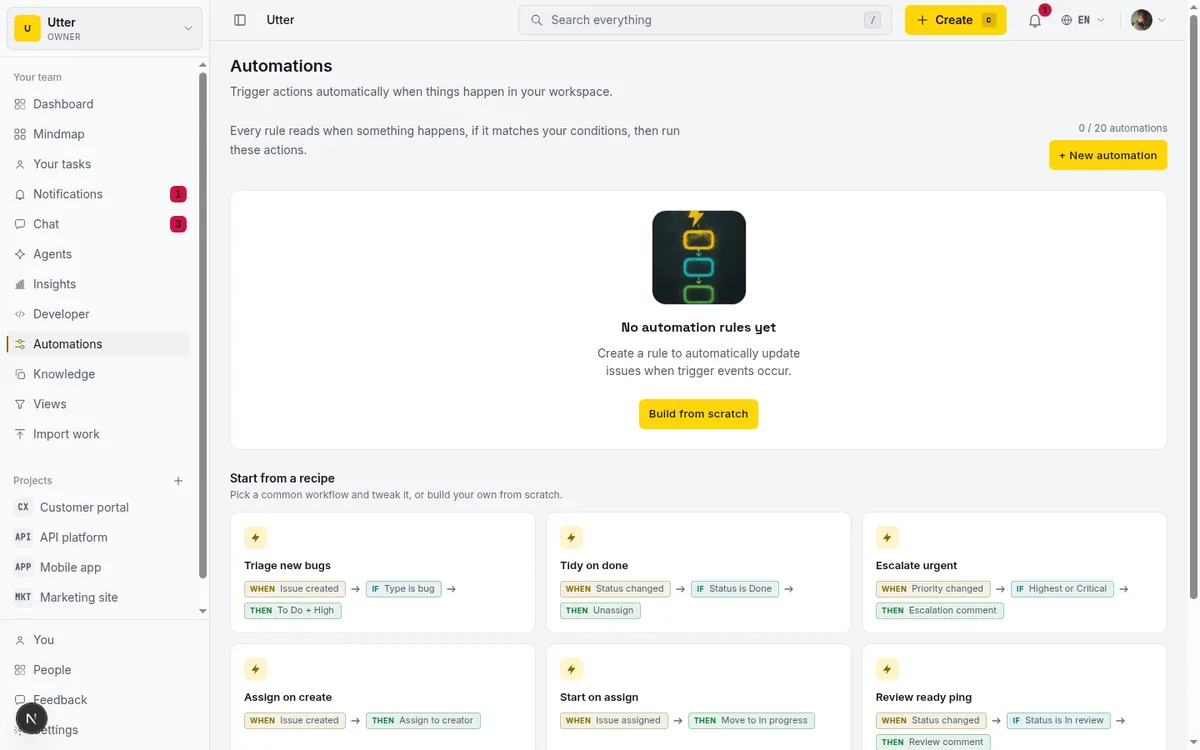
The line I would draw: let automations handle moves that are pure mechanics with no judgment involved, and leave anything that requires reading the issue to an agent or a person. An automation is great at "always add this label" and bad at "decide whether this is a duplicate."
The honest limits
This is not push. Agents poll their column on an interval; there is no realtime presence or event stream that wakes an agent the instant a card lands. For a triage-and-fix loop that runs on the order of minutes, polling is fine. If you need sub-second reaction, this is not that.
You are also composing this yourself. Utter gives you the parts (custom columns, transition rules, WIP limits, automations, the API and MCP server), but there is no template that stamps out a two-agent pipeline. You design the columns, set the transitions, and write the two small agent loops. That is more setup than clicking a button, and it is the honest state of the feature today.
And keep a human in the loop while you build trust. The review column exists so a person can catch a bad classification before it turns into bad code. Once you have watched the pipeline run clean for a while, you can decide how much of the middle to automate. Start cautious.
The appeal of using status as the handoff is that all of this is inspectable. When something goes wrong, you do not debug a message bus. You open the board, see which column the work is stuck in, and know immediately whose job failed. That legibility is worth more than a cleverer coordination scheme.
If you want to try it, the pieces are in every project: add your pipeline columns from the board, set the transitions and WIP limits in project settings, and point your agents at the API. See the developer docs for keys and endpoints.
Frequently asked questions
Can two AI agents work the same backlog without stepping on each other?
Yes, and you do not need a message queue or a side channel: use issue status as the handoff. When the triage agent moves an issue to the next board column, that move is the message; the coding agent watches its own column and picks up what lands there.
What board columns should a triage agent and a coding agent use?
Lay the columns out as a pipeline and treat each one as a mailbox: Inbox for new issues (the triage agent's in-tray), Classified (the human's in-tray), Ready to code (the coding agent's in-tray), In progress to claim work, In review when a pull request is open, then Done or Failed. Each agent pulls from exactly one column and pushes to one, and the human review step in the middle catches the expensive triage mistakes before code gets written.
How do I stop an agent from moving issues where it should not?
Set transition rules so each column declares which columns an issue is allowed to move to next; any move off that list is rejected, and the rule is enforced on every path that writes a status, including the public API and the MCP server, so an agent cannot route around it. Add a WIP limit, say three on In progress, so a runaway agent cannot claim the entire backlog at once.
Do the agents get notified in real time when a card lands in their column?
No, this is not push: each agent polls its column on an interval, which is fine for a triage-and-fix loop that runs on the order of minutes but not for sub-second reaction. You also compose the pipeline yourself from parts Utter ships (custom columns, transition rules, WIP limits, automations, the API and MCP server), giving each agent its own scoped key: read broadly, write narrowly, one key per agent.
Related reading

Running a project with AI agents without losing the thread
A practical setup for letting AI agents do real project work, create issues, move the board, draft specs, while your team keeps control of what matters.
July 11, 2026 · 5 min read

How to manage a team of AI agents without losing track of what they're doing
Running several AI agents at once? The day-to-day of a fleet: a roster, live sessions, instant delegation, per-field permissions, and verified work.
July 15, 2026 · 16 min read
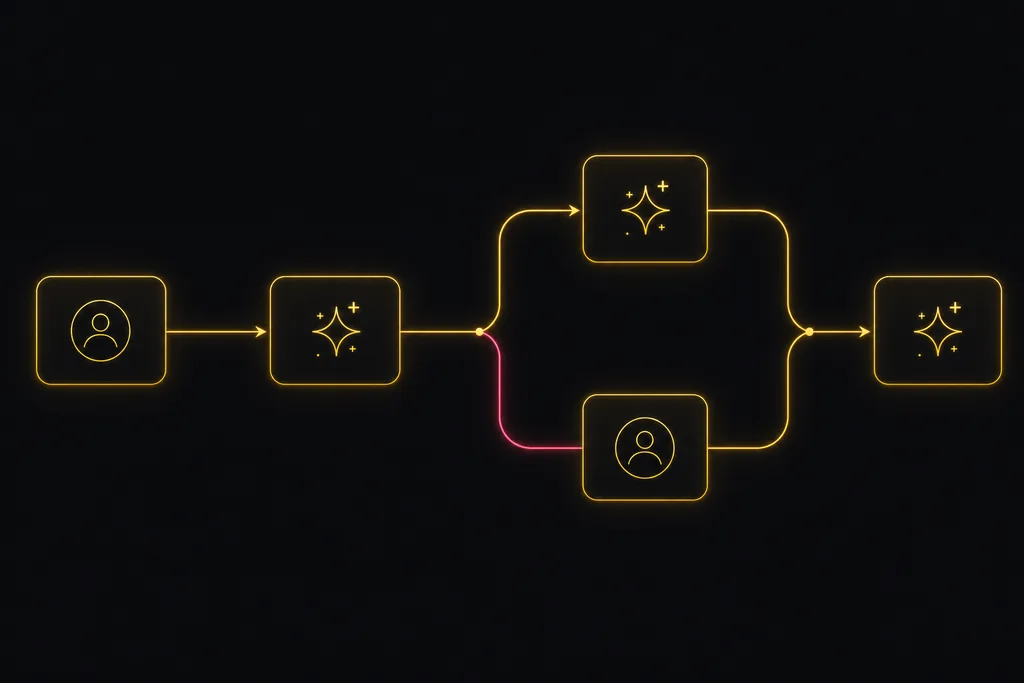
Chat with your AI agents, then put them in a workflow
Utter lets you DM an AI agent or @mention it in a channel, watch it work, and connect agents and people on a canvas so a ticket routes itself through triage, build, and review.
July 17, 2026 · 7 min read

How to give an AI agent human-in-the-loop approval before it changes your issues
Build an approval gate for AI agents in Utter: let the agent triage into a Needs review column, a human moves it forward, and transition rules stop skips.
May 20, 2026 · 9 min read
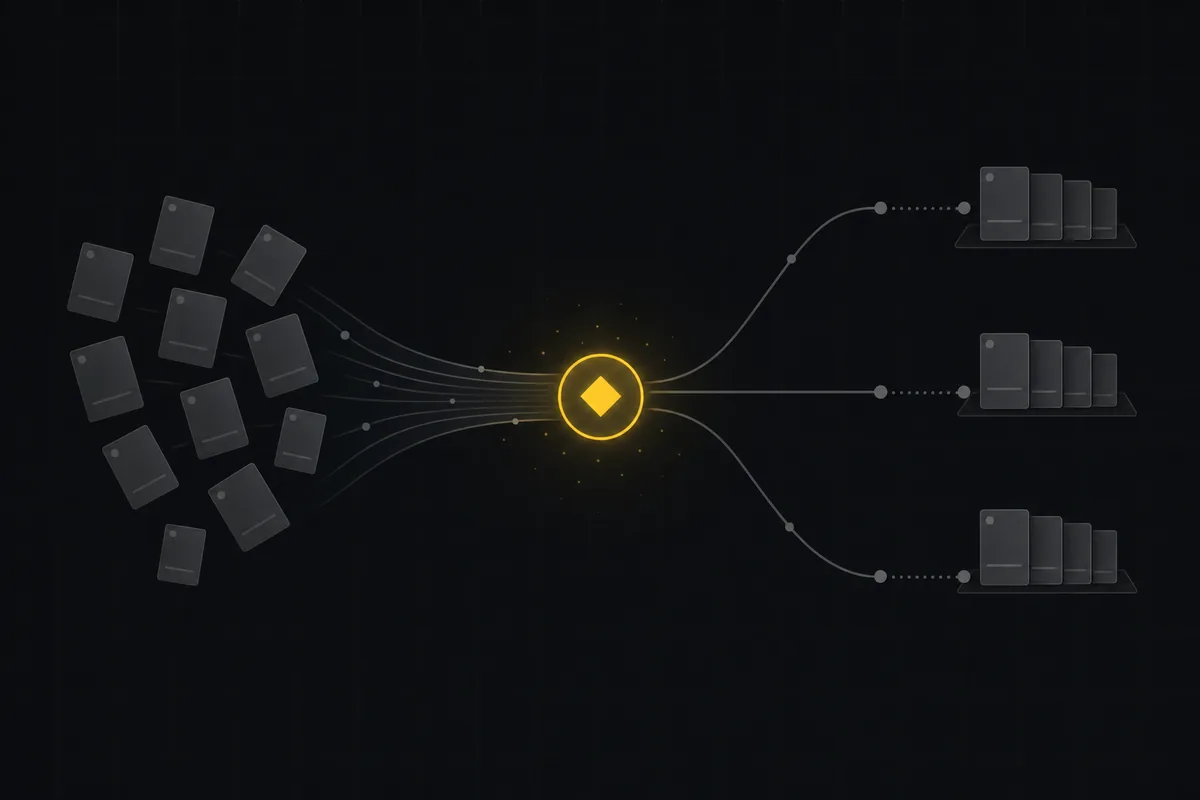
Auto-triage new issues with AI: a setup that actually assigns, labels, and prioritizes
How to set up AI issue triage automation that classifies severity, labels, and routes new bugs and requests, with an honest line on what to let AI decide.
May 27, 2026 · 8 min read
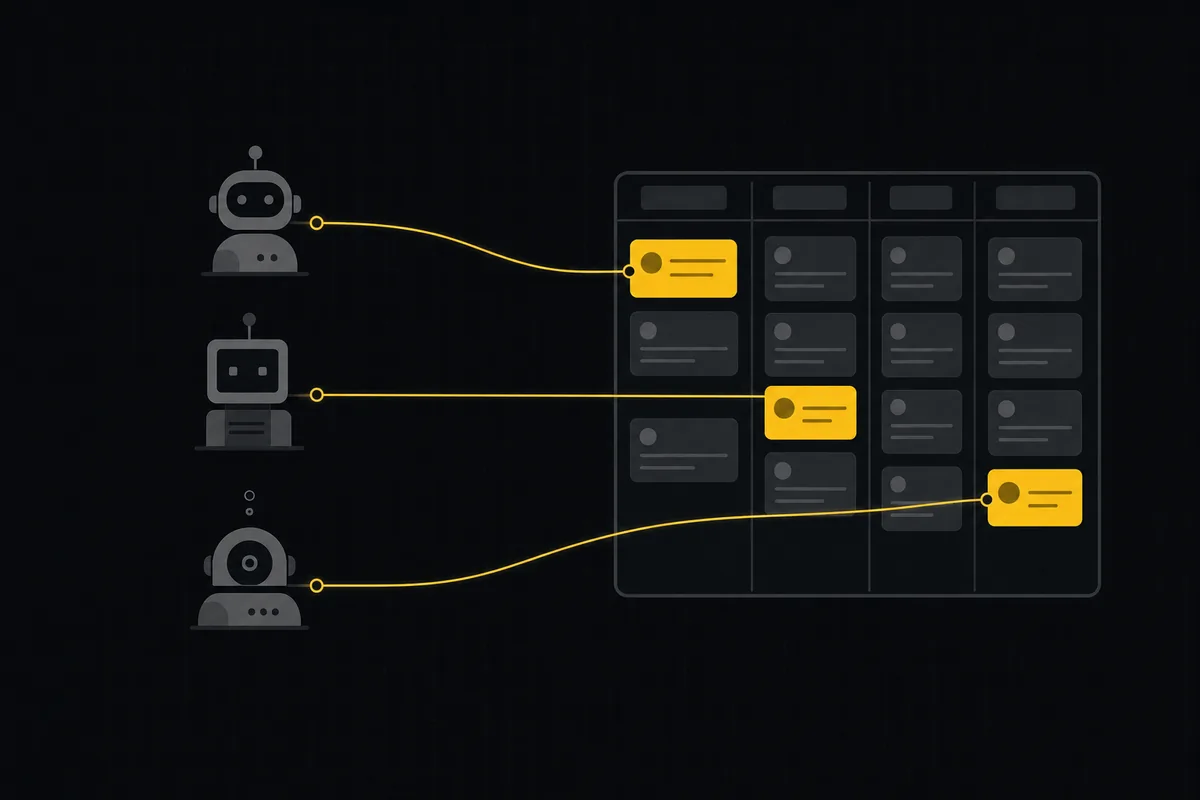
A shared backlog for a team of AI coding agents
Task manager for AI coding agents: give three agents one shared backlog with per-agent identity, field permissions, status handoffs, and human review gates.
July 16, 2026 · 13 min read
Onboard an AI agent like a new hire: identity, access, and a first task
You already know how to bring on a new hire. Do the same for an AI agent: give it an identity, scoped access, one small task, a review, and an offboarding path.
July 15, 2026 · 8 min read

What is agentic project management? A plain-language guide with a working example
A copilot waits for your prompt. An agent acts on an event. Here is the perceive-plan-act-check loop explained, with one real end-to-end run inside Utter.
June 11, 2026 · 11 min read
Who decides what: setting decision rights between your team and your AI agents
A simple rule for AI governance: reversible, low-stakes moves are the agent's to make; irreversible or high-stakes ones need a human. How to draw the line.
July 15, 2026 · 7 min read
Can an AI run your standup?
Mostly yes, and your team will thank you. What an agent can compile from the board, what still needs a human, and how to set up an async AI standup.
July 15, 2026 · 6 min read
Add a comment
Start the conversation.