
Blog
Notes from the team.
9 articles in Tutorials
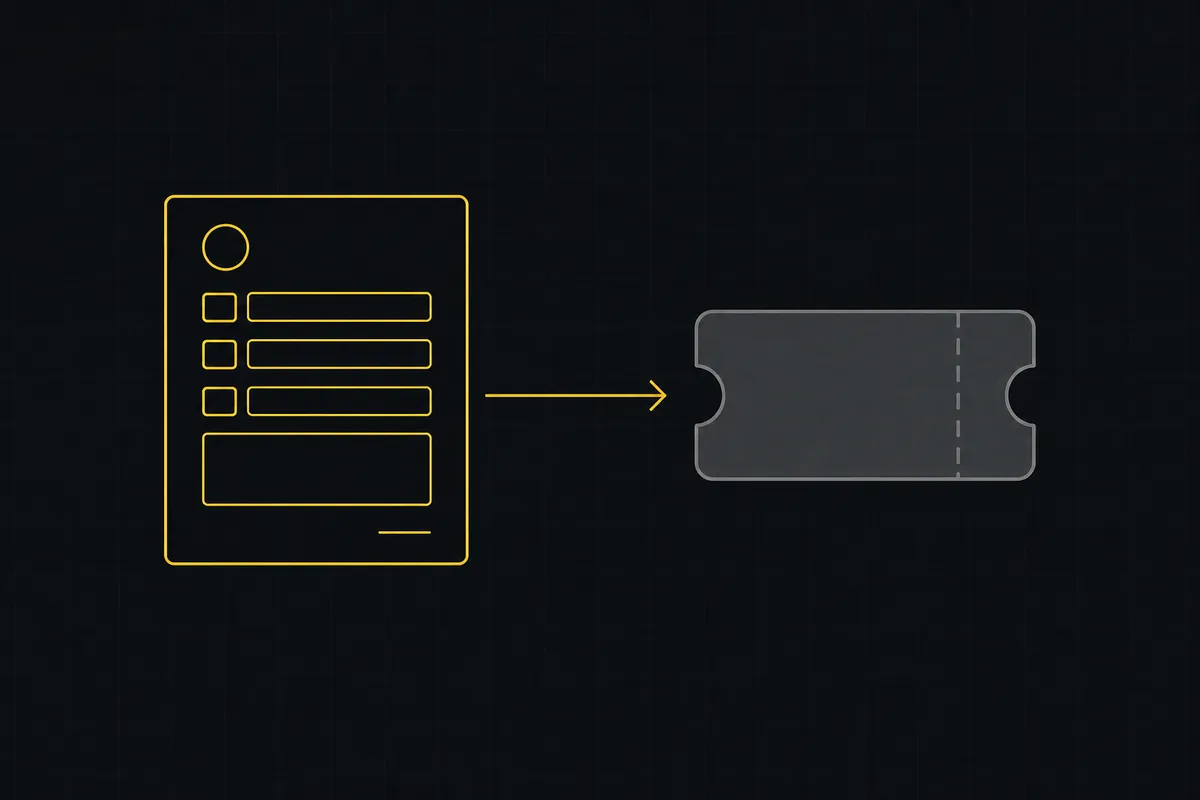
How to set up a request form
Build a public intake form in Utter that creates tickets: map fields to issue title, description and priority, route submissions, publish a no-account link.

Project calendar view
Open Utter's Calendar tab to see project due dates on a month or week grid, drag deadlines to reschedule, edit status inline, and filter by assignee.
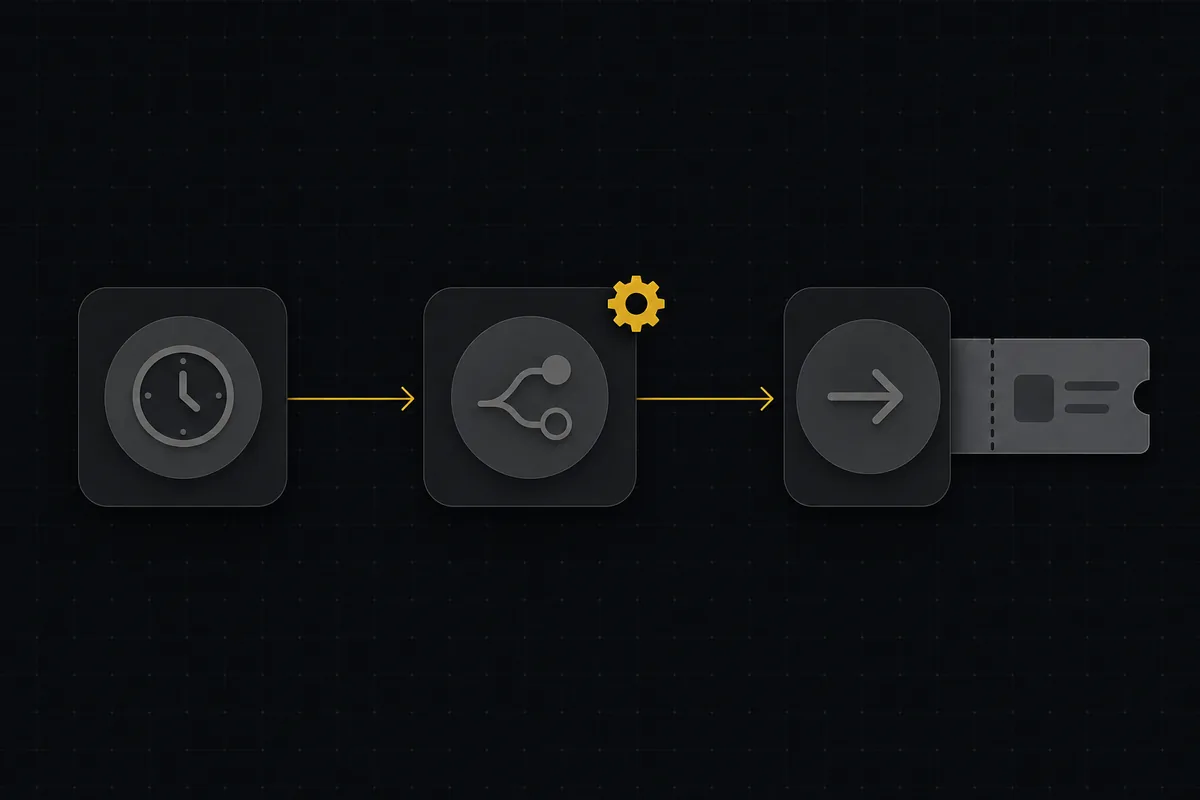
How to set up automations
Set up project management automation rules in Utter: the when/if/then model, six triggers, conditions, nine actions, run history, plan caps, and real limits.

How to use labels
Create, apply, and filter labels in Utter to organize and slice issues by theme, timing, or customer across the board, backlog, list, and timeline.

How to track time on issues
How to track time on issues in Utter: set estimates and spent hours, read the budget bar, set completion, and roll it all up on the project summary.
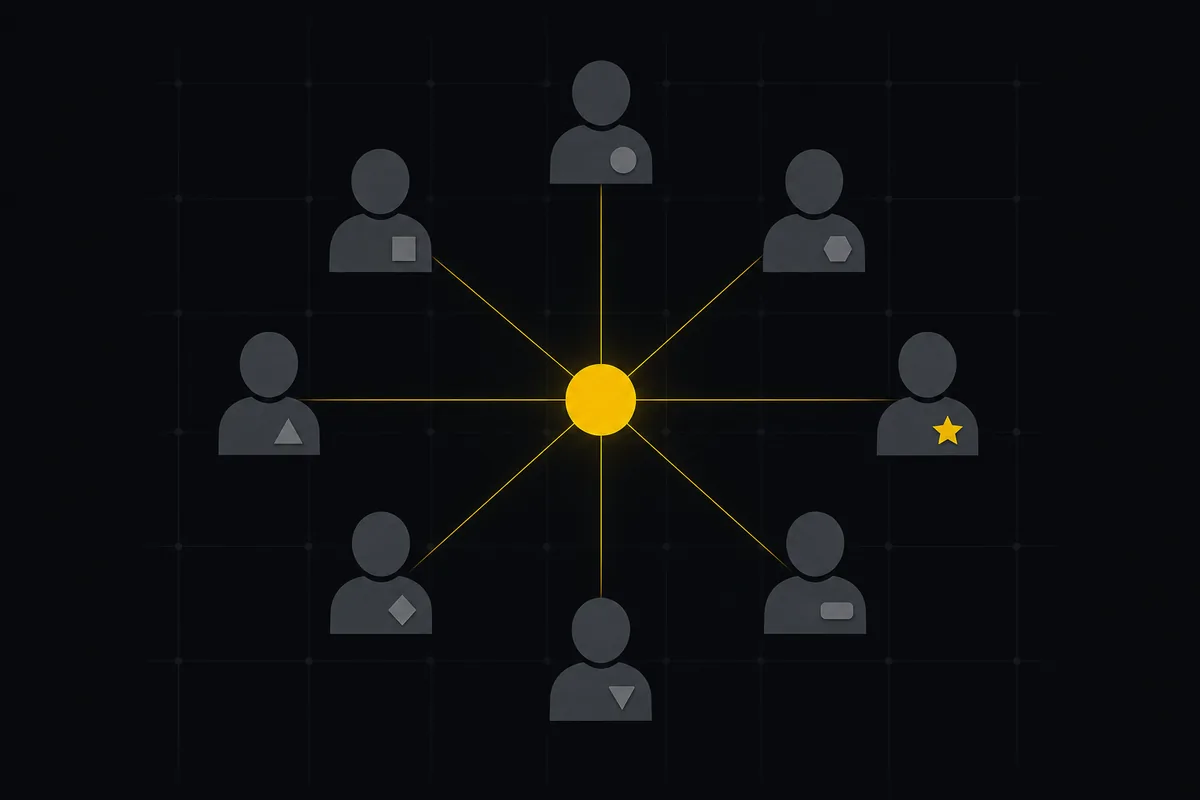
How to invite team members
Invite team members to an Utter workspace and set their roles: the five roles explained, guest project scoping, invite lifecycle, ownership transfer, and billing.
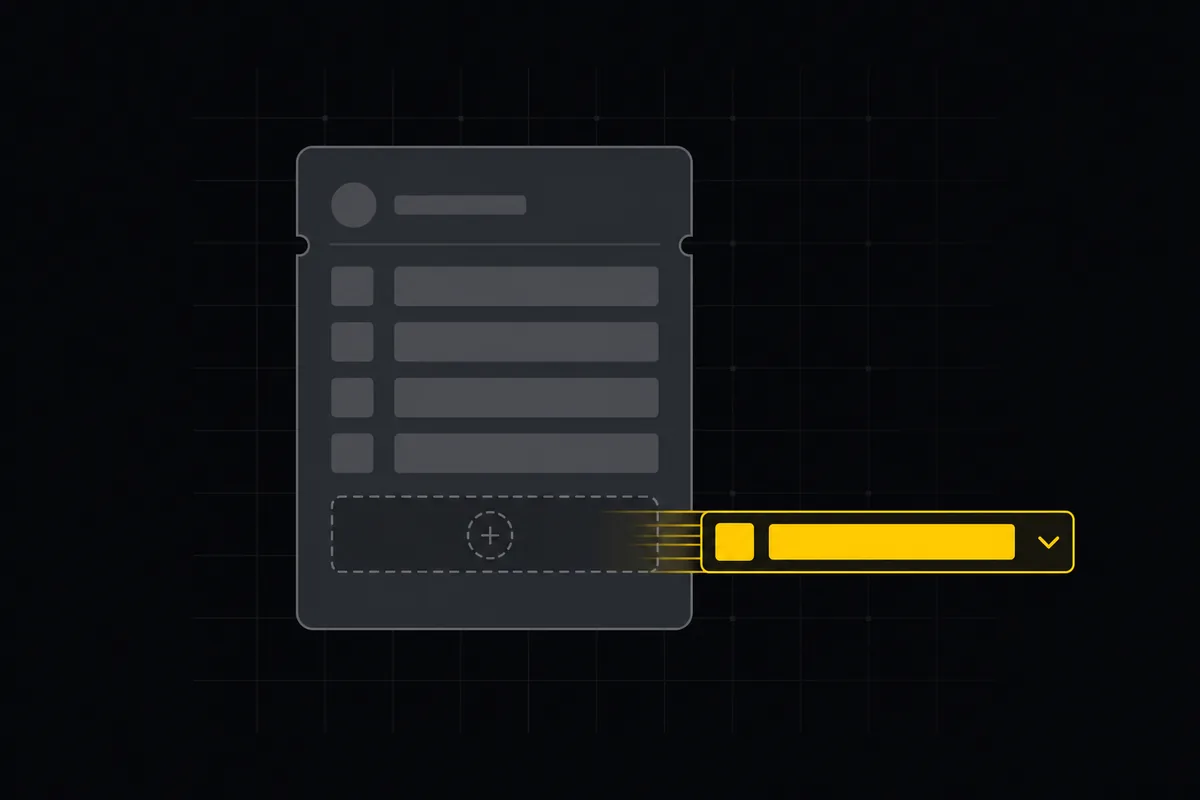
Custom fields in issue tracking
Add custom fields in an issue tracker: create project-scoped fields, pick the right kind, make them required, and show them as List columns and filters in Utter.
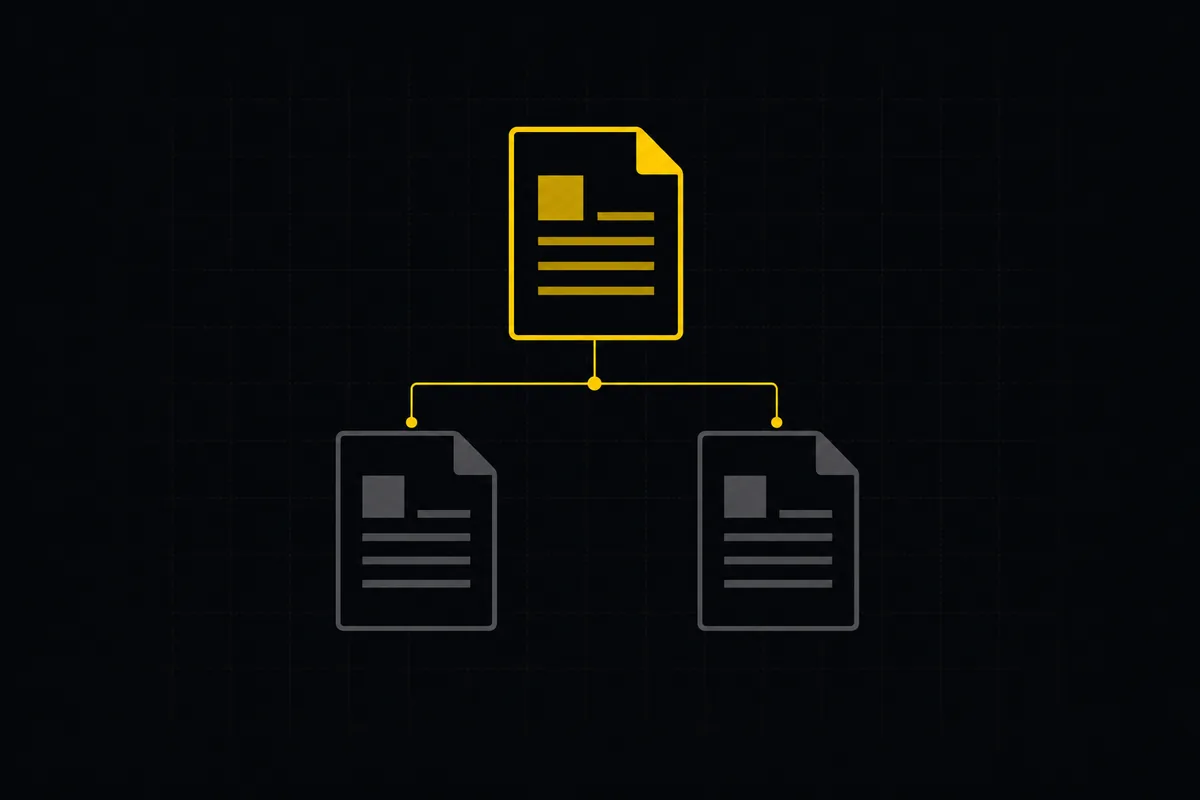
How to write project docs
Build a project documentation knowledge base in Utter: workspace Knowledge vs project Docs, nested pages, templates, autosave and version history, doc-issue links.
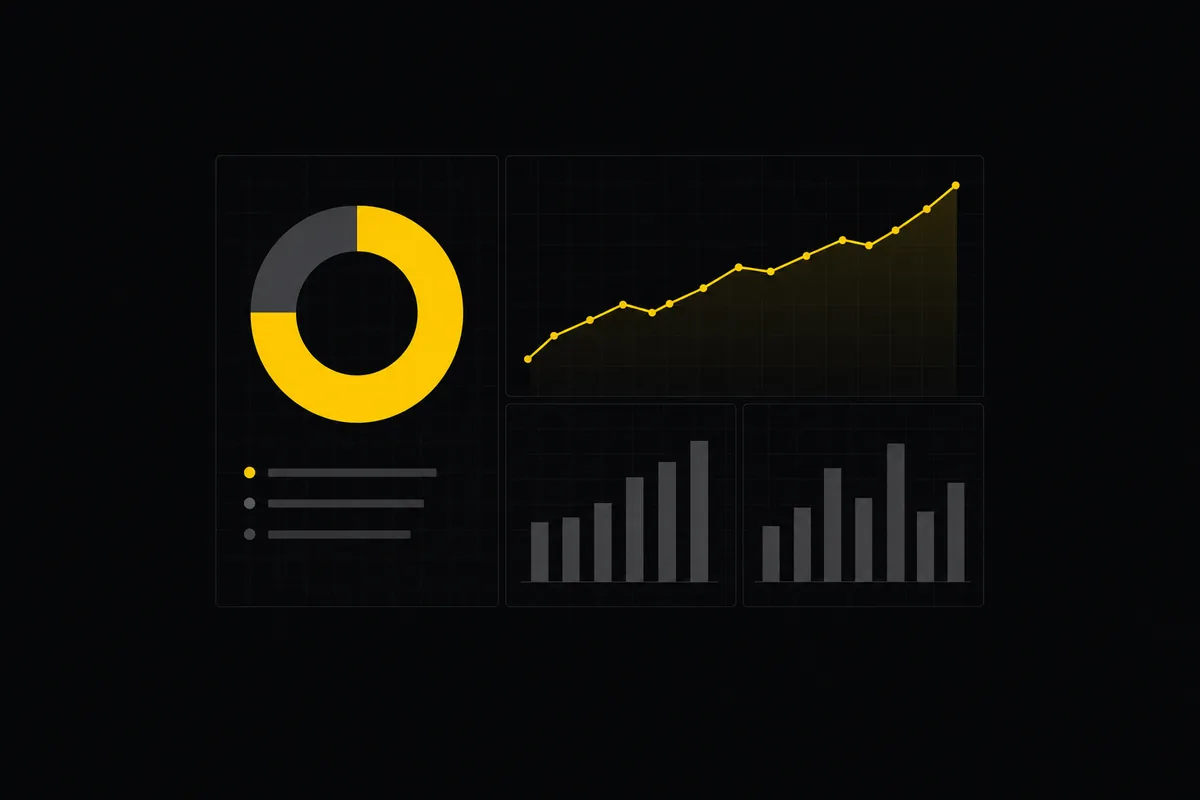
Project reports and insights
Read Utter's project reports and dashboards: Summary KPIs, sprint burndown, cycle time, throughput, workload, and workspace Insights, with the honest limits on each.