
Blog
Notes from the team.
9 articles in Tutorials
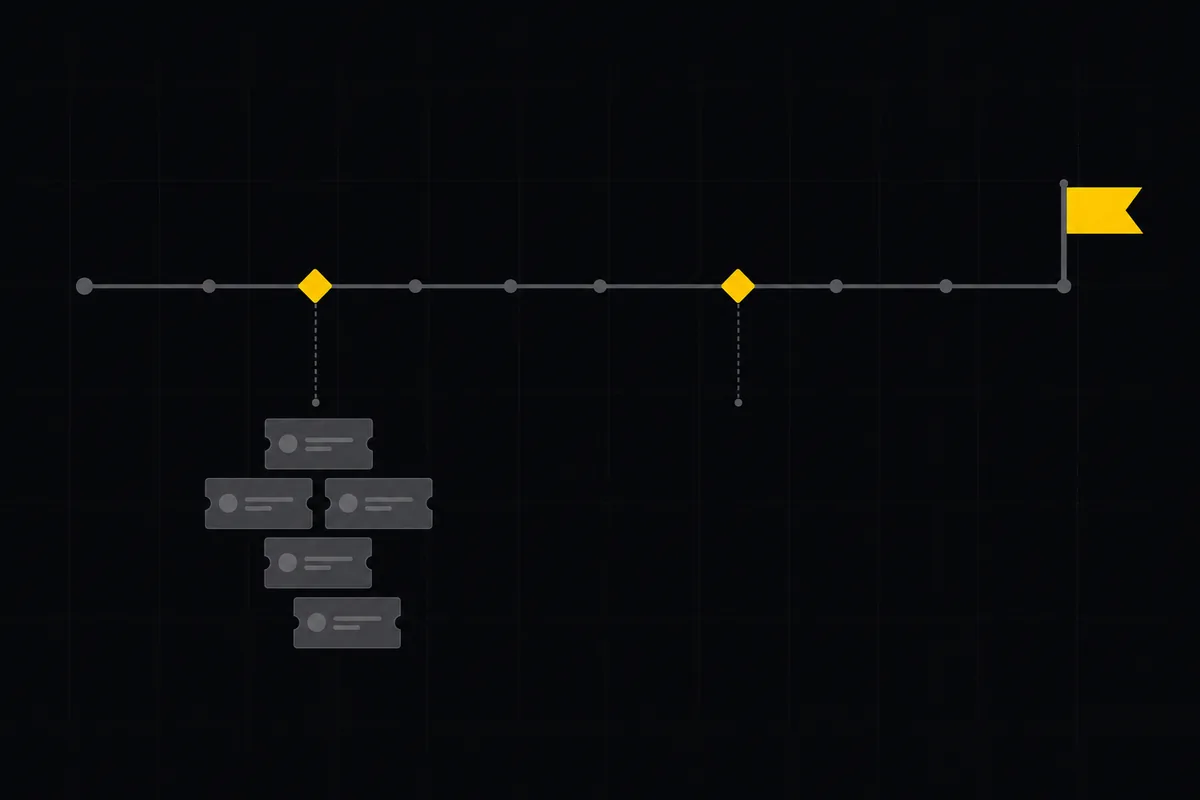
How to plan releases and milestones
Plan software releases and milestones in Utter: create releases and milestones, attach issues, read the progress meter, draft AI release notes, and set permissions.
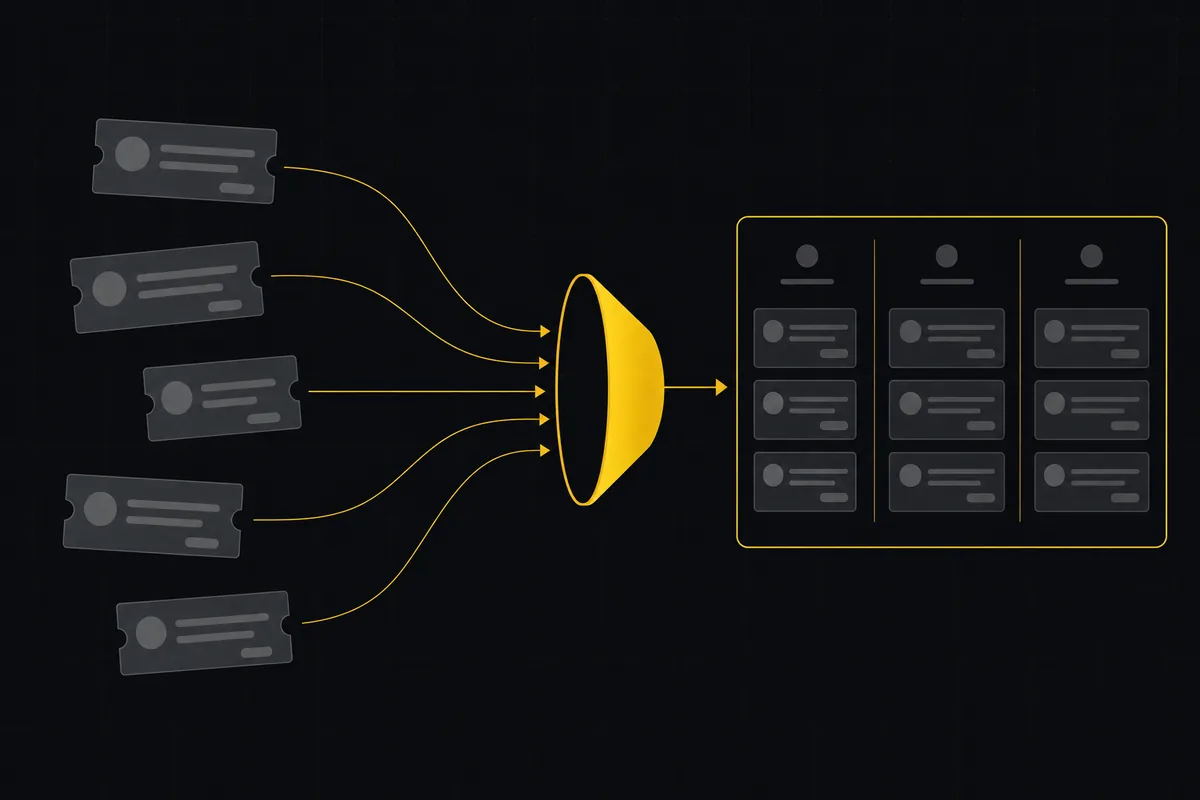
How to import your project
Import a project from Jira, Trello, or a CSV into Utter: the connector wizard, CSV column mapping, which fields survive, row caps, and the gotchas to plan around.
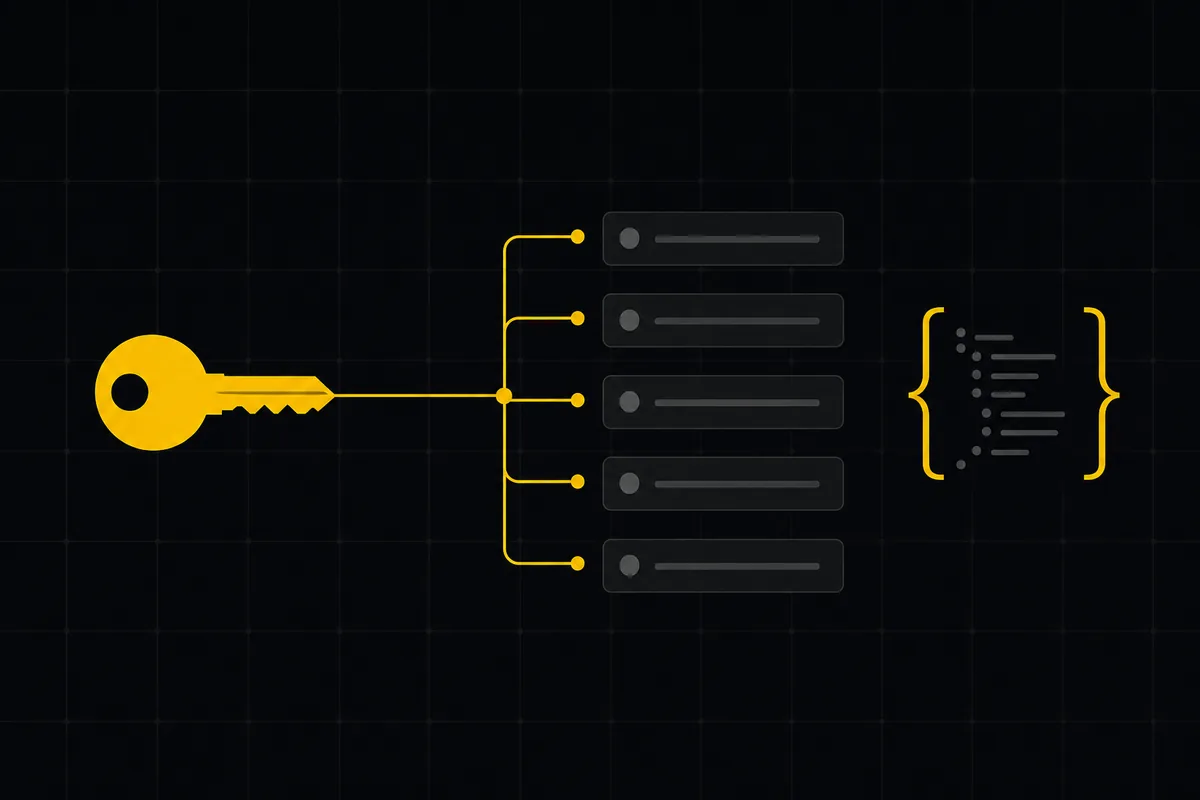
How to use the rest api
Get an Utter API key and use the project management REST API to list, create, and update issues safely, with scopes, idempotency keys, and rate limits explained.
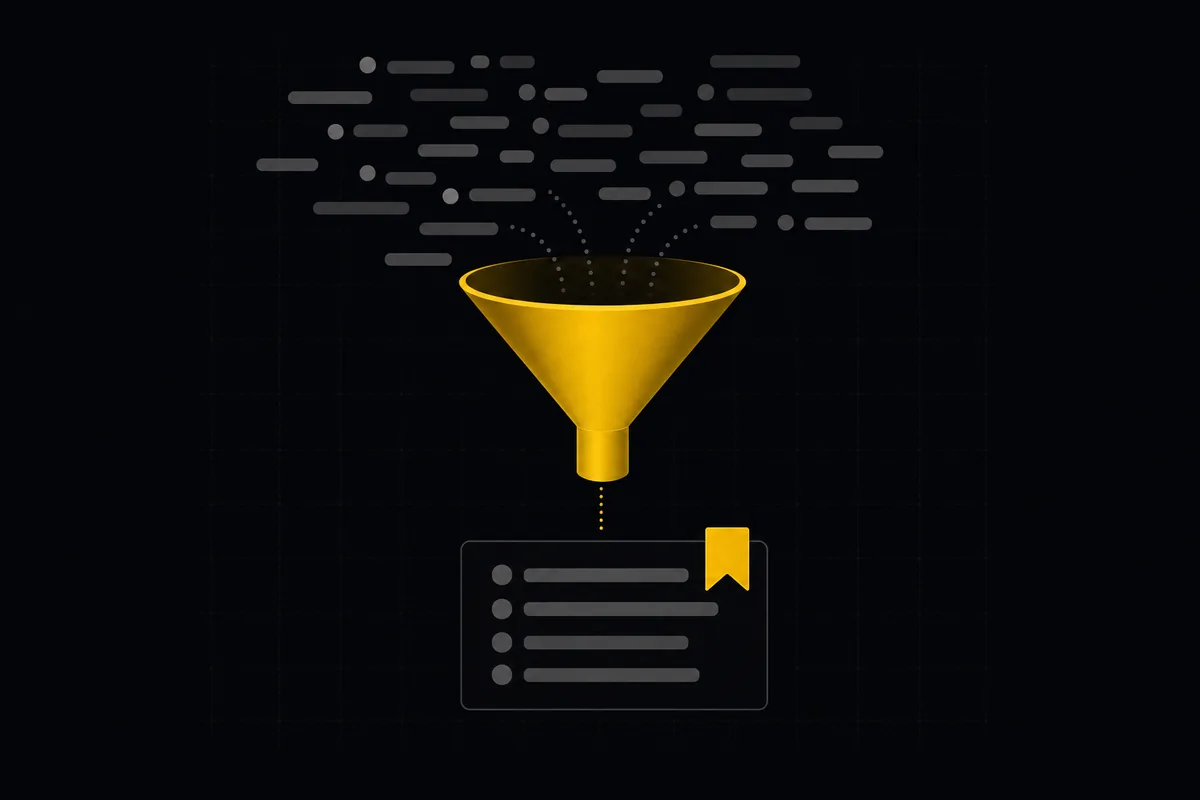
How to save and share views
Save any Utter filter as a named, reusable view: how to save, share vs keep personal, apply across board and list, plus the five facets a view actually stores.
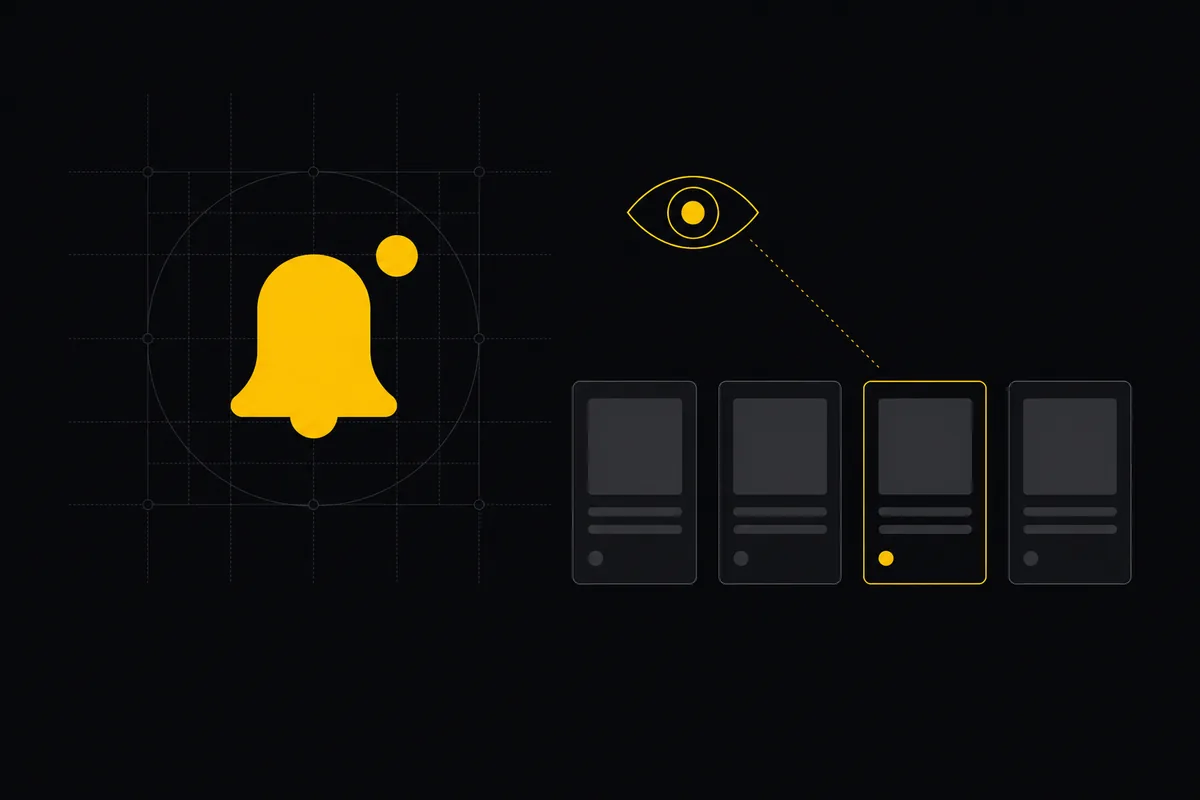
Notifications and watching issues
Set up Utter notifications and watch issues: the four events that notify you, who gets pinged, inbox triage, snooze and archive, and email vs in-app.
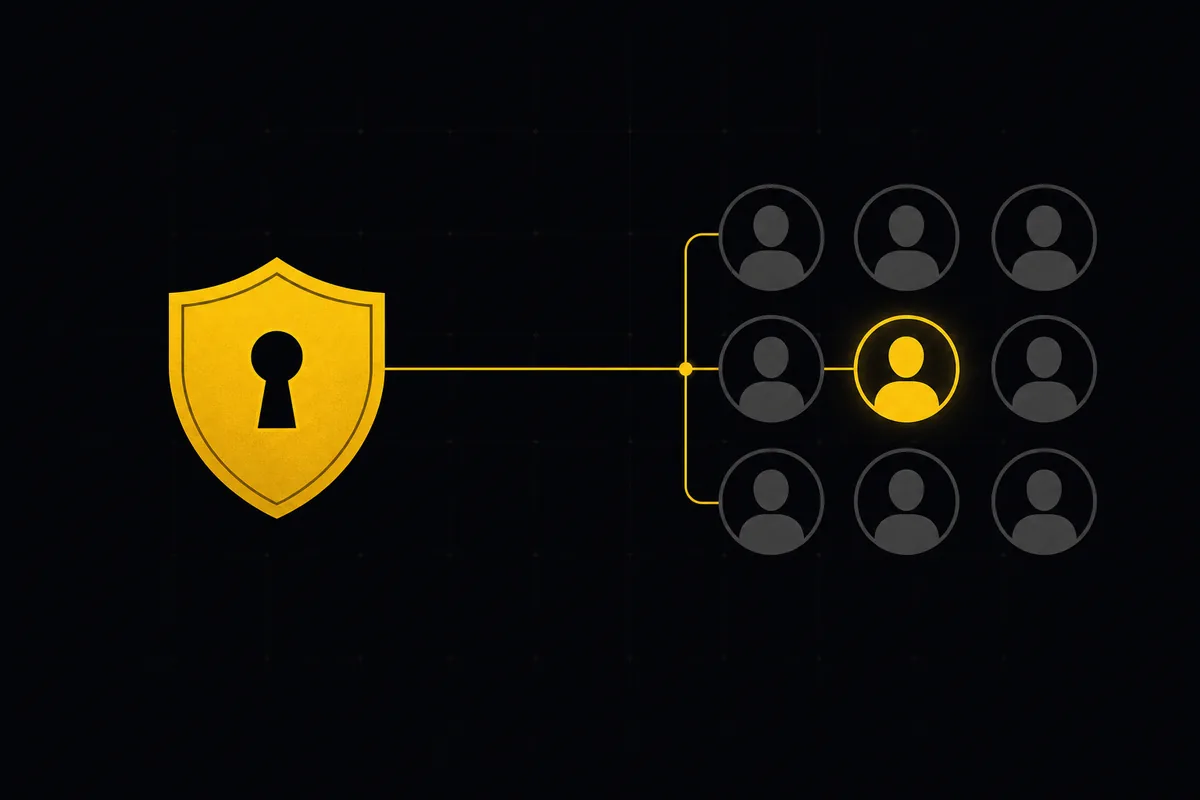
How to set up sso and scim
Set up project management SSO, SAML, and SCIM in Utter from one settings tab: copy the right URLs into Okta or Azure AD, provision users, know the limits.
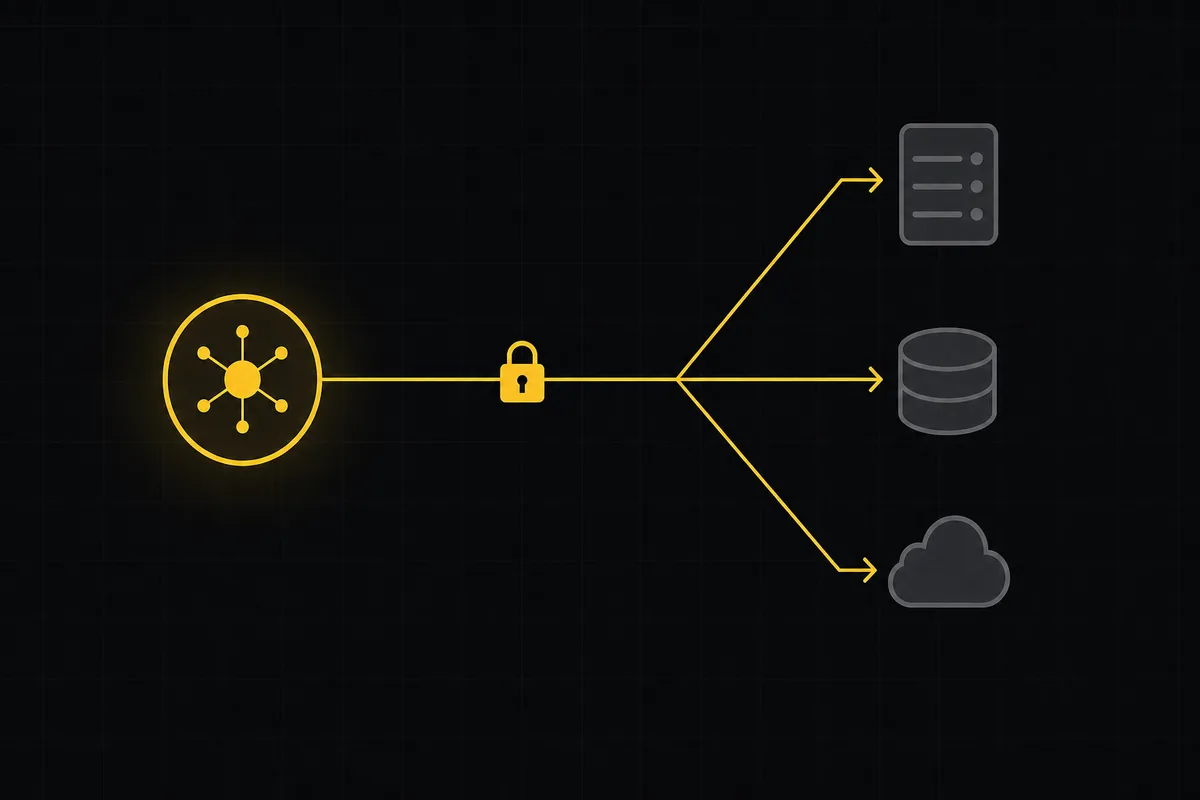
How to use webhooks
Set up outbound webhooks in Utter: create one, verify the HMAC signature (sha256-of-secret gotcha), handle at-most-once delivery, and pipe board events to Slack.

Switch language and theme
Set up Utter as an Arabic RTL and dark mode project management tool: switch language to Arabic, get full RTL, and change theme between Auto, Light, and Dark.

How to use team chat
A practical guide to team chat in a project management tool: channels, DMs, threads, @mentions, file attachments, and the honest limits, all next to your issues.