
Blog tag
Tagged: how-to.
9 articles tagged how-to

How to manage billing and plans
Read the Utter billing page at a glance: how editor seats are counted, why viewers and agents are free, where to upgrade, downgrade, cancel, and buy credits.

How to use the ai assistant
How to run your board with Utter's AI assistant: ask grounded questions, create and triage issues from a sentence, and approve every change before it lands.

How to install utter as an agent skill
Install Utter as a skill in your AI coding agent: one-command MCP for Claude Code, config for Cursor and VS Code, or a SKILL.md download for OpenCode and Codex.

How to connect github
Connect GitHub to your project management tool in Utter: register a repo, set the webhook, and auto-link commits to issues with #KEY-NUM. Full rules and limits.

How to set agent field permissions
Restrict what an AI agent can edit in Utter with a per-agent field allowlist: set it, read the Restricted badge, and verify agent work. Full walkthrough.

How to use the mindmap
How to use Utter's project mind map view: open the radial tree, read the pills, expand and filter branches, group by Hierarchy/Status/People, and export a PNG.

How to search your workspace
Search issues across projects in Utter from one top-bar field: the / shortcut, live typeahead, WEB-12 key-jump, the full results page with Type/Status/Priority filters, and the real limits.
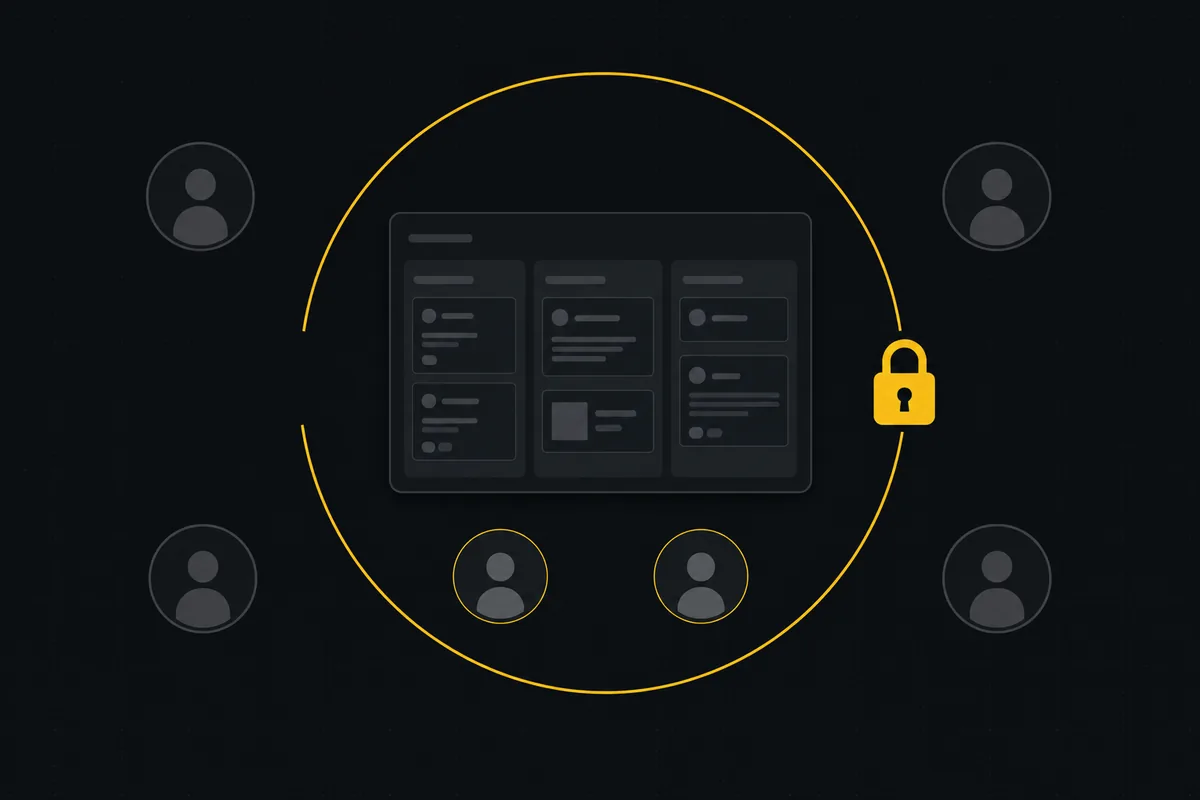
How to restrict project access
Restrict project access to specific members in Utter: flip the scoped toggle, add the right people, and understand what the project role does not do.

How to bulk edit issues
How to bulk-edit issues from Utter's List view: multi-select, bulk status/priority, unassign, archive, and human-in-the-loop AI triage, plus the real limits.