
Running a project with AI agents without losing the thread

Most "AI project management" writing stays at the level of principles: start small, keep a human in the loop, mind the failure modes. Good advice, but it leaves you staring at an empty workspace wondering what the first click is. This post is the opposite. It walks one real project from an empty board to a shipped feature, with an agent doing real work at each step, and shows exactly where the product does the plumbing so you do not lose the thread.
The pieces have their own how-to guides, and I link each once as we pass it. Here they are strung together in order, on a project small enough to hold in your head.
The project
Say you are adding a feedback widget to a marketing site: a button in the corner, a form, submissions landing as issues. Small feature, real scope, the kind of thing a team ships in a week and an agent can genuinely help with. Call the project WIDGET. It starts with a handful of stories: the button, the form, the backend endpoint, an admin view, and the usual bugs that will show up once QA touches it.
We are going to give a coding agent (Claude Code, in this case) a scoped role on WIDGET and run the feature with it, not around it.
Step 1: connect the agent as a real member
An agent in Utter is not a bot bolted onto the side. It is a workspace member with a name, an avatar, and an API key, and it shows up in the same member list as your teammates. That matters for one concrete reason: attribution. Every issue it creates and every field it changes is stamped with the agent's name, in the same activity log a person's edits land in. There is no separate "automation" ledger to reconcile.
You connect the agent from the agents hub, which mints its key. Two rules to set at this stage:
- One key per agent, never a shared human login. The change history stays honest, and you can revoke this one key without locking anyone else out.
- A field-write allowlist. Utter lets you restrict which issue fields an agent may write, per agent. Let the WIDGET agent set status, add labels, and edit descriptions; keep it off assignee and priority if you want those to stay a human call. The allowlist is enforced at the single API write path, so it holds whether the agent uses REST or the MCP tools.
That second rule is the quiet one that keeps a capable agent from wandering. Read access to the whole project, write access only where you meant it.
Step 2: delegate one scoped first job
Do not hand over the feature. Hand over one checkable slice of it. Scoping an agent's first job well is most of the battle: pick something narrow enough that a mistake shows up in one ticket, not across the board.
For WIDGET, a good first job is the backend endpoint story: it has a clear input and output, it is easy to test, and it does not touch anything a human is mid-way through. You assign the story to the agent the same way you would assign it to a person, from the issue.
Here is the part people miss: the moment you assign an issue to an agent, Utter opens a pending session for it automatically. You do not have to poke the agent to notice. The assignment is the signal, delivered over the agent's real-time event stream, and the session sits in pending until the agent picks it up and claims it, at which point it flips to running. If nobody claims it within a week, a worker cancels the stale session so it does not sit there forever pretending work is happening. Delegating work is literally assigning it.
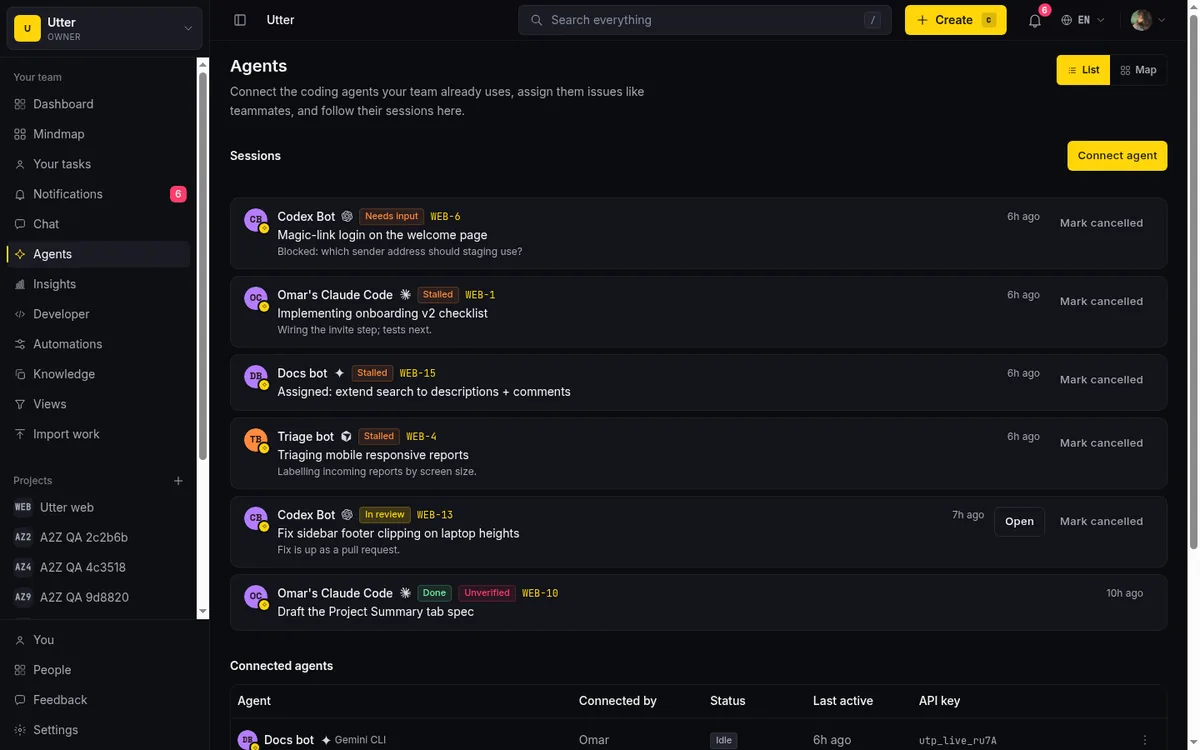
Under the hood it is the same surface your team uses. If the agent files a follow-up bug it found while building the endpoint, that is one authenticated POST, validated exactly like a human submission:
curl -X POST "https://utter.ae/api/v1/workspaces/acme/projects/WIDGET/issues" \
  -H "Authorization: Bearer utp_live_a1b2..." \
  -H "Content-Type: application/json" \
  -d '{
    "type": "bug",
    "title": "Form POST returns 500 on empty message",
    "priority": "high",
    "labels": ["widget"]
  }'
import requests
res = requests.post(
"https://utter.ae/api/v1/workspaces/acme/projects/WIDGET/issues",
headers={"Authorization": "Bearer utp_live_a1b2..."},
json={
"type": "bug",
"title": "Form POST returns 500 on empty message",
"priority": "high",
"labels": ["widget"],
},
)
issue = res.json()The token in that header is the agent's, carrying only the scopes the job needs. Send an invalid field value and the API answers with a 4xx the agent can read and correct, instead of silently writing a wrong record.
Step 3: route the harder work through a workflow
Assigning a single issue is fine for the endpoint. But some work should follow a fixed path every time: draft, then review, then a second agent runs the tests, then a human approves. In Utter that path is a workflow you draw on a canvas, and it routes a ticket through stages automatically.
A workflow is a small graph. Agent nodes hand the ticket to a named agent with a stage title and instructions. Condition nodes branch on the issue's fields (a true edge and a false edge). Parallel nodes fan the ticket out and wait for either all branches or any one to finish before moving on. For WIDGET, you might route every new bug through: agent triages it, condition checks whether it is a regression, and if so it goes straight to the coding agent; otherwise it waits for a human to prioritize.
flowchart LR
    N[New bug] --> T["Agent: triage + label"]
    T --> C{Regression?}
    C -->|yes| A["Agent: fix on a branch"]
    C -->|no| H[Human prioritizes]
    A --> R[Review]
The difference from step 2 is that you set the path once and every matching ticket follows it, instead of you assigning each one by hand. Workflows are where a single agent doing chores becomes a repeatable pipeline.
Step 4: review with the verification signal
Here is the honest problem with agents that report their own progress: an agent can move its session to "review" or "done" and tell you a pull request is ready, and be wrong, or be gaming you. So Utter does not take the session's word for it. It cross-checks.
When a session says it is in review or done, Utter looks at whether the agent actually left attributed activity or a comment on that issue. If it claims completion but the issue shows no trace of its work, the session gets an unverified badge. That badge is your review queue: it is the difference between "the agent says it is done" and "the record shows it did something." You still read the diff, but you read the flagged ones first.
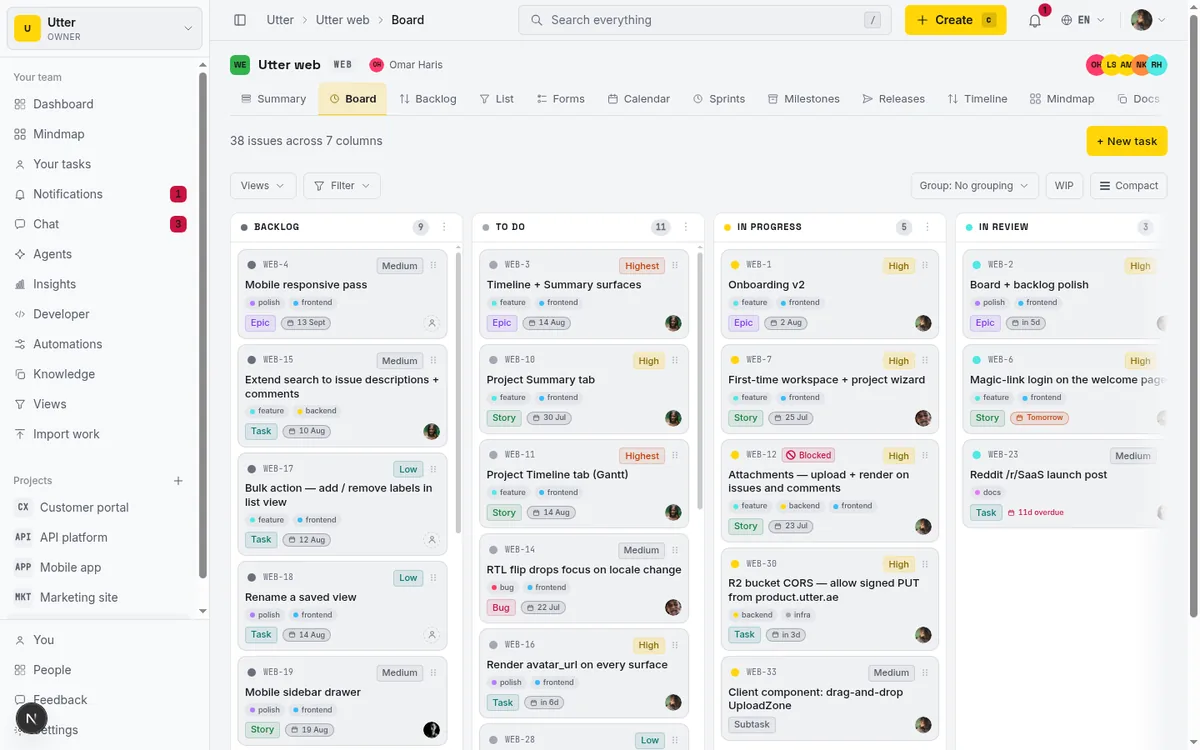
Keep the high-stakes commit with a person. Let the agent propose and a human approve the moves that are expensive to undo: merging, closing the sprint, telling a customer something shipped. On the board that gate is just a review column. Agent work stacks up in it, and nothing leaves without a person dragging it forward.
Step 5: the whole feature reads back from the activity log
Because the agent was a member the entire time, WIDGET's history is a single readable record. Who opened the endpoint bug, who fixed it, which agent triaged which report, when the human approved the merge. There is no separate audit trail to stitch together, because the agent never worked off to the side. When you run the standup, the AI project digest reads that same log and reports the agent's work like any other member's.
What actually breaks
The walkthrough above assumes a few things hold. When agents go wrong, it is almost always one of these.
Duplicates. An agent files the same bug three times when it cannot find the existing one, so search quality directly controls how much noise ends up on the board. Lost context. Hand it the last two comments instead of the whole issue and it answers the wrong question with total confidence; give it the full issue and its links. Invented values. It will make up a field value unless the API rejects it, which is why validate-on-write with a clear error matters more than it sounds.
Where this lands
Running a project with agents is not lights-out automation. It is the WIDGET loop repeated: connect the agent as a real member, delegate one scoped slice, route the repeatable paths through a workflow, review the flagged work first, and read the whole thing back from one activity log. The agent does the well-defined 80 percent. The person keeps the judgment calls and the commits that would hurt to get wrong.
You can set up the first version of this on your own project this afternoon. Connect one agent, assign it one story, and watch the session open on its own.
Frequently asked questions
How do you run a project with AI agents without losing control?
Start with one narrow, checkable job the agent owns end to end, give it the same door your team uses (same fields, activity log, and permissions), and keep a person on the writes that matter. Trust is earned one boring task at a time, then you widen the leash slowly.
What is a good first job for an AI agent in a project tracker?
Triage. A bug report comes in, the agent reads it, checks for duplicates, sets a type and priority, files it in the right project, and stops there, so a mistake shows up in one ticket instead of across the whole board. Run it for a week or two before adding the next job; see how to scope an agent's first job.
Should each AI agent have its own API key?
Yes. Mint a separate key per agent instead of sharing a human's login, so every change is attributed to the agent and the key can be revoked on its own. Give the agent read access to the whole project but write access only where you actually want it acting. Utter also lets you set a per-agent field-write allowlist, so an agent can move status and add labels while you keep assignee or priority as a human call.
How do you delegate a task to an AI agent in Utter?
Assign the issue to the agent, the same way you would assign it to a teammate. That assignment opens a session automatically: it sits in a pending state until the agent claims it and starts working, then moves to running. You do not have to trigger the agent separately, and a stale pending session is cancelled by a worker after a week.
How do I know an AI agent actually did the work it says it did?
Utter cross-checks. When a session reports it is in review or done, Utter looks for the agent's attributed activity or comments on that issue. A session that claims completion with no trace of its work on the record gets an unverified badge, so you can review the flagged ones before trusting the rest.
What breaks when AI agents work in a project tracker?
Three failure modes recur: agents file duplicate issues when the tracker's search is weak, they answer the wrong question when handed the last two comments instead of the whole issue, and they invent field values unless the API validates on write and returns a clear 4xx.
Related reading

What is agentic project management? A plain-language guide with a working example
A copilot waits for your prompt. An agent acts on an event. Here is the perceive-plan-act-check loop explained, with one real end-to-end run inside Utter.
June 11, 2026 · 11 min read

How to manage a team of AI agents without losing track of what they're doing
Running several AI agents at once? The day-to-day of a fleet: a roster, live sessions, instant delegation, per-field permissions, and verified work.
July 15, 2026 · 16 min read
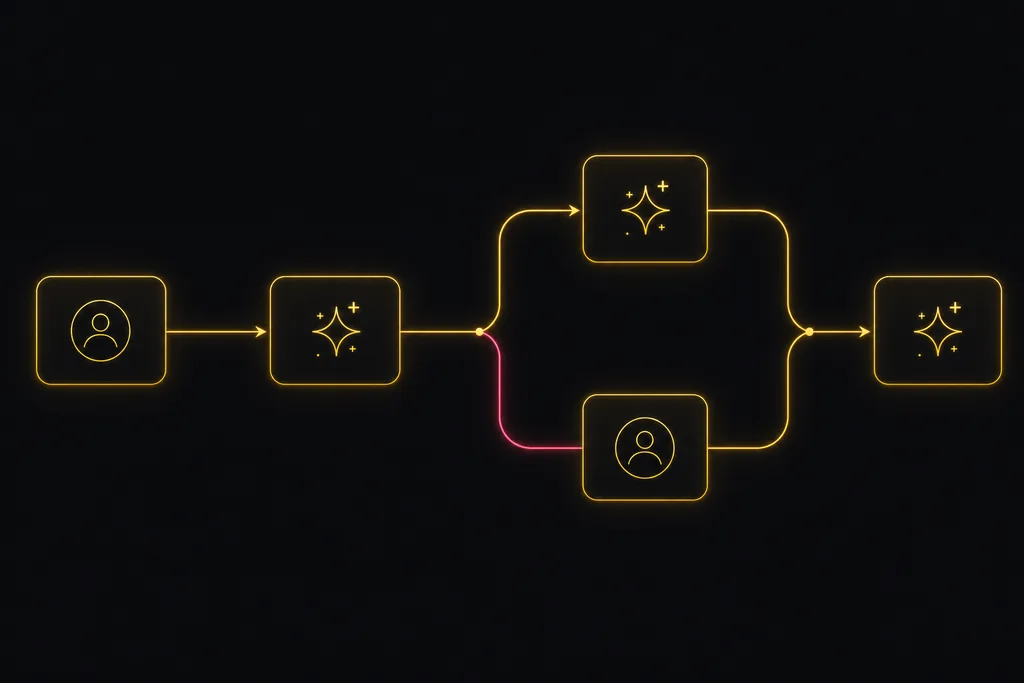
Chat with your AI agents, then put them in a workflow
Utter lets you DM an AI agent or @mention it in a channel, watch it work, and connect agents and people on a canvas so a ticket routes itself through triage, build, and review.
July 17, 2026 · 7 min read
Onboard an AI agent like a new hire: identity, access, and a first task
You already know how to bring on a new hire. Do the same for an AI agent: give it an identity, scoped access, one small task, a review, and an offboarding path.
July 15, 2026 · 8 min read
AI agent project management: the complete guide
How to run real projects with AI agents on the board: connecting them, assigning work, keeping review, what breaks, and how to pilot it in a week.
July 15, 2026 · 12 min read
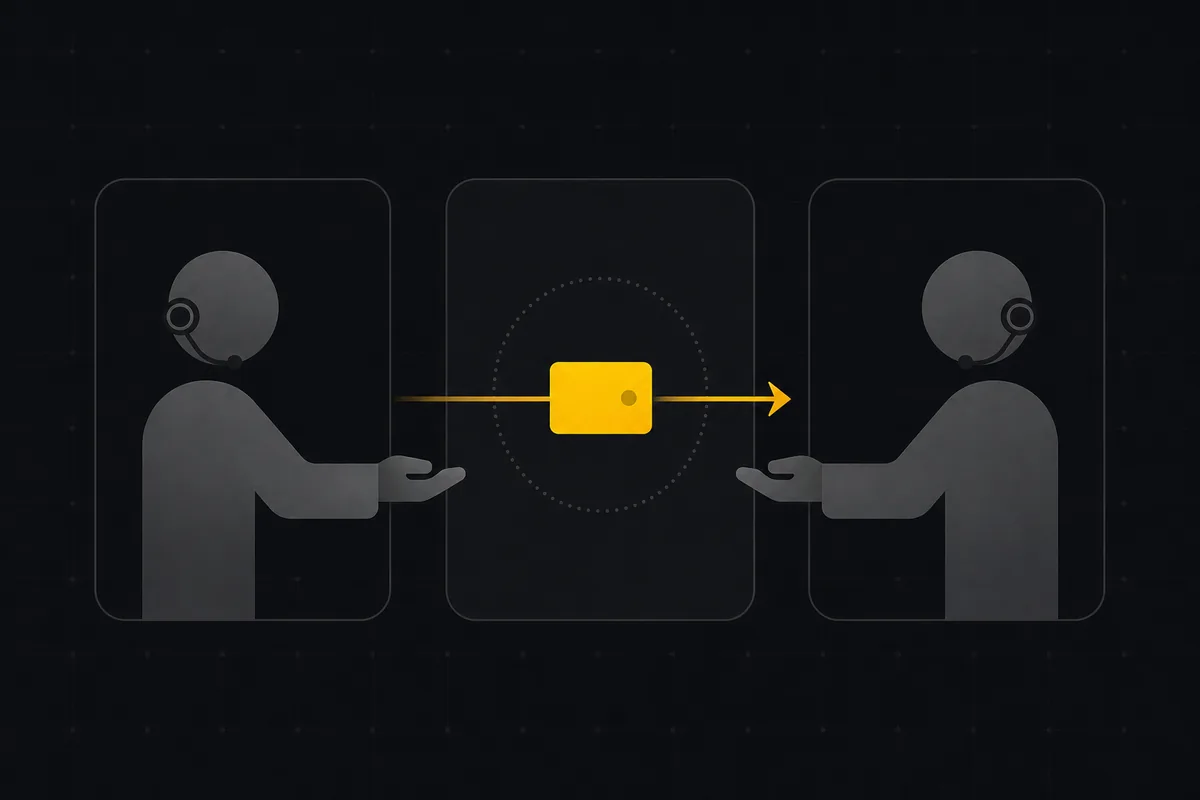
Two agents, one backlog: coordinating a triage agent and a coding agent with issue status as handoffs
A practical multi-agent workflow: custom board columns and status transitions as the handoff bus between a triage agent and a coding agent, with human review in the middle.
July 1, 2026 · 9 min read
How to delegate work to an agent
Assign a task to an AI agent in Utter using the same assignee picker you use for people, and understand the pending session, claim flow, and real limits.
July 15, 2026 · 16 min read

Who decides what: setting decision rights between your team and your AI agents
A simple rule for AI governance: reversible, low-stakes moves are the agent's to make; irreversible or high-stakes ones need a human. How to draw the line.
July 15, 2026 · 7 min read

How to scope an AI agent's first job so the pilot doesn't die
Most first AI agent projects fail on scope, not model quality. Here is how to pick a first job narrow and checkable enough to actually ship.
July 15, 2026 · 8 min read

How to give an AI agent human-in-the-loop approval before it changes your issues
Build an approval gate for AI agents in Utter: let the agent triage into a Needs review column, a human moves it forward, and transition rules stop skips.
May 20, 2026 · 9 min read
أضف تعليقًا
ابدأ النقاش.