
Stop chasing status updates: let AI write the weekly project digest
Every Friday, someone on your team spends an hour they will not get back. They open five projects, scroll the board, ping two people to ask what happened to the thing that has not moved, and paste it all into an email nobody fully reads. Multiply that by a lead per team and you are burning real hours a week to produce a document that is stale the moment it sends.
The usual fix is a scheduled report: wire the tracker to email a list of counts every Monday. It is worse than the manual version in one important way. It has no judgment. It will happily tell you "12 issues in progress" without noticing that four of them have not been touched in nine days. It reports the shape of the week, not what the week meant.
There is a better shape for this, and it is finally practical: an agent that reads the actual week of activity and writes the update the way a person would in a standup note. That is what Utter's weekly digest does, and this post is about why the reasoning matters more than the automation.
Why a scheduled report is not enough
A dumb report answers "how many." It cannot answer "which of these is in trouble," because that requires looking across signals and drawing a small inference. Was this ticket created and then untouched? Did it move to In Progress a week ago and stop? Did the count of open bugs quietly climb while everyone was heads-down on the story?
A human reader does that inference for free when they scan the board, which is exactly why the manual update exists and the automated one usually gets ignored. The point of putting an AI in the loop is not to save the fifteen minutes of typing. It is to keep the reasoning and drop the scrolling.
So the bar for a good digest is not "did it send on time." It is "would a teammate who read it know what to worry about." That is a higher bar, and most scheduled reports do not clear it.
What Utter's weekly digest actually does
Utter generates the digest per workspace, once a week, from the background worker. It runs Monday morning so the update is on your desk before the week starts, not after it ends. The whole pipeline is short:
flowchart TD
  A[Worker fires Monday morning] --> B{AI credits left?}
  B -- no --> X[Skip workspace]
  B -- yes --> C[Read last 7 days per project]
  C --> D{Anything happened?}
  D -- no --> Y[Skip project]
  D -- yes --> E[Model writes summary, highlights, risks]
  E --> F[Email to owners and admins]
  E --> G[Same digest on the summary page]
For each active project, it looks at the last seven days and pulls the real signal:
- Issues created this week, and issues completed this week (moved to a done status).
- What is currently in progress or in review, oldest-touched first, so the things that have been sitting show up at the top.
- The most recent activity across the project's issues: who changed status, who commented, who got assigned, what got renamed.
That signal reaches the model as plain lines, not a database dump. For one project it looks like this (keys and names made up):
Project: Mobile app (APP)
Window: last 7 days.
Issues created this week: 4.
Issues completed (done) this week: 3.
Currently in progress / in review (6):
- APP-64 "Retry queue for uploads" [in_progress]
- APP-73 "New onboarding flow" [in_review]
Most recent activity (newest first, up to 30):
- Lena changed status of APP-73 "New onboarding flow" (-> in_review)
- Sam commented on APP-88 "Offline draft sync"
Then come the strict instructions. Write like an engineer in a standup note. Refer to specific issues by their key, like WEB-42, and say what happened to them. Use only the supplied signal. Never invent an issue, a name, or a number. If a section has nothing concrete to say, leave it short rather than padding it.
The model has to answer in one fixed shape, strict JSON and nothing outside it:
{
  "summary": "1 to 3 sentences naming what got done and what is in flight, with issue keys",
  "highlights": ["2 to 5 bullets, each naming a specific issue and the concrete thing that happened to it"],
  "risks": ["0 to 3 bullets naming issues that look stuck, stale, or overdue, and why"]
}
That risks array is the part a counting report can never write, because it is a judgment, not a total.
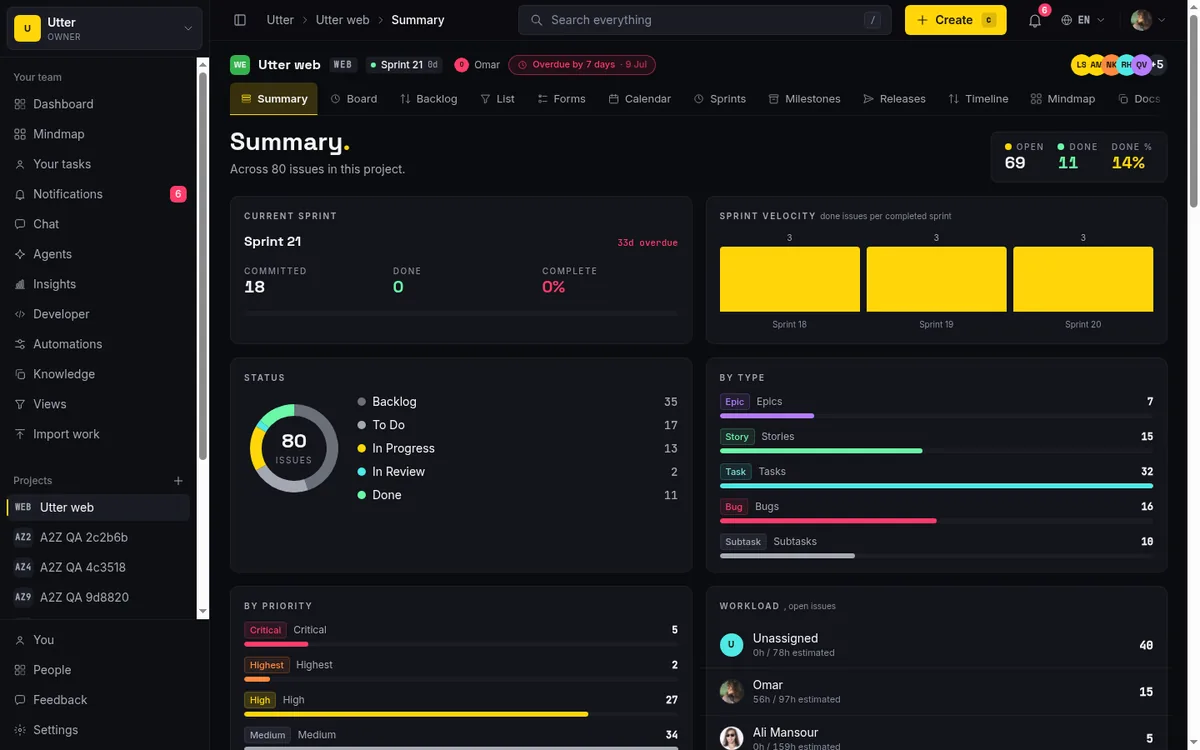
The email links each project back to its summary page in the app, and the same generated digest is reused there, so opening the project shows you the identical read rather than a second, contradictory one.
What a good digest reads like
Here is roughly what lands in the inbox for one project. Names and keys are made up.
APP - Mobile app
Shipped the offline draft sync (APP-88) and closed the two crash reports from last week (APP-91, APP-92). The new onboarding flow (APP-73) moved to review on Thursday and is waiting on design sign-off. Six issues are in progress; most got touched this week.
Highlights
- APP-88 offline draft sync merged and marked done
- APP-73 onboarding flow moved to In Review, assigned to Lena
- APP-91, APP-92 crash reports resolved and verified
Risks
- APP-64 has been In Progress for 11 days with no activity since the 22nd
- APP-80 was created 8 days ago and never picked up
Read that in ten seconds and you know the real state: two things shipped, one is stuck on a handoff, and two are drifting. No counts to interpret, no board to scroll. The risks are the two lines you would actually act on, and they are the two lines a scheduled report would have hidden inside "9 in progress, 3 in backlog."
Be honest about what it can and cannot infer
It would be easy to oversell this, so here is the straight version.
The digest reasons over what is recorded in the tracker, and nothing else. It can see that APP-64 has not moved in eleven days and flag it as stuck. It cannot tell you that APP-64 is stuck because the vendor API is down, unless someone wrote that on the issue. It reads your project's activity, not your Slack, not your standup, not the meeting where you decided to deprioritise it.
That has a real consequence: if your board is not honest, the digest inherits the lie. A ticket that is actually done but never moved out of In Progress will show up as a risk. Work that happened entirely in DMs will be invisible. Garbage in, confident summary out. The digest is a mirror of the tracker, and it is only as good as the tracker is current.
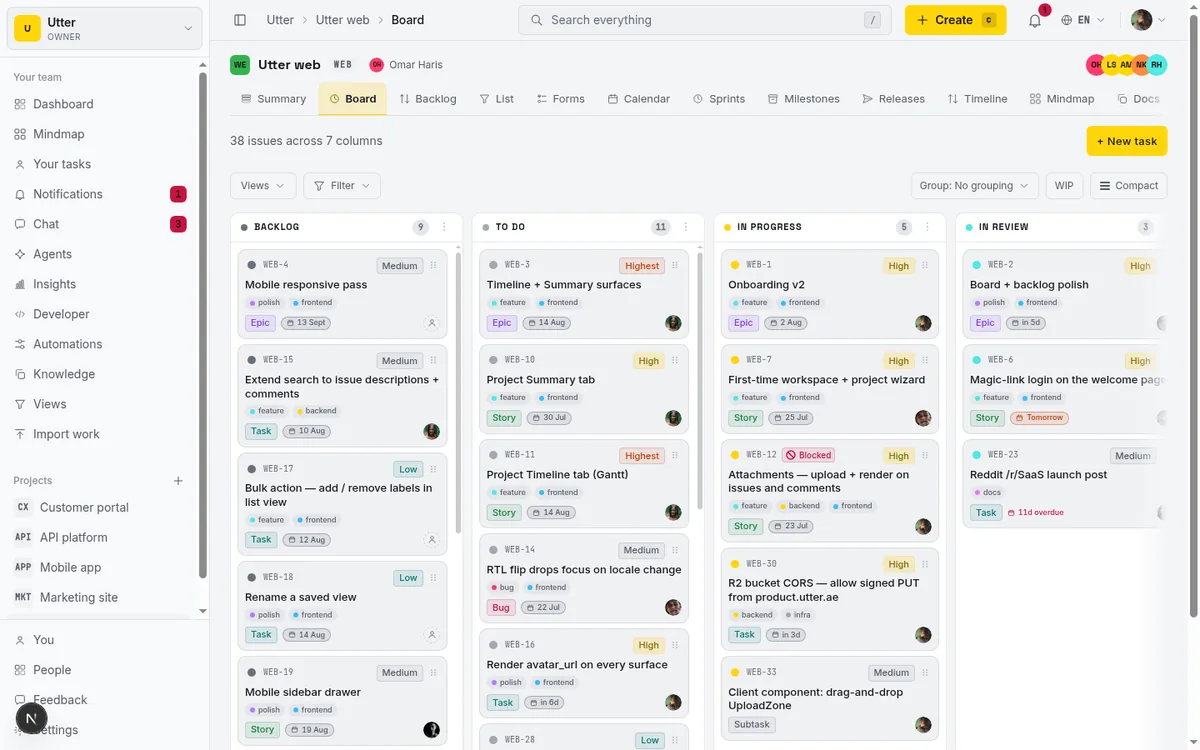
It also does not chase people. It will surface that something looks stale; it will not message the assignee or reassign it. That is deliberate. The digest summarises read-only signal and stops there. If you want automatic action on issue events, that is a separate thing in Utter, its workflow automation rules, and it is a decision you make on purpose, not a side effect of a summary. If you are curious how far that goes, we wrote about running projects with AI agents separately.
A few smaller limits worth knowing:
- It covers up to five projects per workspace in the email, so very large workspaces get the busiest slice rather than everything.
- It only runs while the workspace has AI credits left.
- It skips any project where nothing happened that week, so a quiet project does not generate a filler paragraph.
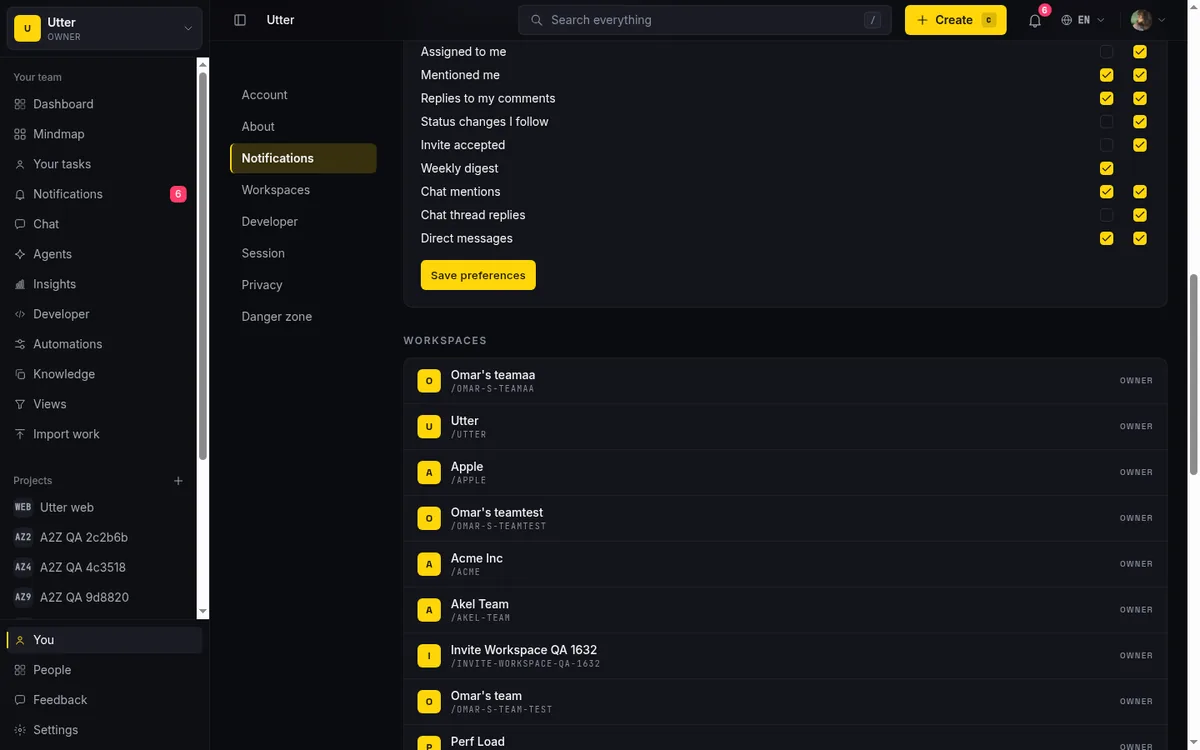
- It goes to workspace owners and admins who have the weekly digest preference on, and every email carries an unsubscribe link, because a status update nobody wants is just more noise.
Where this fits
If your weekly update is a person copying the board into an email, you are paying for a worse version of what a model can now do in one pass. The win is not that a robot types it. The win is that the thing reading your week has enough judgment to tell you which two lines matter, and the discipline to admit when it has nothing to say.
The catch is the same one behind running sprints without ceremony: all of it rests on a board that tells the truth. Keep your issues current and the digest is genuinely useful. Let the board rot and no automation, dumb or smart, can save the report.
If you want to see it on your own projects, Utter is free to start and the weekly digest is built in. Turn it on, keep your board honest for a week, and read what shows up Monday morning.
Frequently asked questions
Can AI write your weekly project status update?
Yes. Instead of a scheduled dump of ticket counts, Utter's weekly digest reads the last seven days of each active project and writes the update the way an engineer would in a standup note: a short summary, highlights that name specific issue keys, and a risks list of what looks stuck, stale, or overdue.
Why is a scheduled status report not enough?
A scheduled report has no judgment. It will happily tell you "12 issues in progress" without noticing that four of them have not been touched in nine days, so it answers "how many" but never "which of these is in trouble."
How does Utter's weekly AI digest work?
A background worker generates it per workspace every Monday morning, covering up to five projects and skipping any project where nothing happened that week. For each project it pulls issues created and completed in the last seven days, what is in progress or in review with the oldest-touched first, and the most recent activity, then hands that to the model with strict instructions to use only the supplied signal and never invent an issue, a name, or a number.
What can an AI-written status update not tell you?
It reasons only over what is recorded in the tracker: it can flag that an issue has not moved in eleven days, but it cannot know why unless someone wrote that on the issue, and a stale board produces a confident summary of wrong facts. It also never chases people or reassigns work; automatic action on issue events is a separate, deliberate choice covered in running projects with AI agents.
Related reading
Can an AI run your standup?
Mostly yes, and your team will thank you. What an agent can compile from the board, what still needs a human, and how to set up an async AI standup.
July 15, 2026 · 6 min read
How to automate project management with AI, and what to leave manual
The right order to automate project management with AI: reporting first, intake second, execution agents last, and the decisions that should stay human.
July 15, 2026 · 8 min read
What is an AI project manager? What one actually does today
A plain definition of the AI project manager: the three things the term means, a week of real work on a live board, and the parts only a human can hold.
July 15, 2026 · 8 min read
How to read the project summary
Read the Utter project Summary tab like a pro: what every card shows, how each number is computed, what good looks like, and where the dashboard stops.
July 15, 2026 · 16 min read
Project reports and insights
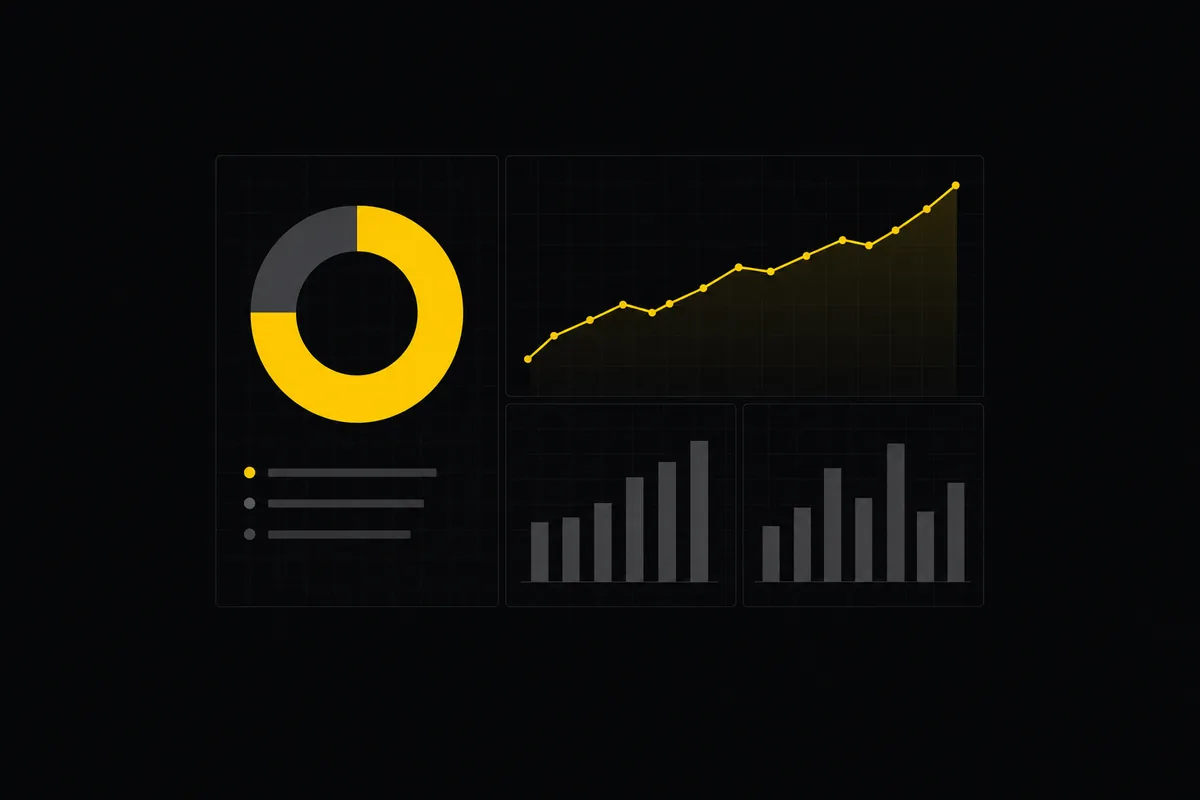
Read Utter's project reports and dashboards: Summary KPIs, sprint burndown, cycle time, throughput, workload, and workspace Insights, with the honest limits on each.
July 15, 2026 · 16 min read

What an AI issue tracker actually is, and how to pick one
Most tools that say AI issue tracking mean a summarize button. A five-part checklist for what the label should mean, plus the failure modes to test in a pilot.
July 15, 2026 · 8 min read

Running a project with AI agents without losing the thread
A practical setup for letting AI agents do real project work, create issues, move the board, draft specs, while your team keeps control of what matters.
July 11, 2026 · 5 min read

How to scope an AI agent's first job so the pilot doesn't die
Most first AI agent projects fail on scope, not model quality. Here is how to pick a first job narrow and checkable enough to actually ship.
July 15, 2026 · 8 min read
Auto-triage new issues with AI: a setup that actually assigns, labels, and prioritizes
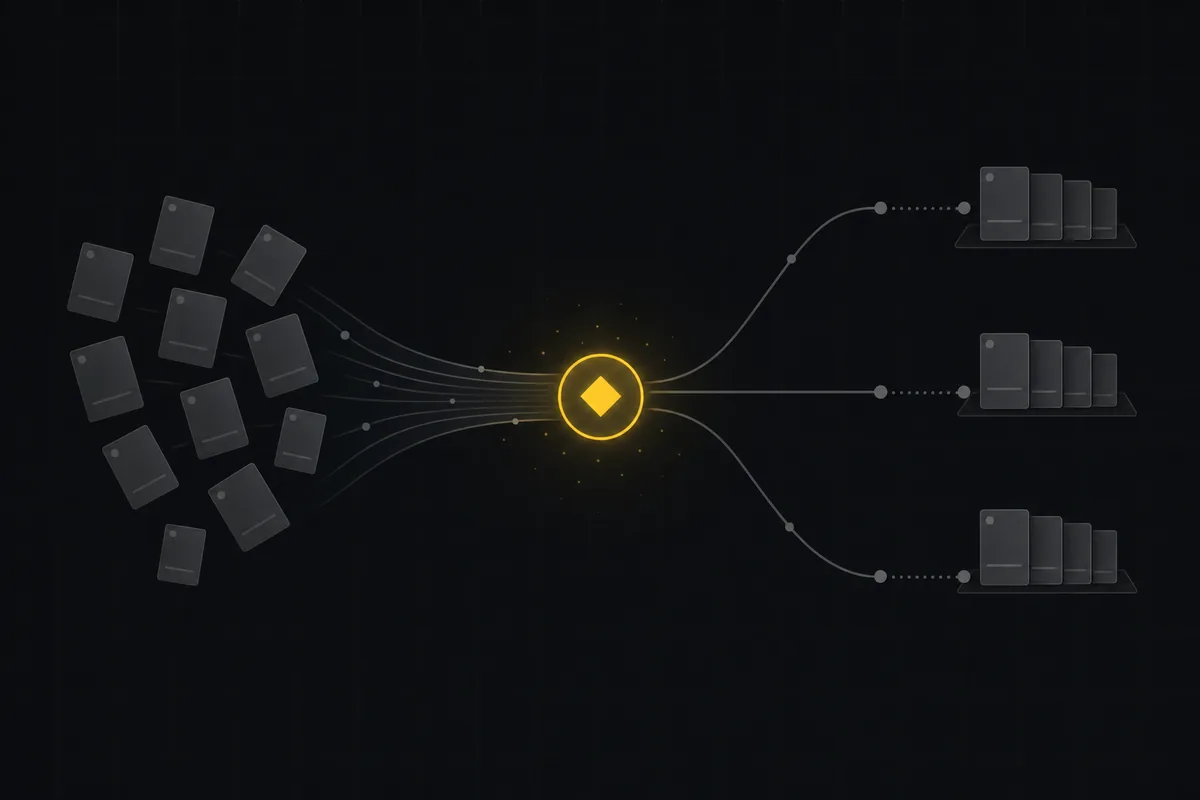
How to set up AI issue triage automation that classifies severity, labels, and routes new bugs and requests, with an honest line on what to let AI decide.
May 27, 2026 · 8 min read
Two agents, one backlog: coordinating a triage agent and a coding agent with issue status as handoffs
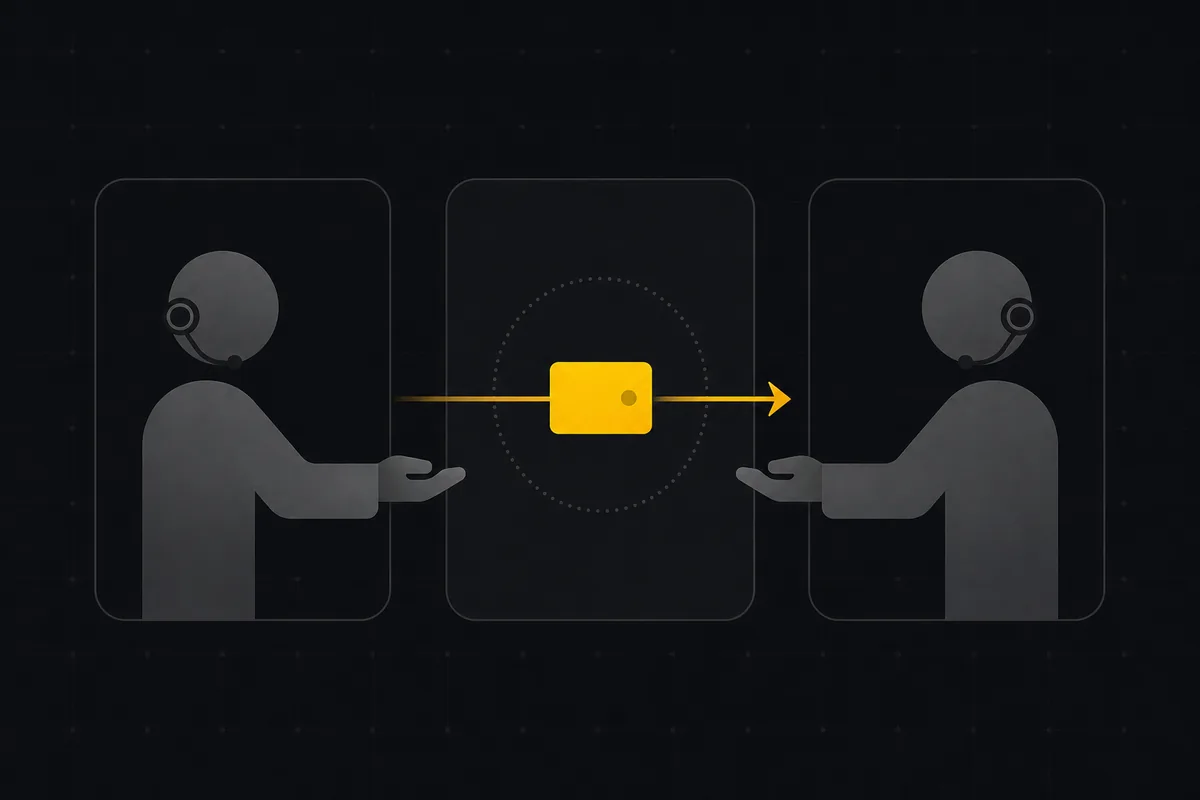
A practical multi-agent workflow: custom board columns and status transitions as the handoff bus between a triage agent and a coding agent, with human review in the middle.
July 1, 2026 · 9 min read
Add a comment
Start the conversation.