
OKRs that roll up from the work, not a spreadsheet
Most teams write OKRs in a document in the first week of the quarter, then never open it again until the last. The objectives live in one tool and the work lives in another, so keeping them in sync is a manual chore that quietly falls off everyone's plate. By the time someone refreshes the numbers for the review, the quarter is already over and the meeting turns into archaeology.
Utter takes a different route. Portfolios and Goals sit inside the tracker, next to the board and the backlog, and a goal's progress is computed from the issues your team is already moving. You set the objective once and the number keeps itself current. Here is how it works, and where it honestly stops.
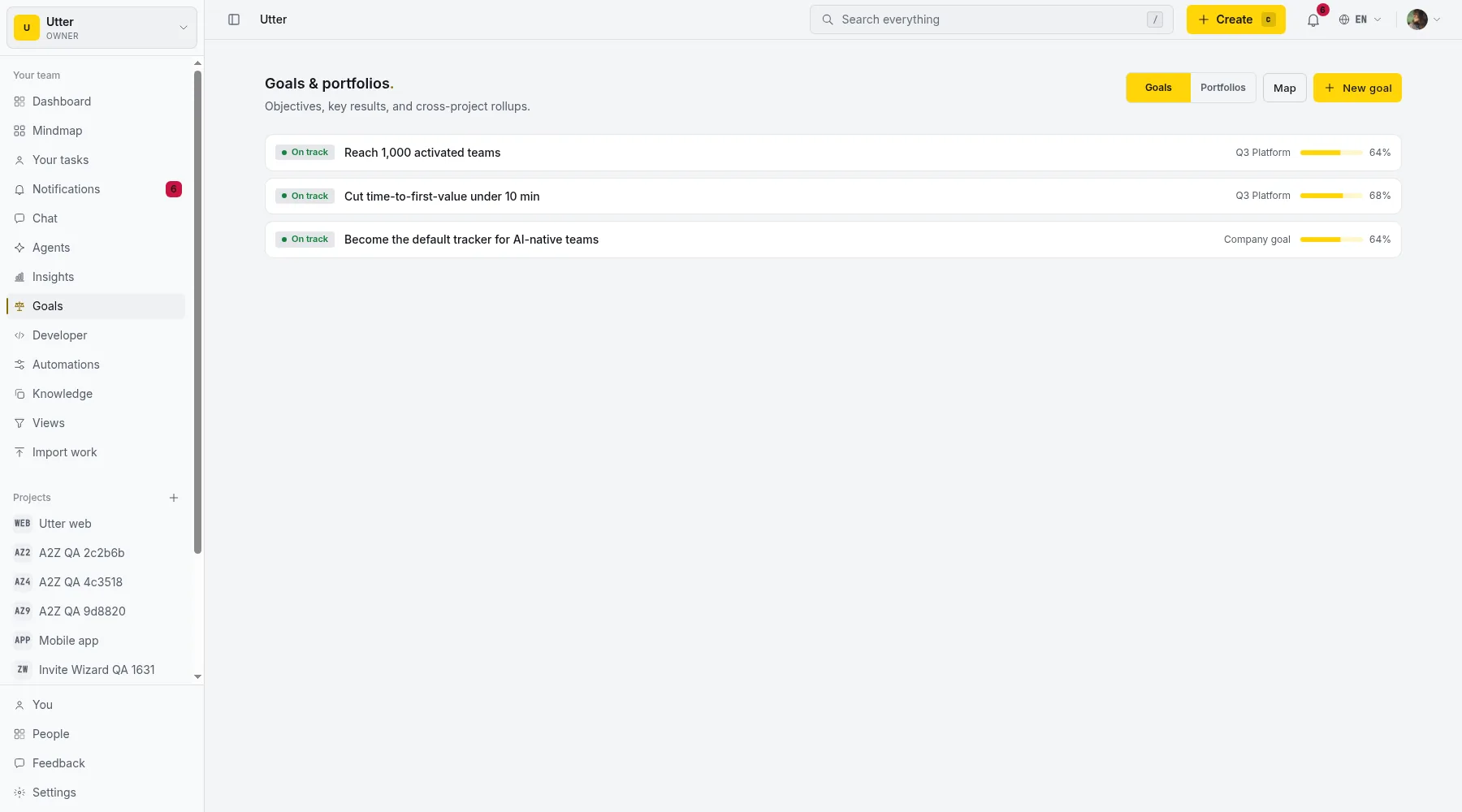
Portfolios group projects into one rollup
Real work rarely fits in a single project. A launch touches the web app, the API, and mobile; a platform effort spans four teams. A portfolio is just a named group of projects, and its detail page gives you the combined picture: throughput, cycle time, status mix, and workload across every project in the group. It is the same cross-project analytics that powers workspace Insights, pointed at the set of projects you care about.
So instead of opening five project dashboards and adding them up in your head, you open one portfolio and see the quarter.
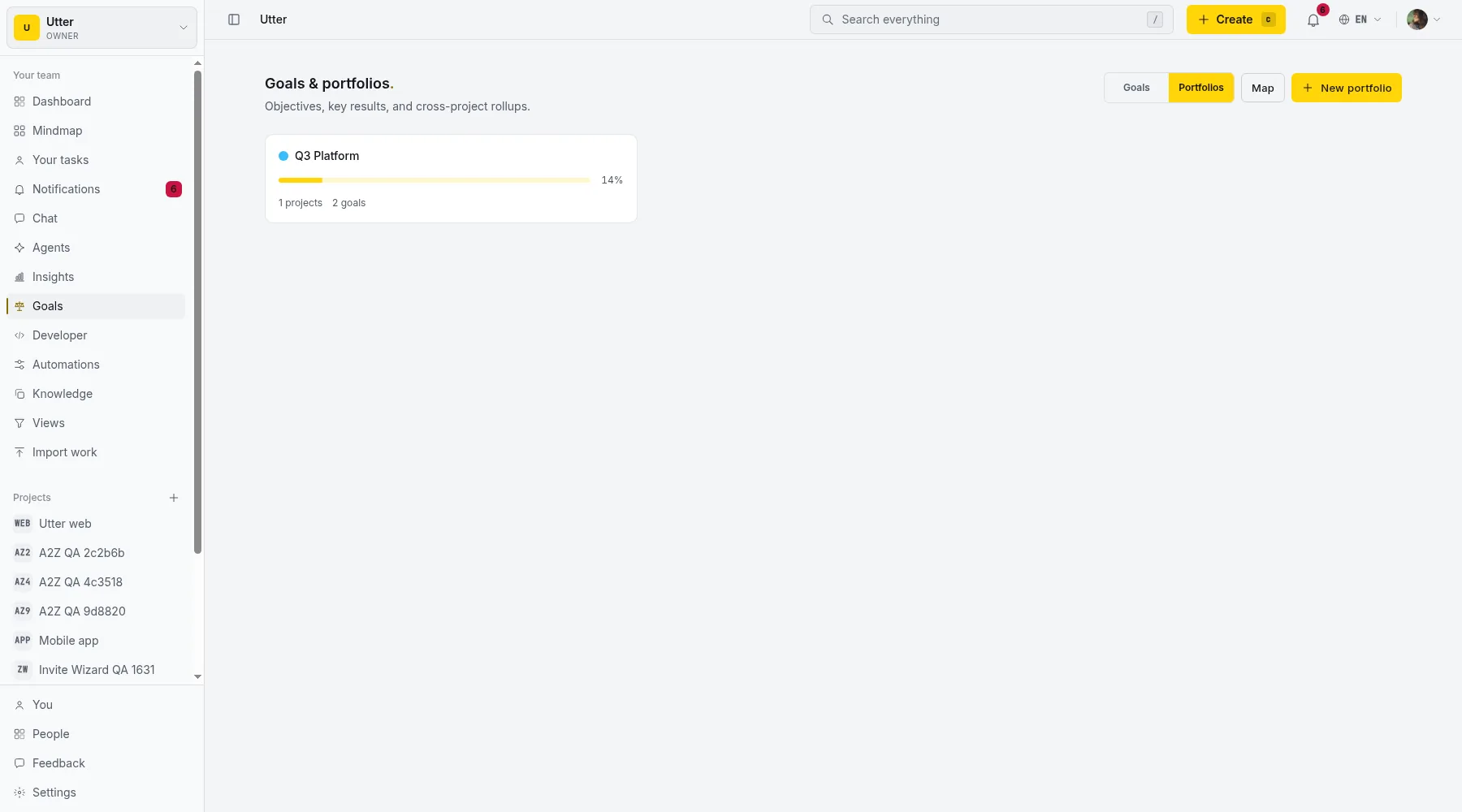
Goals carry key results that measure themselves
A goal is an objective with a cycle (a start and a due date, usually a quarter) and a set of key results. Each key result is measured one of two ways, and this is the part that keeps OKRs honest:
- A manual metric. Give it a start, a target, and a current value, plus a unit. "Activated teams, from 200 to 1,000." You update the current number when it changes, and progress is the fraction of the way there.
- Auto, from the work. Pick a scope (a portfolio, specific projects, an issue type, a label, an assignee) and the key result tracks the share of that work that is done. Nobody edits a number by hand. It moves as issues close.
Key results are weighted, so a goal's progress is the weighted average of its key results, not a flat count. A goal with a heavy revenue KR and a lighter hygiene KR reads the way you would expect.
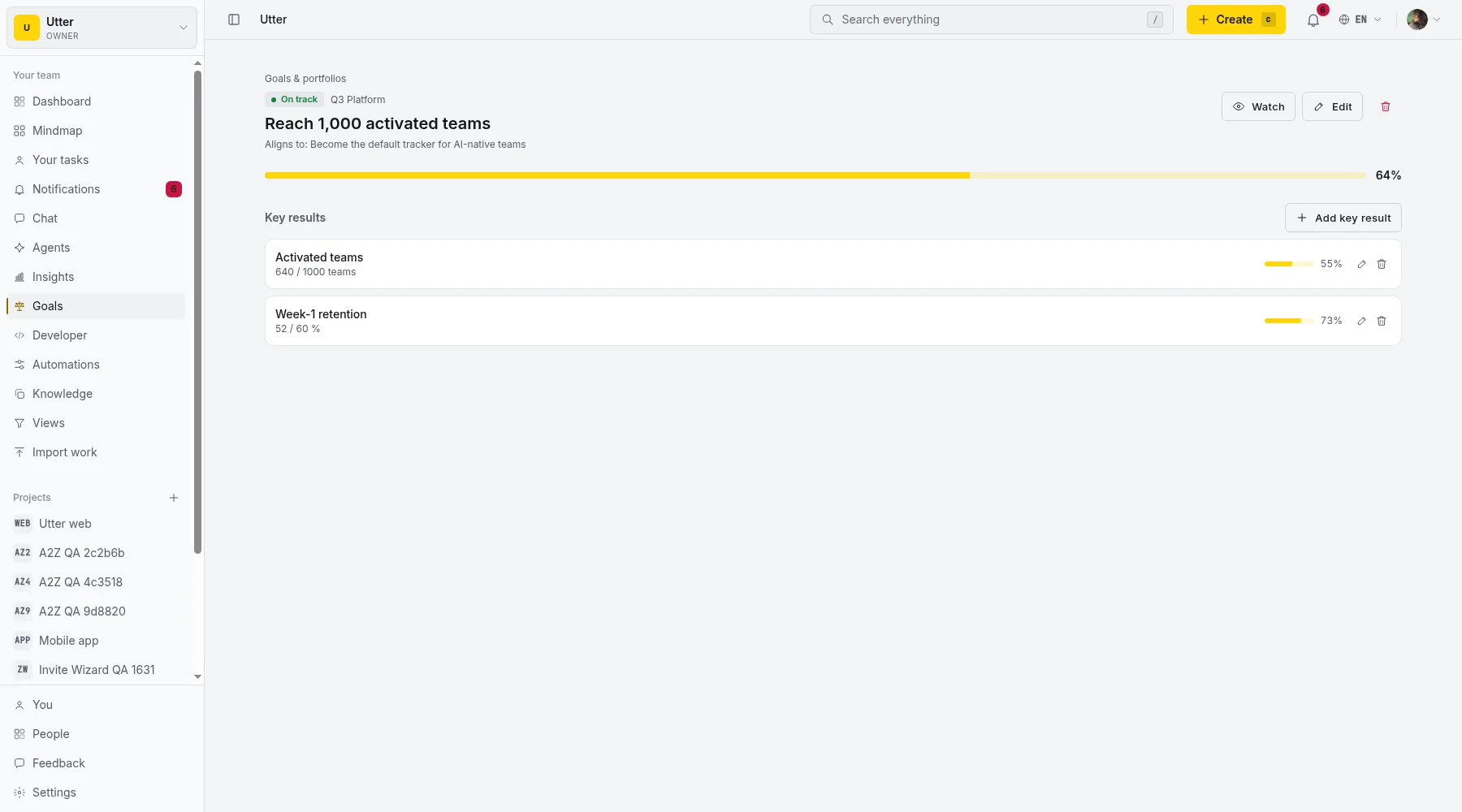
In the shot above, the goal sits at 64 percent, the roll-up of its two key results at 55 and 73. Both carry equal weight here, so it lands on their average; give the revenue KR more weight than the retention one and the number leans toward revenue. No spreadsheet formula, no manual roll-up: the math is done where the work is.
How the roll-up actually behaves
A few details in how Utter computes a KR are worth knowing, because they are the difference between a number you trust and one you second-guess.
A manual metric is direction-agnostic. Most examples grow (200 users to 1,000), but plenty of real key results shrink: churn from 5 percent to 2 percent, median setup time from 35 minutes to 10. You give it a start, a target, and the current value, and Utter reads progress as the fraction of the way from start to target, whichever direction that runs. A descending metric is not a special case you have to fake with inverted numbers.
An unmeasured KR drops out rather than dragging the goal to zero. If you have written a manual key result but not filled in its current value yet, it does not count as 0 percent and tank the goal's number on day one. It simply sits out of the average until it has a value. Auto key results are always measured, because the work scope they point at always has a completion share, even if that share is zero.
And because a goal can align to a parent, a parent goal rolls up its own key results plus the progress of its child goals, each carried at its weight. Company progress is a weighted mean of the objectives under it, all the way down to the issues closing on a board. Nobody re-keys a number at any level.
Alignment ladders goals up to the company objective
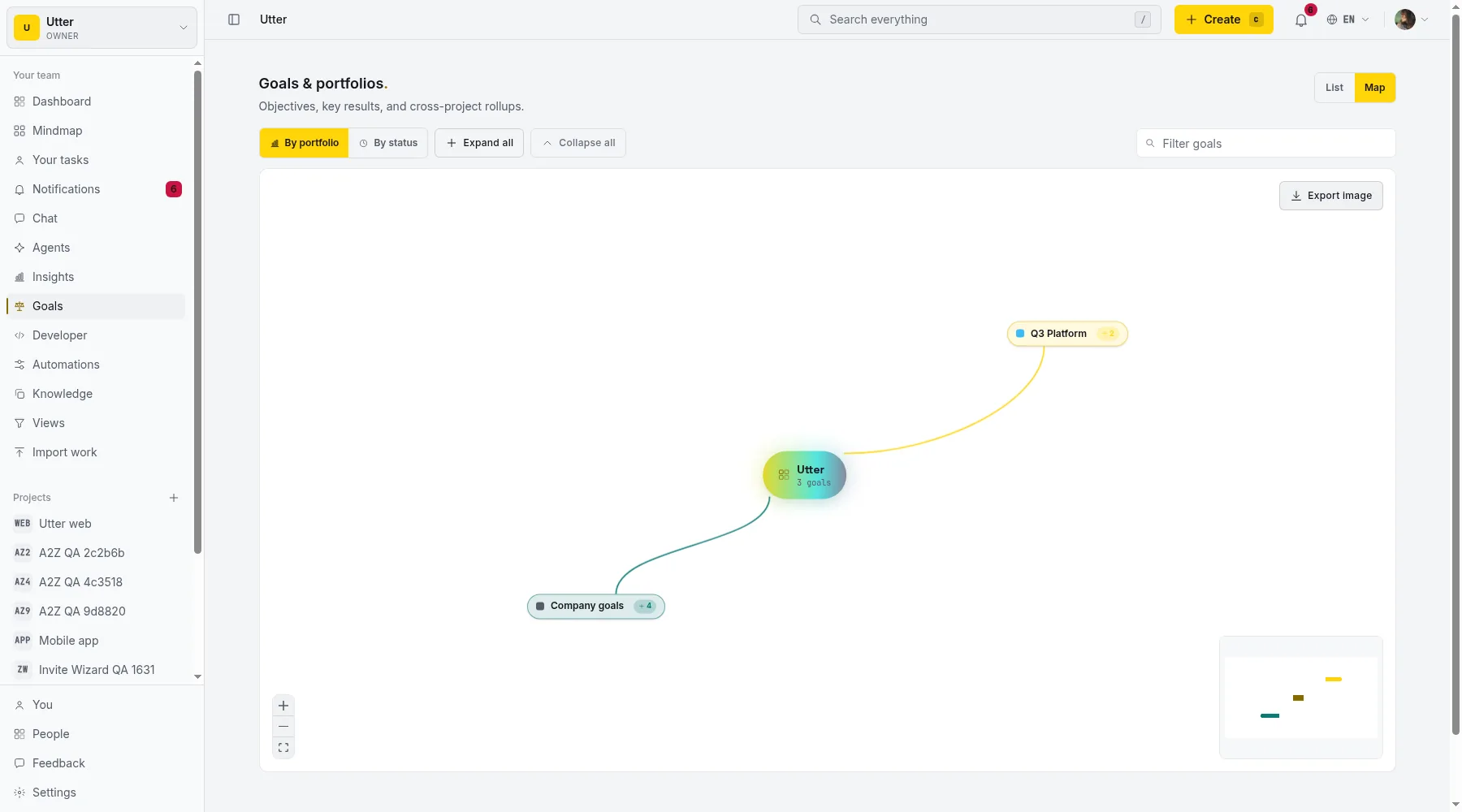
A goal can align to a parent goal, so a team objective ladders up to a company objective, and progress rolls all the way to the top. The result is a tree you can actually read:
flowchart TD
  C[Company: Default tracker for AI-native teams] --> G1[Reach 1,000 activated teams]
  C --> G2[Cut time-to-first-value under 10 min]
  G1 --> K1[Activated teams 200 to 1,000]
  G1 --> K2[Week-1 retention 30% to 60%]
  G2 --> K3[Median setup 35 to 10 min]
The Goals map renders that same hierarchy as an interactive canvas: company objectives, portfolios, goals, and key results, filterable and groupable by portfolio or status. It is the OKR tree and the roadmap in one view.
Status that updates itself
Every goal gets a status: on track, at risk, or off track (plus a quiet "not started" until it has any measured progress, and "done" once it hits 100 percent). Utter derives it by pacing progress against the cycle rather than against a fixed percentage. The rule is a gap between how far along the work is and how far along the calendar is. Stay within about 10 points of the calendar (or ahead of it) and you are on track; fall 10 to 25 points behind pace and it flips to at risk; more than 25 points behind and it reads off track. A goal that is 30 percent done a third of the way through the quarter is fine; the same 30 percent three quarters through is off track. If a goal has no cycle dates to pace against, Utter falls back to plain progress bands instead.
You can override the status when you know something the calendar does not, and the override wins over the derived value until you clear it. Otherwise the default keeps itself current.
A background worker re-runs this on a schedule and caches the result. It only pings you when a goal gets worse: the first time it slips into at risk or off track, the owner, the portfolio lead, and anyone watching the goal get a notification, and the goal shows up in the weekly digest email. It does not re-ping while the goal holds at that state, so the alert means something changed. You find out a goal is in trouble while there is still a quarter left to fix it, not at the retro.
On every plan, not just the enterprise tier
Portfolio management and OKRs are usually the thing vendors lock behind the most expensive plan. Utter ships them on every plan, capacity-capped instead of feature-gated: the Free plan includes one portfolio and three goals, and paid plans raise the caps. A small team gets to run real objectives without an enterprise contract, which is the whole point of putting goals next to the work.
OKRs in the API and over MCP
Everything a person does in the Goals hub has a programmatic twin. Portfolios, goals, and key results are full REST resources, and because Utter's MCP server derives from the same OpenAPI spec, an AI agent can create and update them in natural language too. Creating a goal with a key result is one call:
curl -X POST https://utter.ae/api/v1/workspaces/acme/goals \
  -H "Authorization: Bearer $UTTER_API_KEY" \
  -H "Content-Type: application/json" \
  -d '{"title":"Reach 1,000 activated teams","cycle_due_at":"2026-09-30"}'
const goal = await fetch(
"https://utter.ae/api/v1/workspaces/acme/goals",
{
method: "POST",
headers: {
Authorization: `Bearer ${process.env.UTTER_API_KEY}`,
"Content-Type": "application/json",
},
body: JSON.stringify({
title: "Reach 1,000 activated teams",
cycle_due_at: "2026-09-30",
}),
},
).then((r) => r.json());import os, requests
goal = requests.post(
"https://utter.ae/api/v1/workspaces/acme/goals",
headers={"Authorization": f"Bearer {os.environ['UTTER_API_KEY']}"},
json={"title": "Reach 1,000 activated teams", "cycle_due_at": "2026-09-30"},
).json()Point a coding agent at the workspace and it can open a key result scoped to its own backlog, then watch its own progress climb as it closes issues.
Where a dedicated OKR platform still wins
Be straight about the edge. If you run OKR cascades across dozens of teams with formal check-in cadences, confidence scoring, and a strategy function that owns the process, a standalone platform built only for that will go deeper than Utter does. Utter's bet is smaller and more connected: goals that live where the work lives, so the objective and the tracker are the same tool and the numbers never drift. For most teams and portfolios shipping real delivery, that is the version that actually gets used.
Try it on your own work
Open a free workspace, group a couple of projects into a portfolio, and set one goal with a key result tied to a real backlog. Give it a week and see whether the number moves on its own. That is the test that matters.
Frequently asked questions
Does Utter have OKRs and portfolio management?
Yes. Utter has portfolios (named groups of projects with a combined rollup) and goals with measurable key results, on every plan. They live inside the tracker next to the board and backlog, so goals sit with the work rather than in a separate document.
How do OKRs connect to the actual work in Utter?
A key result can be an auto metric: you pick a scope (a portfolio, projects, an issue type, a label, or an assignee) and the key result tracks the share of that work that is done. Progress moves as issues close, with no manual number to update. You can also use a manual metric with a start, target, and current value.
What is the difference between a portfolio and a project?
A project holds issues. A portfolio is a named group of projects that gives you one cross-project rollup (throughput, cycle time, status mix, workload) across every project in the group. A project can belong to more than one portfolio.
Can I use OKRs on the free plan?
Yes. Portfolios and goals are on every plan, capacity-capped rather than feature-gated. The Free plan includes one portfolio and three goals; paid plans raise the caps. There is no enterprise-only wall around goal tracking.
Do goal statuses update automatically?
Yes. Utter derives on track, at risk, or off track by pacing progress against the cycle dates, and a background check re-runs it on a schedule. When a goal slips, the owner, the portfolio lead, and anyone watching get a notification, and it appears in the weekly digest. You can override the status manually when you know better.
Can goals align to a company objective?
Yes. A goal can align to a parent goal, so team objectives ladder up to company objectives and progress rolls all the way up. The Goals map renders the full hierarchy (company objectives, portfolios, goals, key results) as an interactive canvas.
Is there an API for OKRs?
Yes. Portfolios, goals, and key results are full REST v1 resources, and Utter's MCP server derives from the same OpenAPI spec, so AI agents can read and write them in natural language too. An agent can open a key result scoped to its own backlog and watch its own progress.
Related reading
Project reports and insights
Read Utter's project reports and dashboards: Summary KPIs, sprint burndown, cycle time, throughput, workload, and workspace Insights, with the honest limits on each.
July 15, 2026 · 16 min read

How to track and vote on feedback
A hands-on tour of Utter's product feedback board and roadmap: post ideas, vote, and read the Tracking board and Changelog as a live public roadmap.
July 15, 2026 · 17 min read
How to read the project summary
Read the Utter project Summary tab like a pro: what every card shows, how each number is computed, what good looks like, and where the dashboard stops.
July 15, 2026 · 16 min read
Monday.com alternatives built for software teams, not marketing ops
Monday.com alternatives for software teams: real pricing (3-seat minimum vs $3/$6 per builder seat), category-backed statuses, sprints with carryover, and agents as free members not billed integrations.
July 16, 2026 · 12 min read
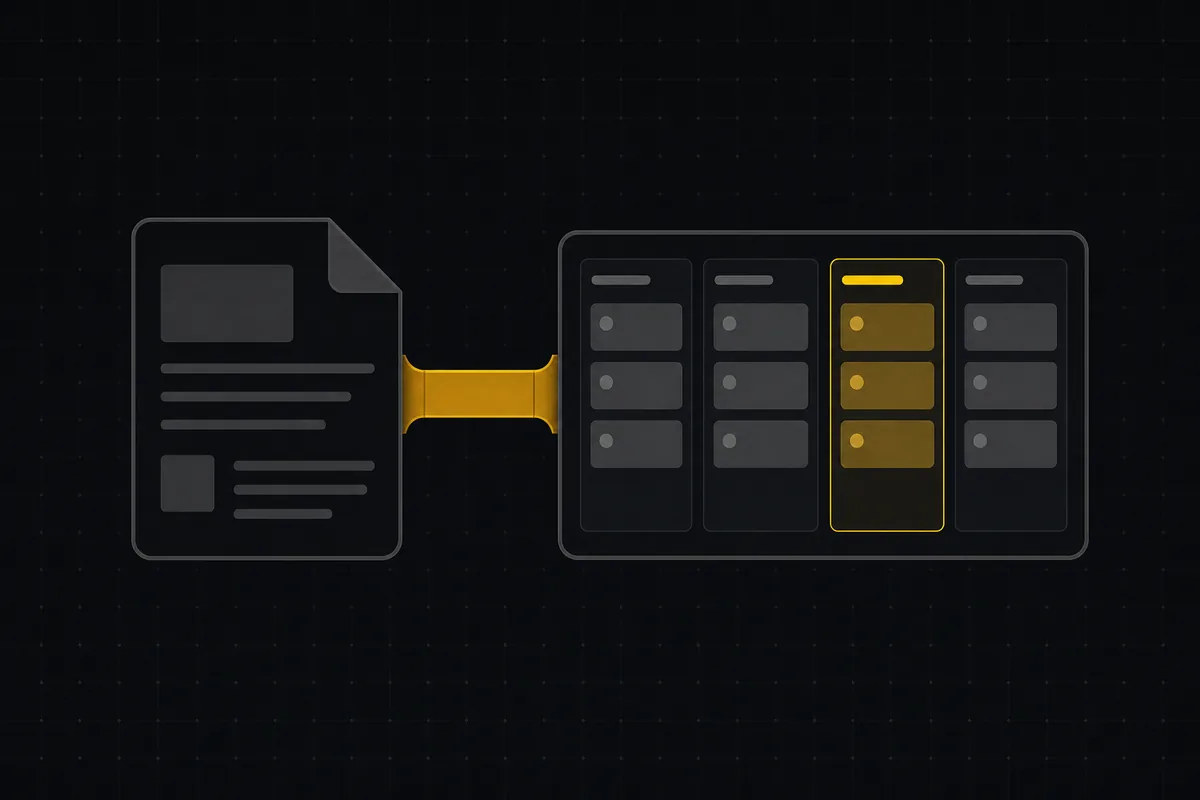
A Notion alternative for project management (keep the docs, gain a real tracker)
A Notion alternative for project management that keeps your docs and adds a real tracker: category-backed statuses, native sprints with carryover, computed burndown, agents over MCP.
July 16, 2026 · 14 min read

Story points or hours, and parallel sprints when squads share a project
Utter now estimates in story points or hours per project (Fibonacci scale, points-based velocity) and runs parallel sprints when squads share a project. Both opt-in, on every plan.
July 17, 2026 · 7 min read
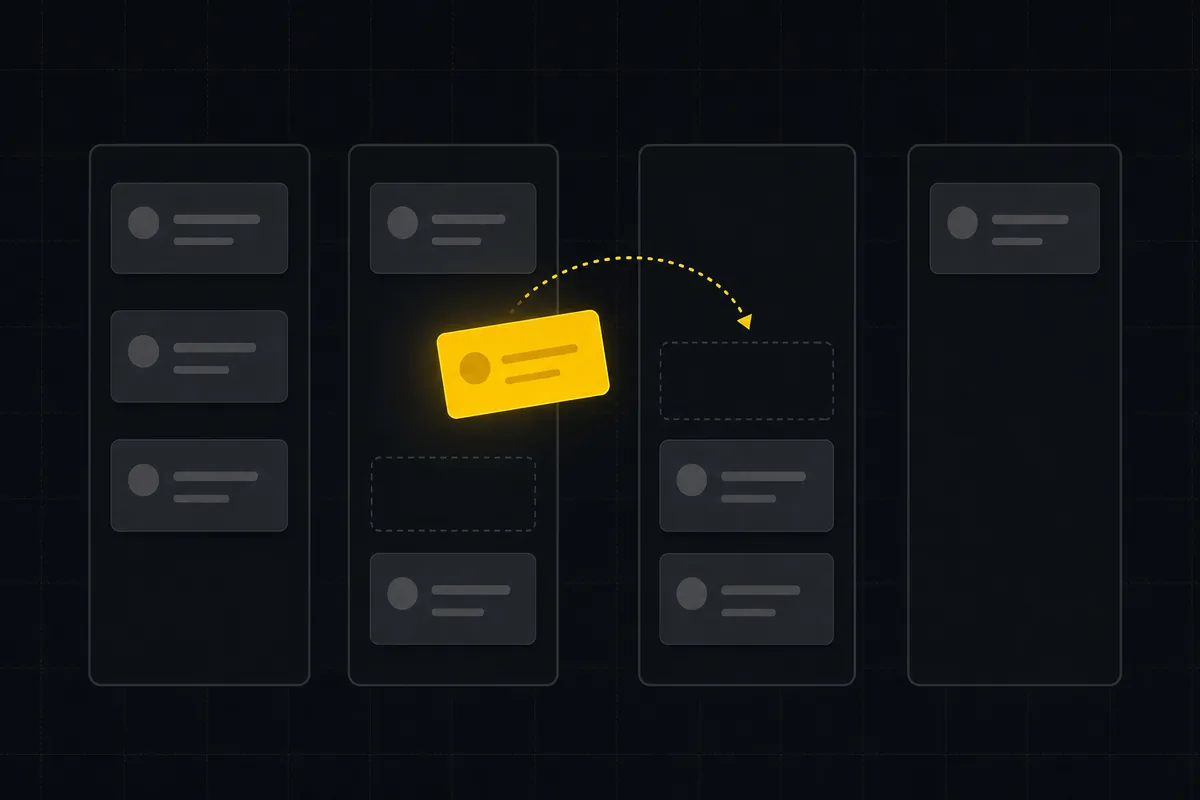
How to use a kanban board: a complete guide with a real example
Learn how to use a kanban board in Utter: read cards, drag tasks between columns, add and reorder custom columns, set WIP limits, filter, and save views.
July 15, 2026 · 20 min read
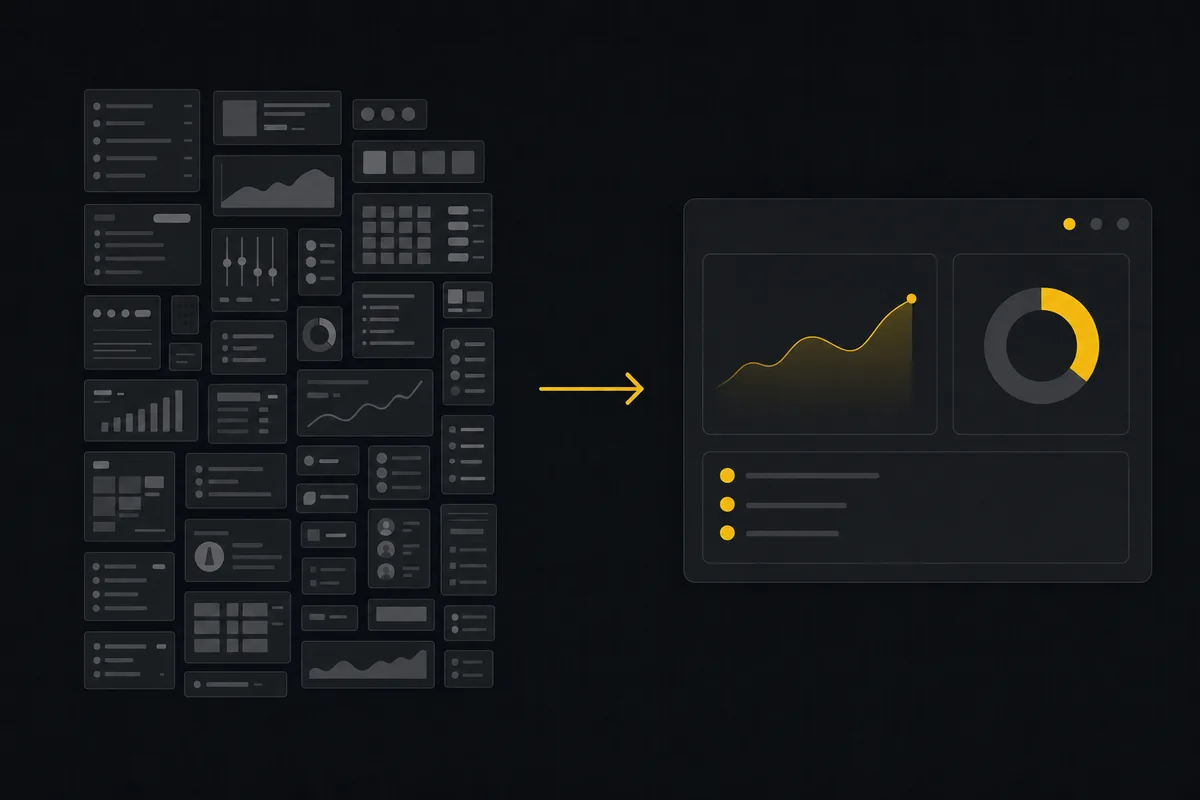
ClickUp alternatives for teams who want calm, not more features
ClickUp alternatives for teams who want a calm tracker they will actually adopt. Honest July 2026 pricing and AI-cost tables, where ClickUp still wins, and Utter's free agent members.
July 16, 2026 · 15 min read
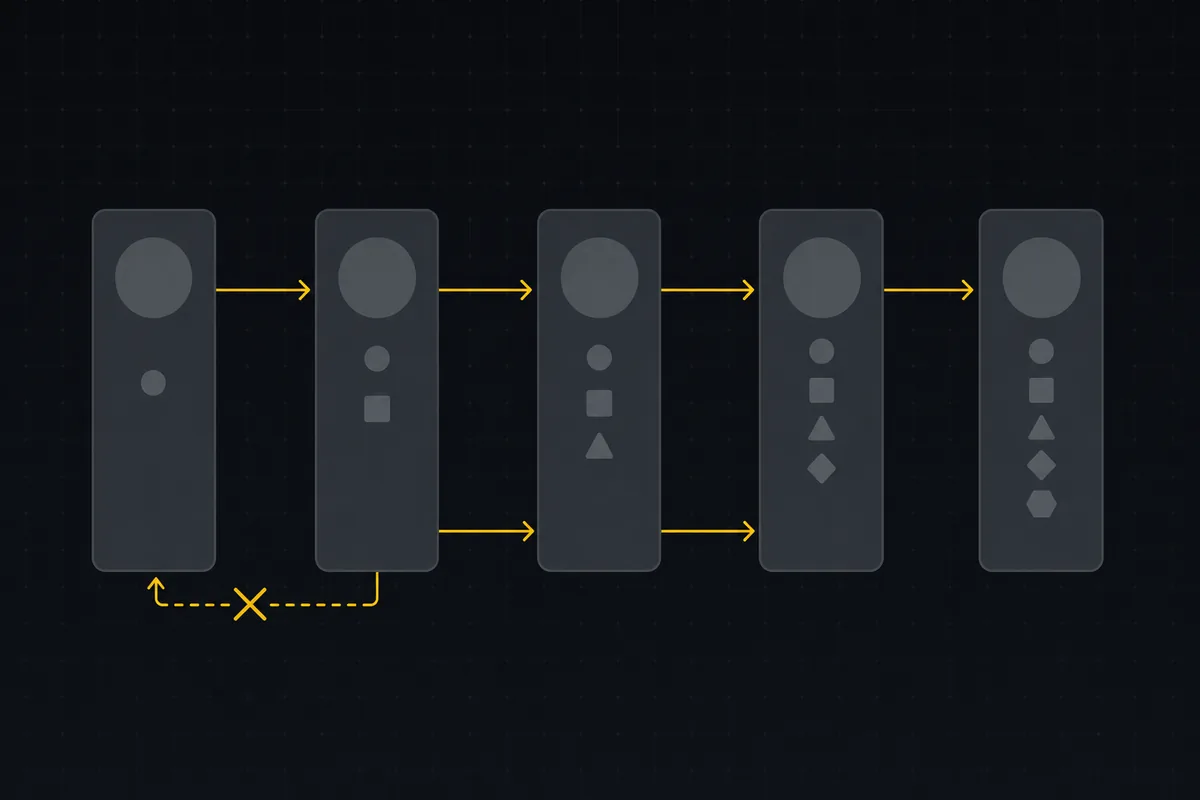
Custom workflow statuses
Build custom Jira-style board columns in Utter and enforce status transition rules across the board, API, bulk edits, and automations. With the honest limits.
July 15, 2026 · 18 min read
A Trello alternative for when a board stops being enough
Trello alternative comparison: what breaks when a board stops being enough, an honest Trello vs Utter pricing and feature comparison as of July 2026, and how to keep the board while adding sprints, a ranked backlog, and reports.
July 16, 2026 · 12 min read
Add a comment
Start the conversation.