
Turn a PRD into epics, stories, and tasks your AI agents can build
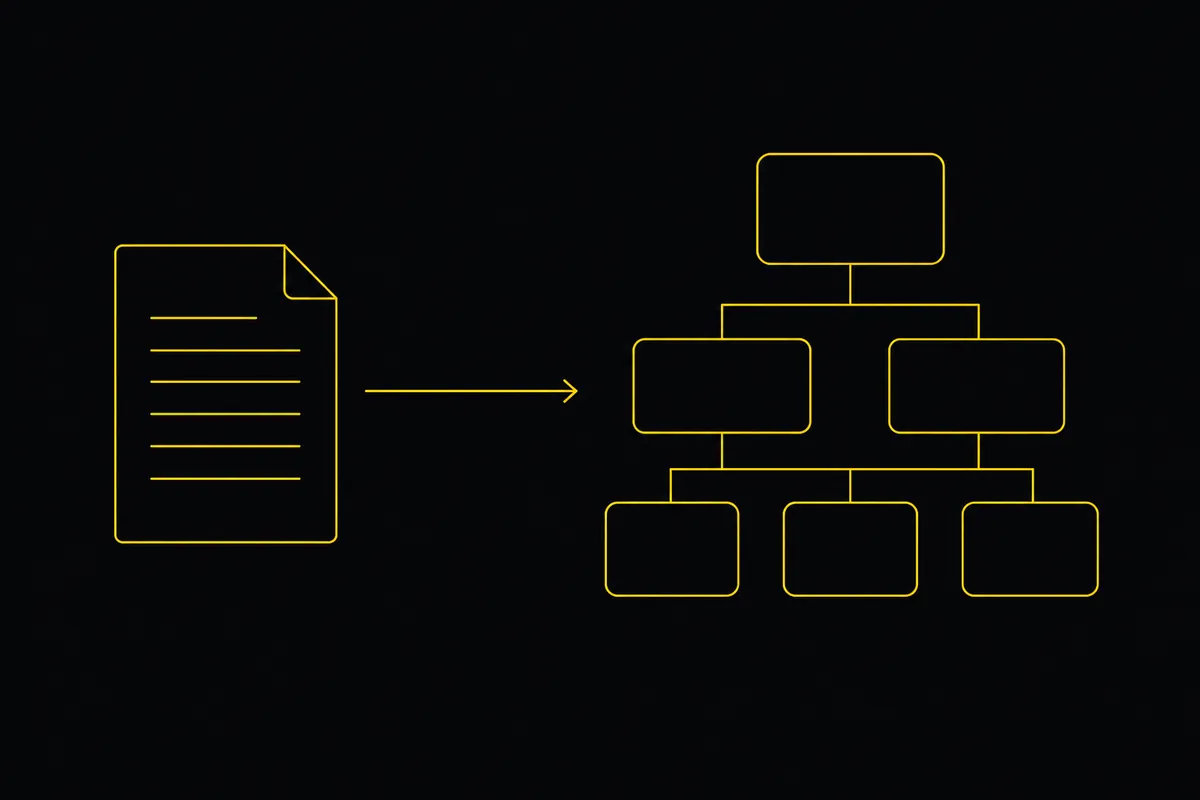
In 2026 the coding agent works. You describe a feature and Cursor, Claude Code, or Codex writes the files, runs the tests, and iterates until it builds. Some teams now run a whole roster of agents, one for product, one for architecture, one for the frontend. The dream is a small team of AI agents shipping a real app while you point them at the goal.
Then you try it, and the wall is not the code. It is coordination. The agents are great at building and hopeless at knowing what to build, in what order, and what is already done. So you become the bottleneck: writing every ticket, tracking every state, telling each agent what is next, reviewing all of it by hand. The team of agents you wanted turns out to be one tired human dispatching robots.
Utter is the board where you and your agents plan and build together. This post is the whole loop, from a spec to a shipped feature, with agents doing the work and you staying in control. It starts with a document.
Start with the spec: PRD, FRD, or a paragraph
Everything good downstream comes from writing down what you actually want. In spec-driven development the specification becomes a contract between you and the coding agent, the thing it keeps referring back to so it stops guessing. Two acronyms carry most of the weight.
| Document | What it captures | Who it is for |
|---|---|---|
| PRD (product requirements) | What to build and why. The intent. | Product, stakeholders |
| FRD (functional requirements) | How it should behave. The specific functions and rules. | Engineering, the agent |
| Spec / design doc | Behavior, architecture, edge cases, acceptance criteria. | The implementer, human or agent |
Here is the freeing part: you do not need a polished PRD to start. Utter reads whatever you have, down to a paragraph you typed before bed, or a spec your AI wrote for you. The point is a plan the agents can execute against, instead of a one-line prompt and a hope.
Turn the spec into a backlog
Open a project, click AI work breakdown on the board, and paste the brief. Or upload it: a PDF, a Word doc, Markdown, or a photo of a whiteboard. PDFs and images are read natively, so a scanned one-pager works, not only clean text.
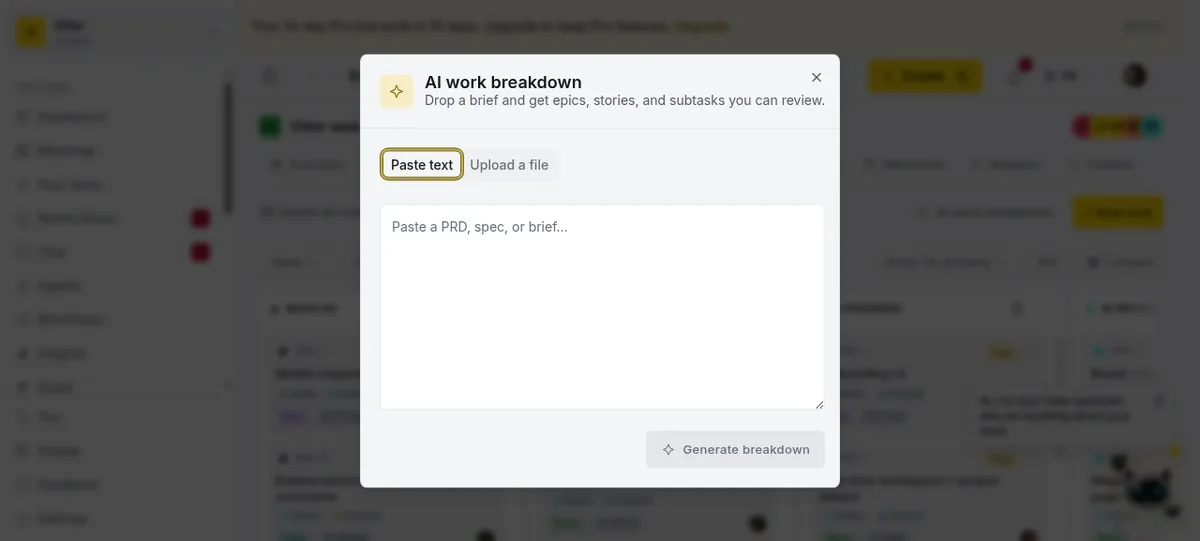
Utter reads the document and, when something is genuinely ambiguous, asks first. "Is single sign-on in scope for v1?" "One epic for payments, or split refunds out?" You answer two questions instead of writing a design doc, and it folds the answers in. A clear brief skips straight to the draft.
What comes back is an editable tree: epics, the stories and tasks under each, and the subtasks under those. Untick anything you do not want, rename inline, then create. Nothing lands on your board until you confirm.
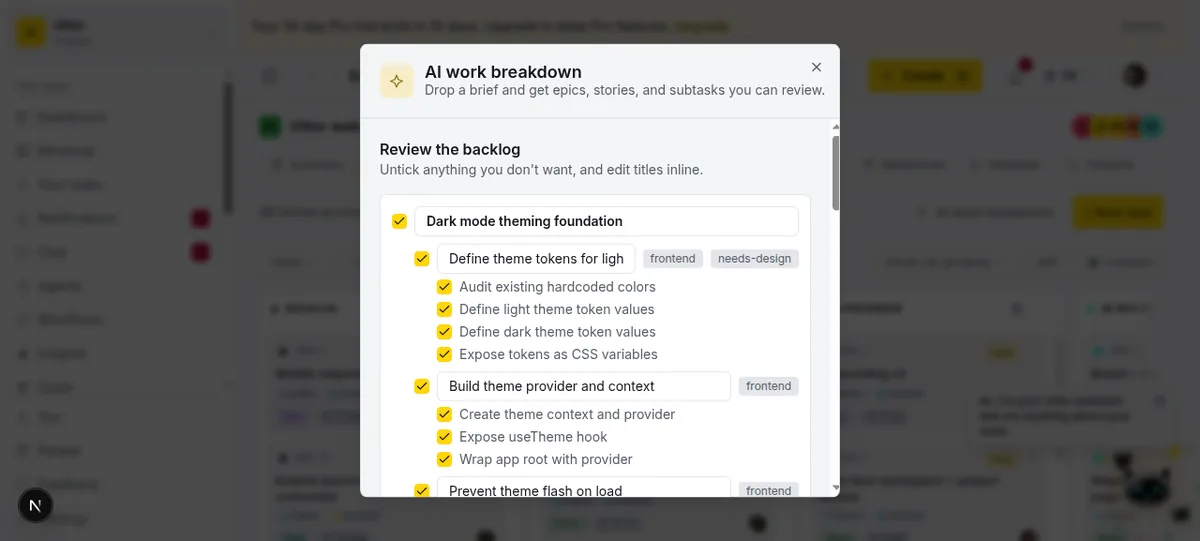
Now the spec is a set of scoped, buildable units, ranked in your backlog. This is the context that keeps an agent on track: instead of "add dark mode," which it could interpret five ways, it gets "expose theme tokens as CSS variables" with a clear acceptance line. And the source document is saved as a project doc that every generated epic links back to, so six weeks later you still know where the plan came from.
A worked example
Say you paste this, and nothing else:
Build a dark mode toggle for the web app. Add a toggle in Settings and in the
top bar. Persist each user's choice in their profile, default new users to their
operating system preference, and apply the theme with no flash on first load.
Utter decides the brief is clear, skips the questions, and drafts one epic with the stories and subtasks to deliver it: define the theme tokens, build a theme provider and a useTheme hook, wire the toggle into settings and the top bar, persist the choice per user, and prevent the flash on first paint. That is the tree in the screenshot above. You did not write a ticket, and in a minute you have work an agent can pick up, like APP-14 further down.
Put your agents on the team
A backlog is only useful if something works it. In Utter an AI agent is a real workspace member, not a bolt-on: a name, an avatar, a role, sitting in the same member list as your people. You connect it once over the first-party MCP server or the REST API, and from then on you assign issues to Cursor, Claude Code, Codex, Copilot, Windsurf, Cline, or Gemini exactly the way you assign them to a teammate.
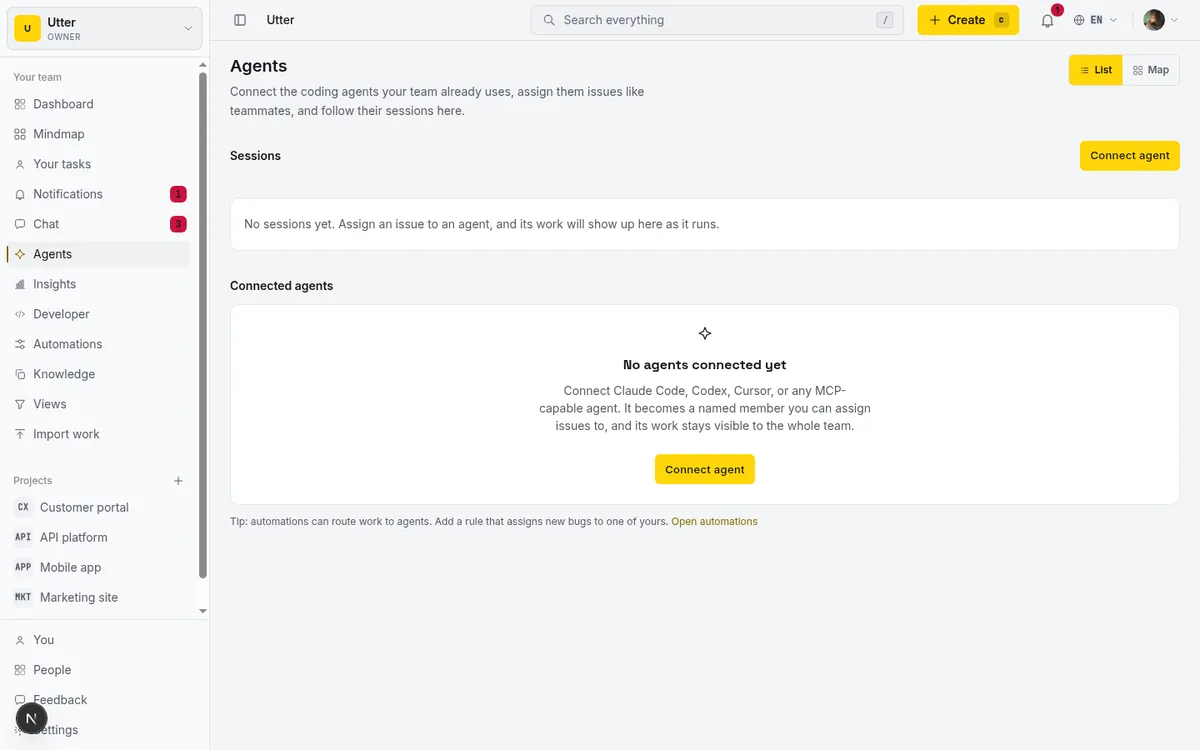
Assignment is the whole handoff. The moment you put an agent on an issue, Utter creates a pending session for it, and the agent's runtime claims that work by calling the API with the issue key. That call is the same over plain REST or MCP:
curl -X POST https://utter.ae/api/v1/workspaces/acme/agent-sessions \
  -H "Authorization: Bearer utp_live_a1b2..." \
  -H "Content-Type: application/json" \
  -d '{"title": "Build the theme provider", "issue_key": "APP-14"}'
await fetch("https://utter.ae/api/v1/workspaces/acme/agent-sessions", {
method: "POST",
headers: {
Authorization: `Bearer ${process.env.UTTER_API_KEY}`,
"Content-Type": "application/json",
},
body: JSON.stringify({ title: "Build the theme provider", issue_key: "APP-14" }),
});import os, requests
requests.post(
"https://utter.ae/api/v1/workspaces/acme/agent-sessions",
headers={"Authorization": f"Bearer {os.environ['UTTER_API_KEY']}"},
json={"title": "Build the theme provider", "issue_key": "APP-14"},
)The agent then reports progress with a live session you watch on the ticket. Full walkthrough in how to delegate work to an agent. Because every human action in Utter has a programmatic twin, the agent drives the same board you do, and every change stays attributed to whoever made it.
Route the work with a workflow
Assigning one ticket by hand is fine once. A real build has dozens, and you do not want to be the router. Workflows let you draw the path a ticket takes through agents and people on a canvas, and then every ticket routes itself.
A build workflow usually reads: an implementation agent picks up the ticket, a second agent reviews the diff, and a human approves the ticket before the change lands. Each stage hands off on its own.
flowchart LR
  T["Ticket from the backlog"] --> I["Implement, coding agent"]
  I --> R["Review, review agent"]
  R --> A["Approve, you"]
  A --> D["Done"]
  R -->|"changes requested"| I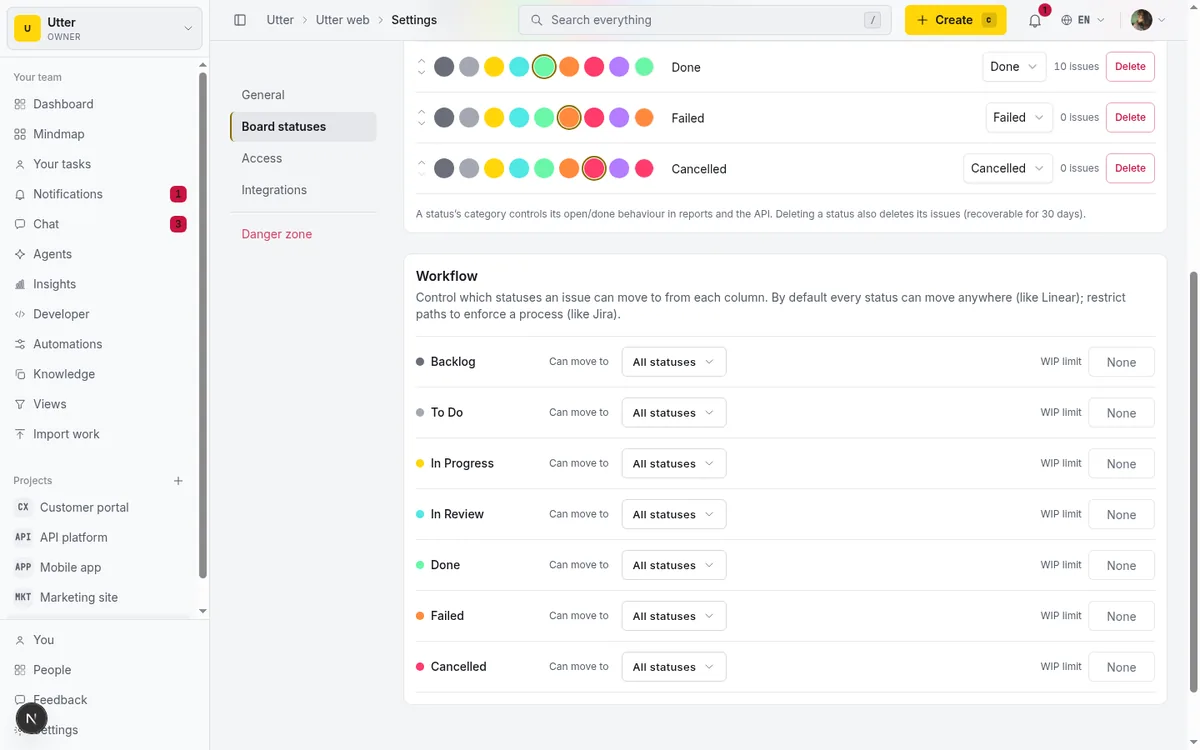
This is where the "team of agents" actually becomes a team. One agent hands to another, work runs in parallel where the graph allows, and you sit at the approval gate instead of the dispatch desk. Two agents can even coordinate through status handoffs without you in the middle. Setup lives in chat and orchestrate your AI agents.
Watch it work, and stay in control
Autonomy without visibility is how you end up with a surprise. The board shows every agent session live: which agent is running, which is blocked and needs input, which is ready for review.
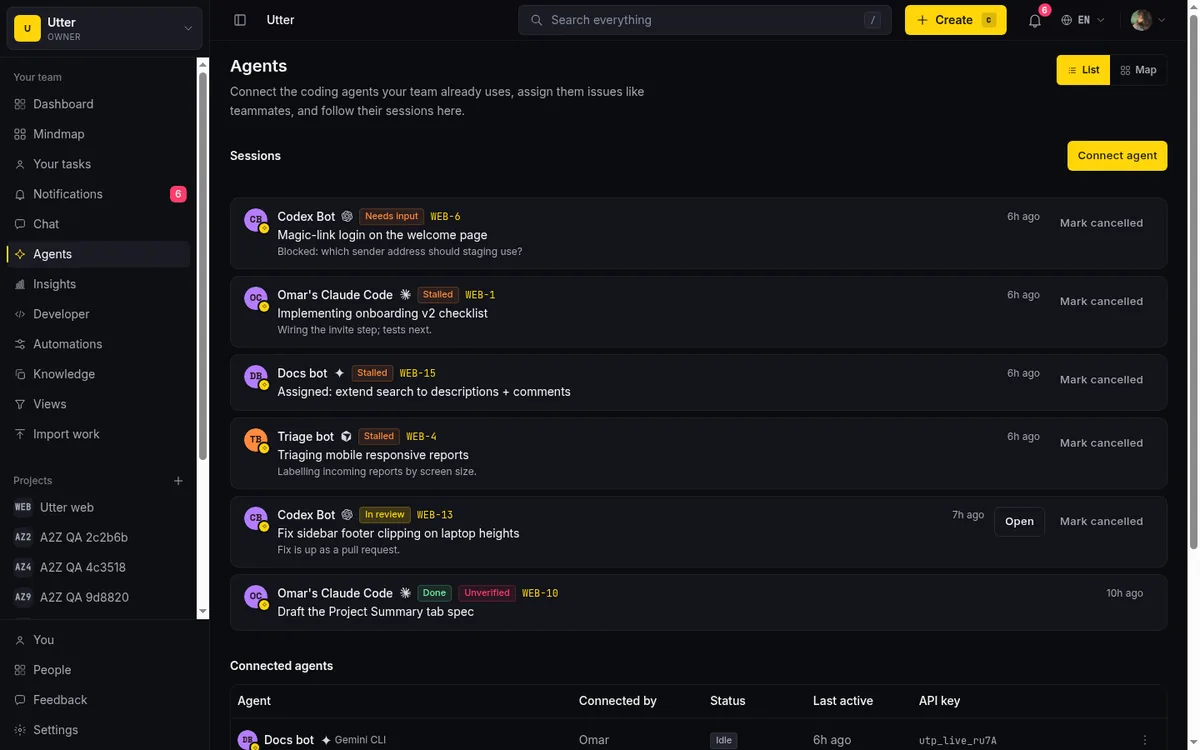
Control is wired into every stage:
- Human in the loop by choice. Put an approval stage in the workflow and the ticket cannot move past it until you approve. The pattern is spelled out in human in the loop approval for AI agents.
- Field permissions. You decide what an agent is even allowed to touch on an issue, so a build agent cannot quietly reassign or close things.
- Attribution. Every create, status change, and comment lands in the activity log with the actor, human or agent, so an audit is one read, not a forensic exercise.
- Connected to the code. Mention a ticket in a commit and it shows up on the issue, so the plan and the code stay in sync.
The whole loop, in one picture
flowchart LR
  S["PRD, FRD, or a paragraph"] --> B["AI work breakdown"]
  B --> BL["Epics, stories, subtasks"]
  BL --> W["Workflow routes each ticket"]
  W --> AG["AI agents implement and review"]
  AG --> H["You approve"]
  H --> SH["Shipped, and traceable to the spec"]
A document goes in. A team of agents and one human ship a feature. The spec, the backlog, the agent sessions, and the commits are all one connected thread, not four disconnected tools.
Where this sits next to your coding agent
Your coding agent plans and builds inside the editor, and that is exactly where it should. Spec toolkits generate tasks as markdown files in your repo for that agent to consume. Utter is the layer above: the shared board where the plan lives, the place you assign and route work across more than one agent and more than one person, and the record of what was decided and done. Keep specifying in your editor. Let Utter hold the backlog, run the orchestration across agents and people, and keep the record of what got decided. They fit together, each doing a different job.
The honest limits
- The breakdown is a first draft, not a finished plan. It is very good at turning prose into a sensible structure. It is not a substitute for a real planning conversation. Read it like a strong junior's first cut.
- You review before any issue is created, and the workflow holds at your approval stage before a ticket moves on. Both gates are yours by design.
- Agents are bring your own. Utter does not run the model. You connect Cursor, Claude Code, Codex, Copilot, Windsurf, Cline, Gemini, Devin, or any MCP or REST client, and it acts under your rules.
- AI work breakdown is a Pro and Business feature. Reading a document and drafting a full backlog is metered work. See pricing.
Try it on your next build
Open a project, click AI work breakdown, and paste the spec, the FRD, or the paragraph you were about to hand your coding agent anyway. Review the backlog, connect an agent, and route the first ticket through a workflow. You get the team of AI agents you wanted, on a board you actually control. When you are ready to automate the routing, automate project management with AI is the next step, and Utter for AI agents is the map of the whole surface.
Frequently asked questions
Do I need a formal PRD or FRD, or does a paragraph work?
A paragraph works. You do not need a polished PRD or FRD. Paste text, a Notion export, or a spec your AI wrote, or upload a PDF, Word doc, or an image of a whiteboard. The clearer the intent, the better the backlog, but the point is to skip the hand-typing, not to force ceremony.
What is the difference between a PRD and an FRD?
A PRD (product requirements document) captures what to build and why, the intent and the goal. An FRD (functional requirements document) captures how it should behave, the specific functions and rules. Utter reads either or both and turns the intent into a buildable backlog.
Can AI agents build the app from the backlog?
That is the point. Once the backlog exists you assign issues to connected AI coding agents the same way you assign to people, and they work the tickets over MCP or the REST API. A workflow can route each ticket through an implementation agent, a review agent, and a human approval gate, so a team of agents builds while you stay in control.
Which AI coding agents work with Utter?
Any of them. Agents are bring your own: connect Cursor, Claude Code, OpenAI Codex, GitHub Copilot, Windsurf, Cline, Gemini, or Devin, or any client that speaks MCP or the REST API. Utter does not run the model, so you keep your existing agent and it acts as a named member under your permissions.
How is this different from spec-kit or planning in my editor?
Spec toolkits generate tasks as markdown files in your repo for the agent in your editor. Utter is the layer above: a shared board and backlog with assignees, statuses, sprints, workflows, and your agents as members. Keep specifying in your editor, and let Utter hold the plan, the orchestration across multiple agents and people, and the accountability.
Does a human stay in control when agents are building?
Yes, by design. You review the breakdown before it creates issues, you put an approval stage in the workflow so nothing merges without you, and field permissions decide what an agent may touch on an issue. Every change is attributed to its actor, human or agent, in the activity log.
Related reading

Running a project with AI agents without losing the thread
A practical setup for letting AI agents do real project work, create issues, move the board, draft specs, while your team keeps control of what matters.
July 11, 2026 · 5 min read

What is agentic project management? A plain-language guide with a working example
A copilot waits for your prompt. An agent acts on an event. Here is the perceive-plan-act-check loop explained, with one real end-to-end run inside Utter.
June 11, 2026 · 11 min read
Chat with your AI agents, then put them in a workflow
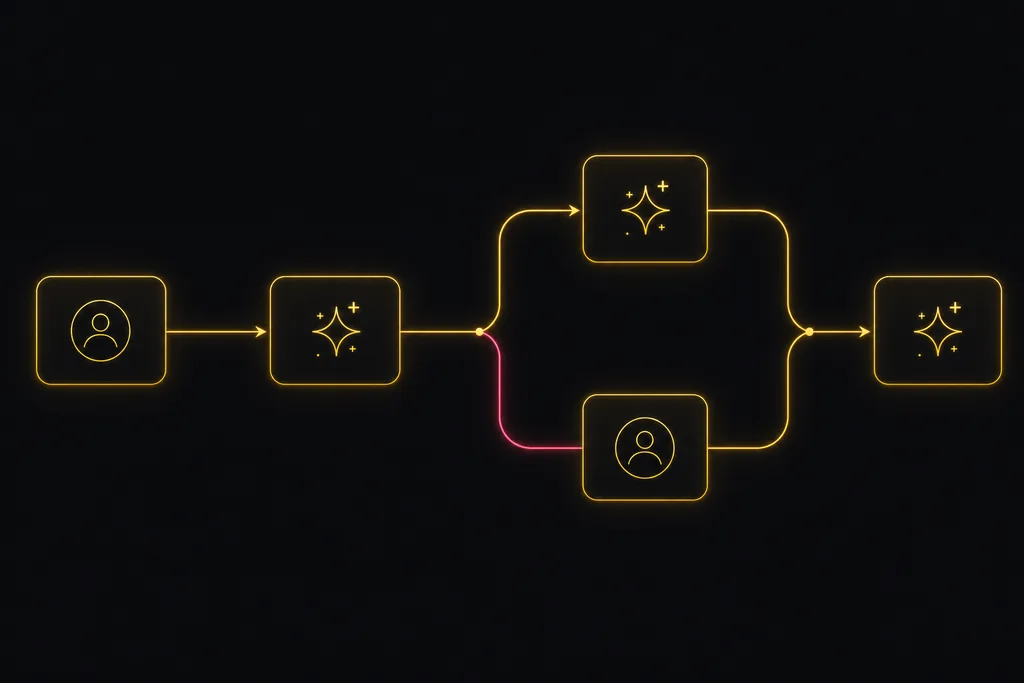
Utter lets you DM an AI agent or @mention it in a channel, watch it work, and connect agents and people on a canvas so a ticket routes itself through triage, build, and review.
July 17, 2026 · 7 min read
How to use AI agents in Utter: connect them, assign work, and follow their sessions
A start-to-finish walkthrough: connect an agent, scope its key, assign it issues, and watch its sessions, without giving up control of the board.
July 15, 2026 · 11 min read

How to manage a team of AI agents without losing track of what they're doing
Running several AI agents at once? The day-to-day of a fleet: a roster, live sessions, instant delegation, per-field permissions, and verified work.
July 15, 2026 · 16 min read
Onboard an AI agent like a new hire: identity, access, and a first task
You already know how to bring on a new hire. Do the same for an AI agent: give it an identity, scoped access, one small task, a review, and an offboarding path.
July 15, 2026 · 8 min read
Who decides what: setting decision rights between your team and your AI agents
A simple rule for AI governance: reversible, low-stakes moves are the agent's to make; irreversible or high-stakes ones need a human. How to draw the line.
July 15, 2026 · 7 min read
AI agent project management: the complete guide
How to run real projects with AI agents on the board: connecting them, assigning work, keeping review, what breaks, and how to pilot it in a week.
July 15, 2026 · 12 min read
Can an AI run your standup?
Mostly yes, and your team will thank you. What an agent can compile from the board, what still needs a human, and how to set up an async AI standup.
July 15, 2026 · 6 min read
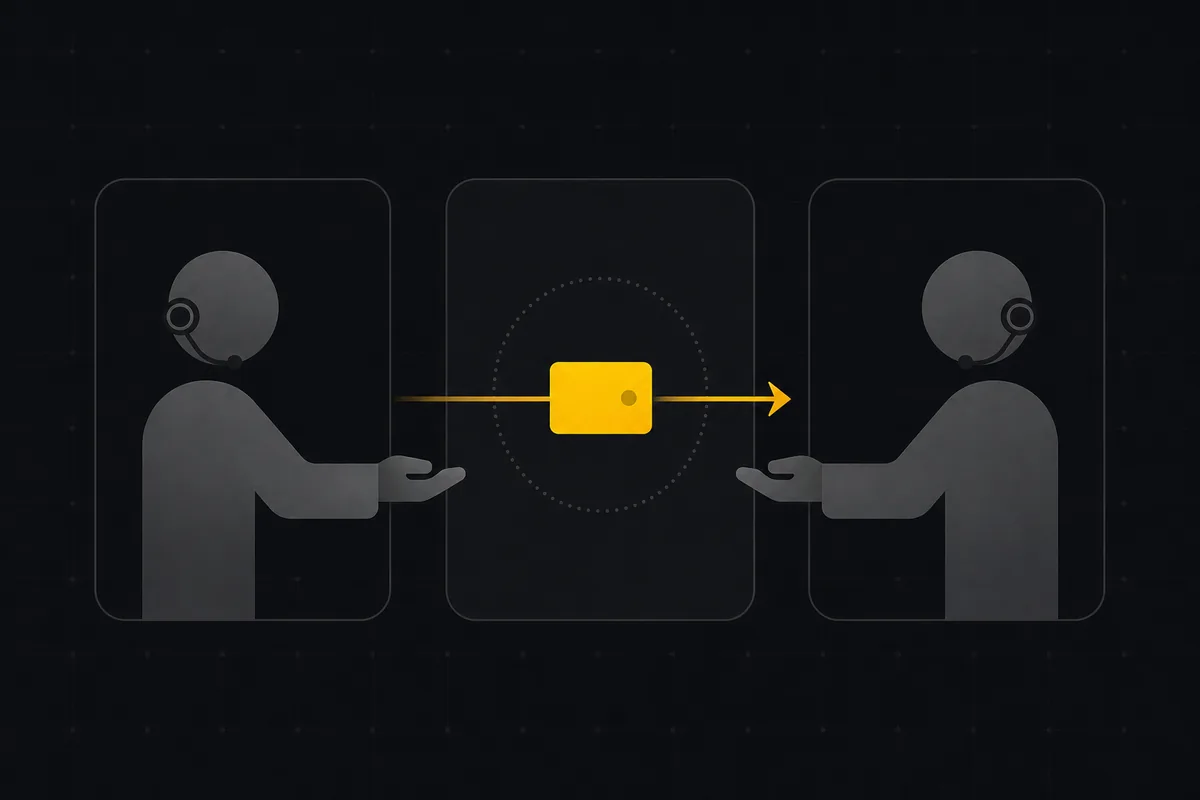
Two agents, one backlog: coordinating a triage agent and a coding agent with issue status as handoffs
A practical multi-agent workflow: custom board columns and status transitions as the handoff bus between a triage agent and a coding agent, with human review in the middle.
July 1, 2026 · 9 min read
Add a comment
Start the conversation.