
Turn a request form into a triaged issue automatically (no human inbox in the middle)
Requests do not stall because nobody wants to do the work. They stall because they land in an inbox, and an inbox is a queue with no owner. A bug report from a customer, an access request from another team, a "can you look at this" from sales, all pile into someone's email, and that person becomes the bottleneck.
They forward, they copy-paste into the tracker, they set a priority they are guessing at. The request waits for them to have a free half hour.
The fix is not a better inbox. It is deleting the inbox from the path. A public form should create a real, tracked, already-classified issue the moment someone hits submit, with no human relay in between. Here is how that flow works in Utter, and, honestly, where a person still has to stay in the loop.
The path, end to end
An intake form in Utter lives at a public URL:
https://utter.ae/f/<token>You share the token, external submitters do not need an account, and you never expose the workspace. When someone submits, four things happen in order:
- An issue is created in the project the form is attached to.
- The form's routing defaults are stamped onto that issue.
- The workspace's
issue.createdautomations run against it. - If AI triage is on for that project, it takes a first pass at priority and labels.
The same path, drawn:
flowchart TD
    S["External submitter fills the public form"] --> I["Issue created in the form's project"]
    I --> RD["Routing defaults stamped: assignee, labels, sprint"]
    RD --> AU["issue.created automations run"]
    AU --> AI["AI triage takes a first pass, if enabled"]
    AI --> B["A classified, owned ticket on the board"]
By the time you look at the board, the request is a ticket that already has a home, an owner, and a rough classification. Nobody triaged it by hand. Let me walk each step.
Step one: the form becomes an issue
You build the form in the project's Forms tab. Fields come in the usual kinds: short and long text, email, number, a rating, single and multi select, date, file upload, and a few more. Each answer either maps onto an issue field or gets composed into the issue body, so the ticket reads like something a teammate wrote, not a raw form dump.
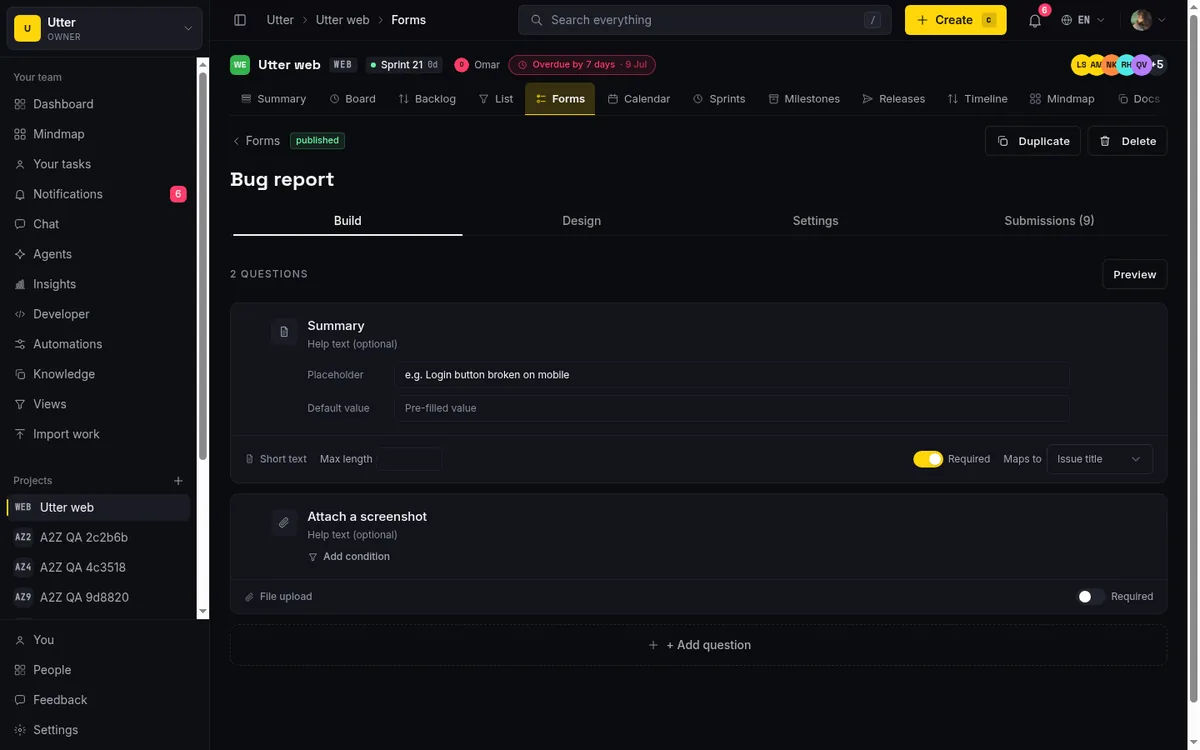
File uploads work too. An external submitter can attach a screenshot or a log, and it lands as a real attachment on the created issue. Those bytes count against your workspace storage the same as any other upload, which is worth knowing before you point a busy public form at a Free workspace.
One deliberate limit: a form enforces one submission per email. That keeps a shared link from turning into a hundred duplicate tickets from the same person hammering submit. If you need repeat submissions from the same address, a form is the wrong tool.
Step two: routing defaults do the boring sorting
Every form carries a set of routing defaults, and this is where most of the "who deals with this" question gets answered without anyone reading the request. A form can set:
- the assignee, so the ticket lands on a specific person's plate
- one or more labels, so it is tagged on arrival
- a sprint, if you want intake to flow into current work
- a starting status column, so it drops into "Triage" or "Needs review" instead of the default
These are applied at creation. A "Report a bug" form can label everything bug and drop it in the QA lead's queue. A "Request access" form can assign the IT owner and start the ticket in a review column. The routing is per form, so you can run several forms into the same project with different defaults and let the form itself do the first sort.
Utter checks that each routing id actually belongs to the project before it applies it. If you point a form at a label or assignee that later gets removed, the submission still creates the issue, it just skips the stale default rather than failing. That matters for a public form you are not watching every day.
Step three: automations catch what a static default cannot
Routing defaults are fixed. Automations are conditional, and that is the difference. When the issue is created, Utter fires the workspace's issue.created automation rules against it, the same rules you would write for any issue, now reaching form intake too.
An automation is a plain "when this, if that, then these" rule. On issue.created you can match on the issue's project, type, title text, or existing labels, and then act: set a priority, reassign, add a label, move status.
flowchart LR
    T["issue.created fires"] --> C{"title contains outage?"}
    C -->|yes| A["raise priority and assign the on call owner"]
    C -->|no| D["keep the form defaults"]
So a form default might tag everything support, and an automation can then look at the title, and if it contains "outage" or "down", bump the priority and route it to the on-call assignee. The static default handles the common case; the rule handles the ones that need to jump the queue.
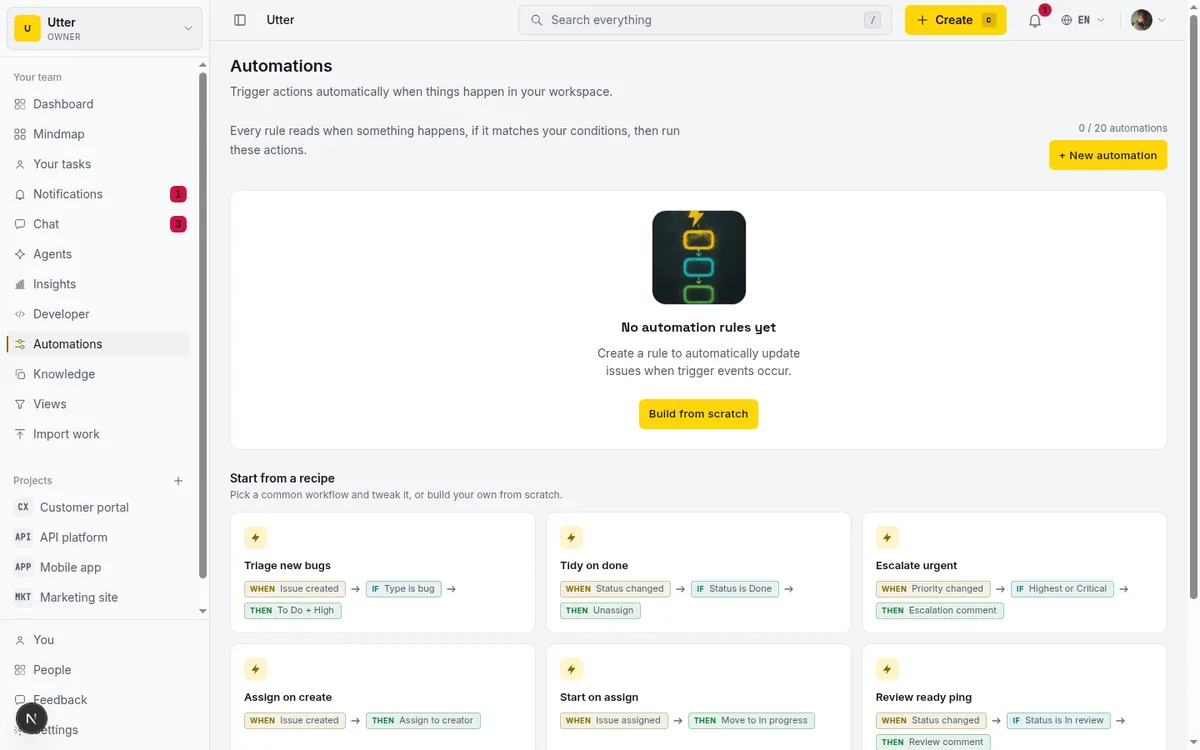
This runs best-effort and never blocks the submission. If an automation fails, the submitter still gets their confirmation and the issue still exists. You are not trading reliability for cleverness.
Step four: AI triage takes the first guess
The last layer is the one people expect to be magic and should treat as a first draft. Turn on AI triage for a project, and a newly created issue gets read by the model, which proposes a priority and labels from that project's real palette. It does not invent a label that does not exist; anything off-list is dropped. Enabled per project, it can apply that first pass on its own so the ticket is classified before a human ever opens it.
There is also a suggestion-only version on the issue page for the cases you want to keep a hand on. A person clicks, the model suggests priority and labels with a short reason, and the person applies it or ignores it. Same engine, human in the loop. For a high-volume support form, autonomous triage saves the drudgery. For anything where a wrong priority is expensive, the manual suggestion is the safer default.
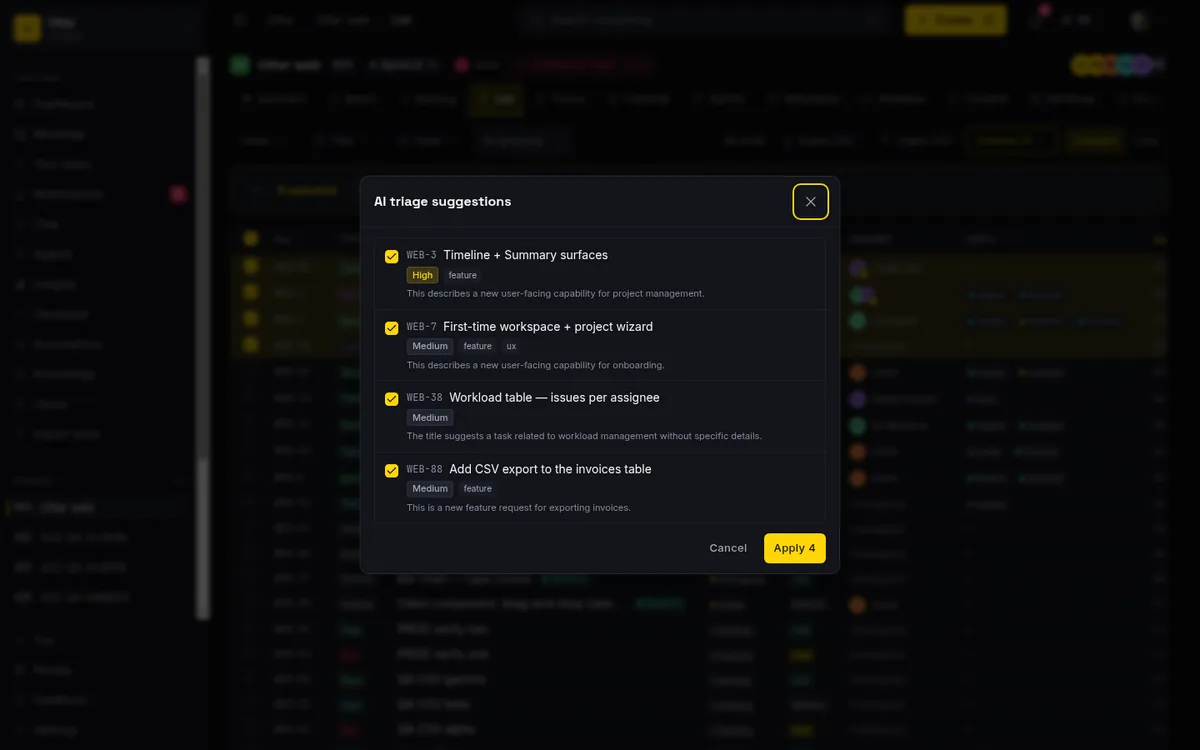
The honest caveat: AI triage is a classifier, not a judge. It is good at "this is probably a bug, probably medium, probably about billing." It is not good at knowing that this particular customer is about to churn, or that this "small" request touches a system mid-migration. Treat its output as a starting label you can override, because you will need to.
What still needs a person
The pitch is "no human inbox in the middle," and that is true for the routing. It is not true for the judgment. Here is what does not automate away.
Someone still decides the routing rules exist. The form defaults and the automations are your judgment, encoded once, applied many times. That is the point, but it is still your call, and a badly aimed rule quietly misroutes every submission until you notice.
Someone still owns the reply. A ticket landing in the right column is not an answer to the person who filed it. Utter can send the submitter a confirmation and notify the form owner, but the actual "we are looking at this, here is when" is a human writing to a human.
And someone still reviews the edges. The duplicate that slipped through, the request that is really three requests, the angry one that needs a person now. Automation clears the routine 80 percent so your attention lands on the 20 percent that actually needs it. That is the win. It is not the same as the work disappearing.
Setting it up
The short version: create a form in your project's Forms tab, set its routing defaults, write one issue.created automation for the exception you care about, and flip on AI triage if the volume justifies it. Start with the routing defaults alone, watch what lands for a week, then add the automation once you can see the pattern.
If you want the full picture of how the intake and automation pieces fit together, the forms and automation docs cover the field kinds and rule options.
Picking submissions up over the API
If you would rather have an agent read and file submissions instead of a rule, the same issues sit behind the REST API, so a scoped agent can pick them up the moment they are created. Form-created issues are ordinary issues, so a key with the issues:read scope can list them, filtered by the label your routing defaults stamp on:
curl "https://utter.ae/api/v1/workspaces/acme/projects/WEB/issues?label=bug" \
  -H "Authorization: Bearer $UTTER_API_KEY"
const res = await fetch(
"https://utter.ae/api/v1/workspaces/acme/projects/WEB/issues?label=bug",
{ headers: { Authorization: `Bearer ${process.env.UTTER_API_KEY}` } },
);
const { data } = await res.json();
for (const issue of data) {
console.log(issue.key, issue.priority, issue.title);
}import os
import requests
res = requests.get(
"https://utter.ae/api/v1/workspaces/acme/projects/WEB/issues",
params={"label": "bug"},
headers={"Authorization": f"Bearer {os.environ['UTTER_API_KEY']}"},
)
for issue in res.json()["data"]:
print(issue["key"], issue["priority"], issue["title"])The list is cursor-paginated; the response carries a pagination.next_cursor you pass back as ?cursor= when a busy form outgrows one page. From there the agent can do whatever your rules cannot: dedupe against existing tickets, ask the submitter a follow-up, or file the request under the epic it actually belongs to.
Frequently asked questions
How do you turn a request form into a triaged issue automatically?
Attach a public intake form to a project so every submission creates a real issue, stamp the form's routing defaults (assignee, labels, sprint, starting status) onto it, run your issue.created automation rules against it, and let AI triage take a first pass at priority and labels. In Utter that whole path runs with no human inbox in the middle.
Do external submitters need an account to use the form?
No. An intake form lives at a public /f/<token> URL, so submitters never need an account and you never expose the workspace. One deliberate limit: a form enforces one submission per email, so a shared link cannot turn into a hundred duplicate tickets from the same person.
What is the difference between routing defaults and automations?
Routing defaults are fixed values the form stamps on every issue at creation: the assignee, one or more labels, a sprint, and a starting status column. Automations are conditional "when this, if that, then these" rules that fire on issue.created, so a title containing "outage" can get a priority bump and the on-call assignee while the defaults handle the common case. They run best-effort and never block the submission.
Can AI triage classify form submissions on its own?
Yes, per project: AI triage proposes a priority and labels from that project's real palette, drops anything off-list, and can apply the first pass autonomously so the ticket is classified before a human opens it. Treat it as a first draft: it is a classifier, not a judge, and knowing that a "small" request touches a system mid-migration is still on you.
Related reading
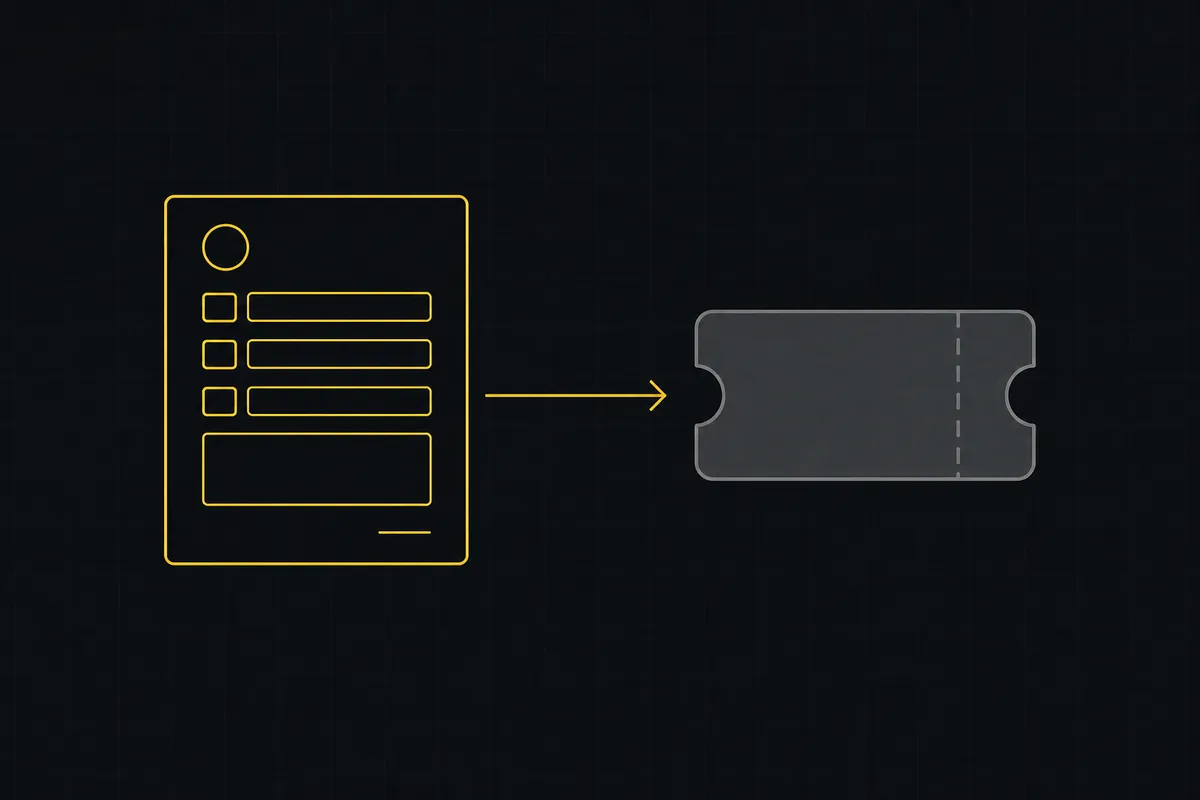
How to set up a request form
Build a public intake form in Utter that creates tickets: map fields to issue title, description and priority, route submissions, publish a no-account link.
July 15, 2026 · 14 min read
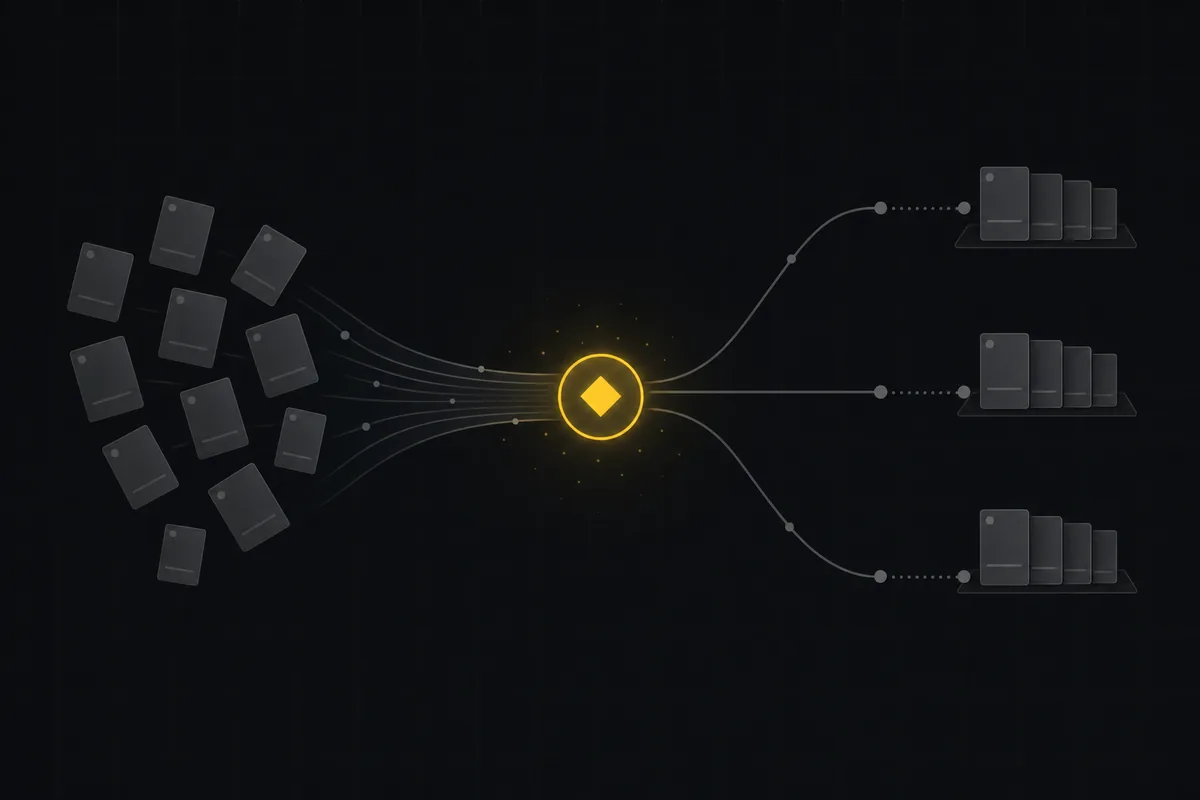
Auto-triage new issues with AI: a setup that actually assigns, labels, and prioritizes
How to set up AI issue triage automation that classifies severity, labels, and routes new bugs and requests, with an honest line on what to let AI decide.
May 27, 2026 · 8 min read
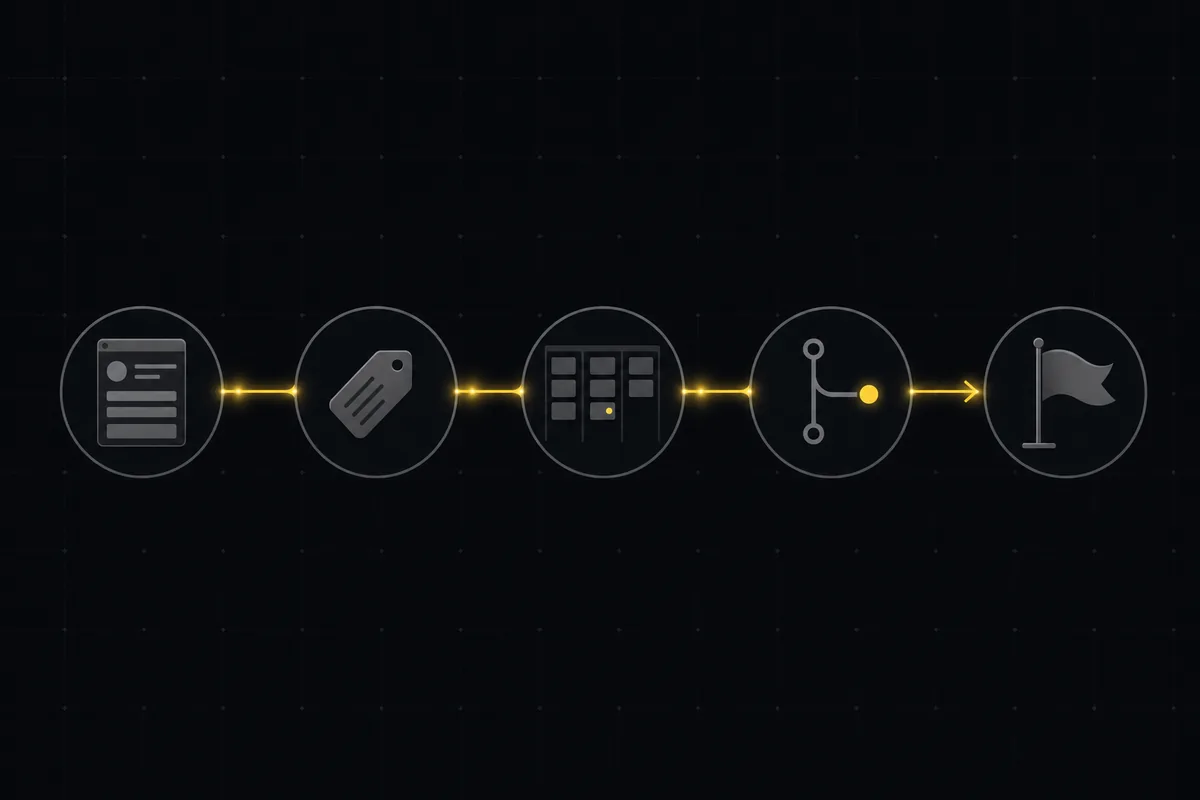
A bug tracking workflow that runs from report to fix
Bug tracking workflow that runs report to fix in one tool: public intake form, AI triage, a board review gate, GitHub commit links, and auto-shipped releases.
July 16, 2026 · 12 min read
A lightweight service desk from forms, automations, and a board
Lightweight service desk for small teams: build one from a public intake form, routing rules, automations, and a board with a review gate. Honestly costed vs JSM.
July 16, 2026 · 12 min read

How to give an AI agent human-in-the-loop approval before it changes your issues
Build an approval gate for AI agents in Utter: let the agent triage into a Needs review column, a human moves it forward, and transition rules stop skips.
May 20, 2026 · 9 min read

How to automate project management with AI, and what to leave manual
The right order to automate project management with AI: reporting first, intake second, execution agents last, and the decisions that should stay human.
July 15, 2026 · 8 min read

Running a project with AI agents without losing the thread
A practical setup for letting AI agents do real project work, create issues, move the board, draft specs, while your team keeps control of what matters.
July 11, 2026 · 5 min read
Chat with your AI agents, then put them in a workflow
Utter lets you DM an AI agent or @mention it in a channel, watch it work, and connect agents and people on a canvas so a ticket routes itself through triage, build, and review.
July 17, 2026 · 7 min read
How to set up automations
Set up project management automation rules in Utter: the when/if/then model, six triggers, conditions, nine actions, run history, plan caps, and real limits.
July 15, 2026 · 18 min read
Two agents, one backlog: coordinating a triage agent and a coding agent with issue status as handoffs
A practical multi-agent workflow: custom board columns and status transitions as the handoff bus between a triage agent and a coding agent, with human review in the middle.
July 1, 2026 · 9 min read
Add a comment
Start the conversation.