
Auto-triage new issues with AI: a setup that actually assigns, labels, and prioritizes
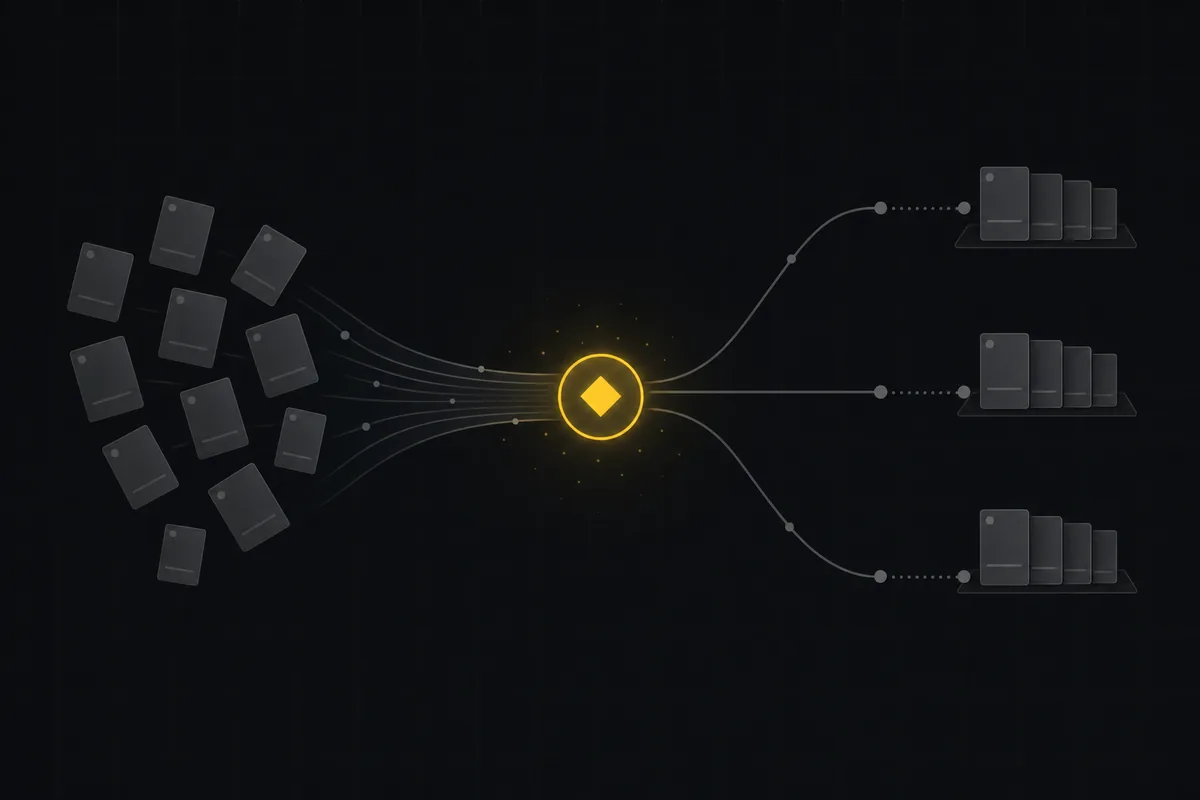
Triage is the least glamorous job on any team and the first one that falls apart under load. A bug lands. Nobody reads it for two days. When someone finally does, they spend four minutes deciding it is a P2, slapping a "billing" label on it, and figuring out who owns that area this month. Multiply by fifty issues a week and you have a quiet, permanent tax on the whole team.
This is the one place AI earns its keep immediately. Reading a fresh report, guessing at severity, and picking a couple of labels is exactly the kind of bounded, repetitive judgment a model is good at. It is checkable in seconds, cheap to undo, and it happens constantly. If you are going to hand one job to AI, make it this one.
Here is how AI issue triage automation actually works in Utter, and, just as important, where we deliberately keep a human in the seat.
What "triage" really means, split into parts
People say "triage" like it is one action. It is at least three, and they carry different risk.
- Classify. Read the title and body, decide the type (bug, story, or task) and the priority. Low risk to get wrong, easy to override.
- Label. Attach a few tags from the project's existing set so the issue is findable and routable.
- Route. Assign it to a person or a queue, drop it in a sprint, move it to a column.
Utter's AI does the first two. It does not do the third, and that is on purpose. Classifying and labeling is pattern-matching against the text in front of you. Routing is a decision about people and capacity that changes week to week, and a model guessing wrong there sends work to someone who is out on leave.
So we split the job: AI classifies and labels, and your own automation rules handle assignment and routing from those results. More on that split below, because it is the part most tools get wrong by pretending one model call can do everything.
The two modes: suggest, or auto-apply
Utter ships triage in two shapes, and you should start with the first.
Suggest mode is human-in-the-loop. Open an issue, hit the AI triage button, and you get back a proposed priority, an optional type, a short list of labels drawn only from that project's palette, and one sentence explaining the call. Every suggestion has the same shape:
{
  "priority": "high",
  "type": "bug",
  "labels": ["billing"],
  "reason": "Checkout failure with direct customer impact reads as a high-priority defect."
}
Nothing changes until you accept it. There is a batch version too: select a handful of issues in the list view, run triage across all of them, and keep the rows that look right. It is capped per run so one click cannot spawn a hundred model calls.
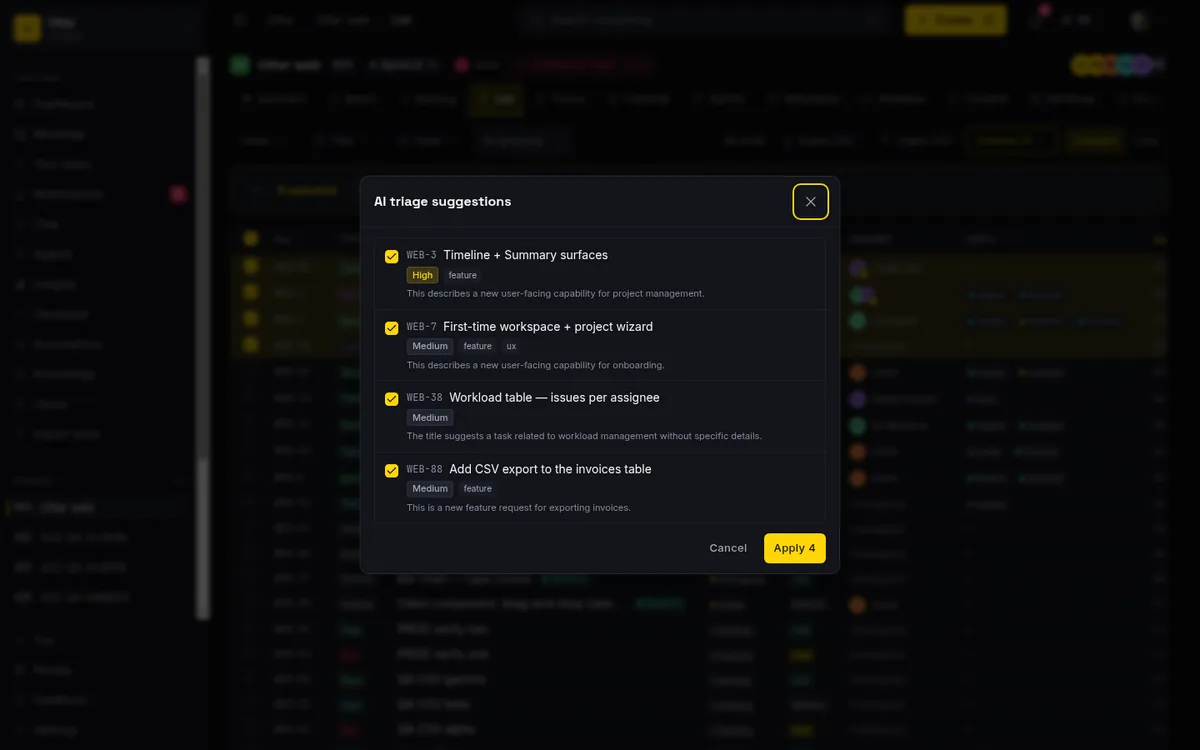
Auto-apply mode is the autonomous version. Turn it on per project in settings, and every newly created issue gets triaged in the background and the result is written straight to the issue. No click. It is off by default, and it should stay off until suggest mode has earned your trust on that project.
sequenceDiagram
    participant M as Member
    participant U as Utter
    participant AI as Model
    M->>U: Creates an issue
    U->>AI: Title and description
    AI-->>U: Priority, type, labels, reason
    U->>U: Guards drop anything invented or already set by a human
    U->>M: One activity entry, attributed to the AI, reason attached
The auto-apply path is careful in ways that matter:
- It only sets priority when the issue is still on the default "medium." If the person who filed it already marked it critical, AI leaves that alone. Human intent wins.
- It only refines a generic "task" into a bug or a story. It never touches an issue you already typed as a bug, and it never reclassifies an epic or a subtask, because those carry containment rules a blind write would break.
- It only attaches labels that already exist in your project. It cannot invent a tag. Anything the model hallucinates gets dropped before it hits the database.
- Every change lands as one activity entry on the issue, attributed to the AI, with the model's reason attached. You can always see what it did and why.
If nothing is confidently actionable, it writes nothing. A no-op is a valid answer.
Where assignment and routing come from
So if the AI does not assign, what does? Automations.
Utter's automation rules fire on issue events, and issue.created is the one you want here. A rule watches for new issues, checks conditions, and runs actions in order: set priority, add or remove a label, assign to a specific member or to the person who triggered the event, move to the active sprint, set a status, post a comment. Assignment is a real action (assign_to), and it validates that the target is actually a workspace member before it writes, so a rule cannot quietly park work on someone who left.
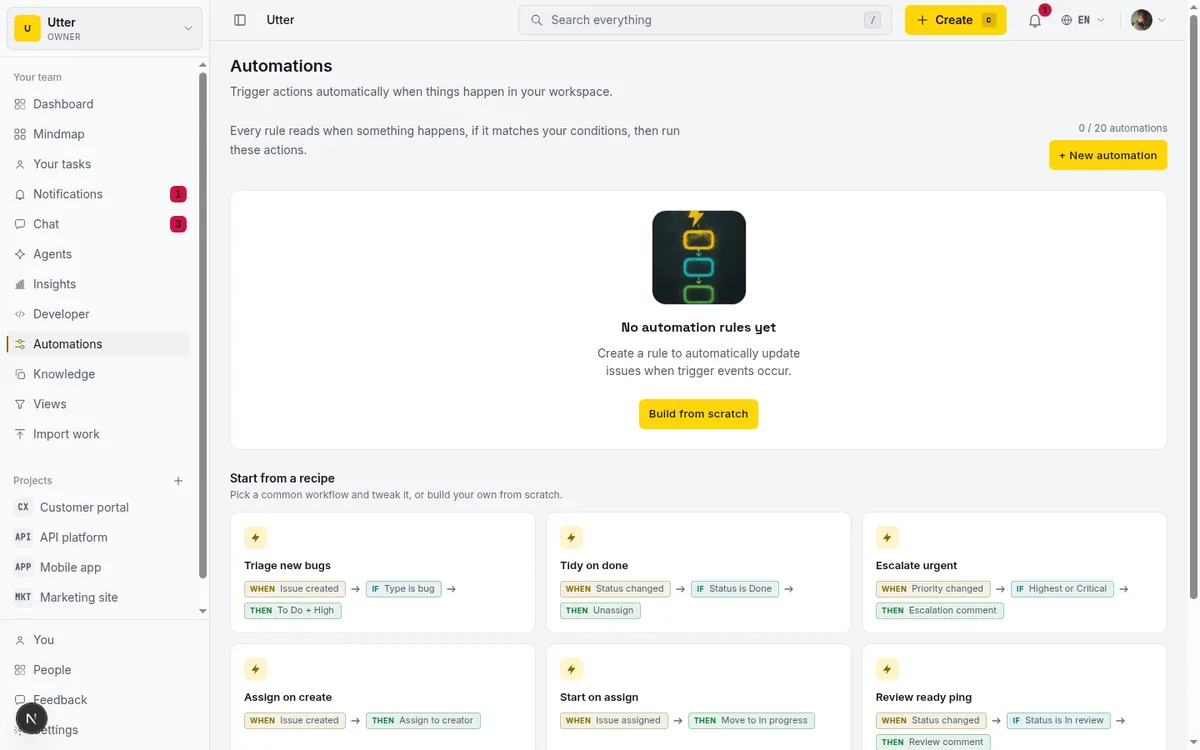
The pattern that works: let AI put the label on, then let a rule route on that label. AI reads "card declined at checkout" and tags it billing. A rule sees the billing label on a new issue and assigns it to the payments lead, bumps priority, and drops it in the current sprint. The AI made the judgment about what the issue is. The rule made the deterministic decision about where it goes. Neither is guessing at the other's job.
The division of labor, drawn:
flowchart TD
    N["New issue: card declined at checkout"] --> AI["AI triage reads it"]
    AI -->|"the judgment call"| L["Type, priority, and a billing label"]
    L --> R["issue.created rule matches the billing label"]
    R -->|"the deterministic part"| ACT["Assign payments lead, bump priority, move to sprint"]
Creating the routing rule over the API
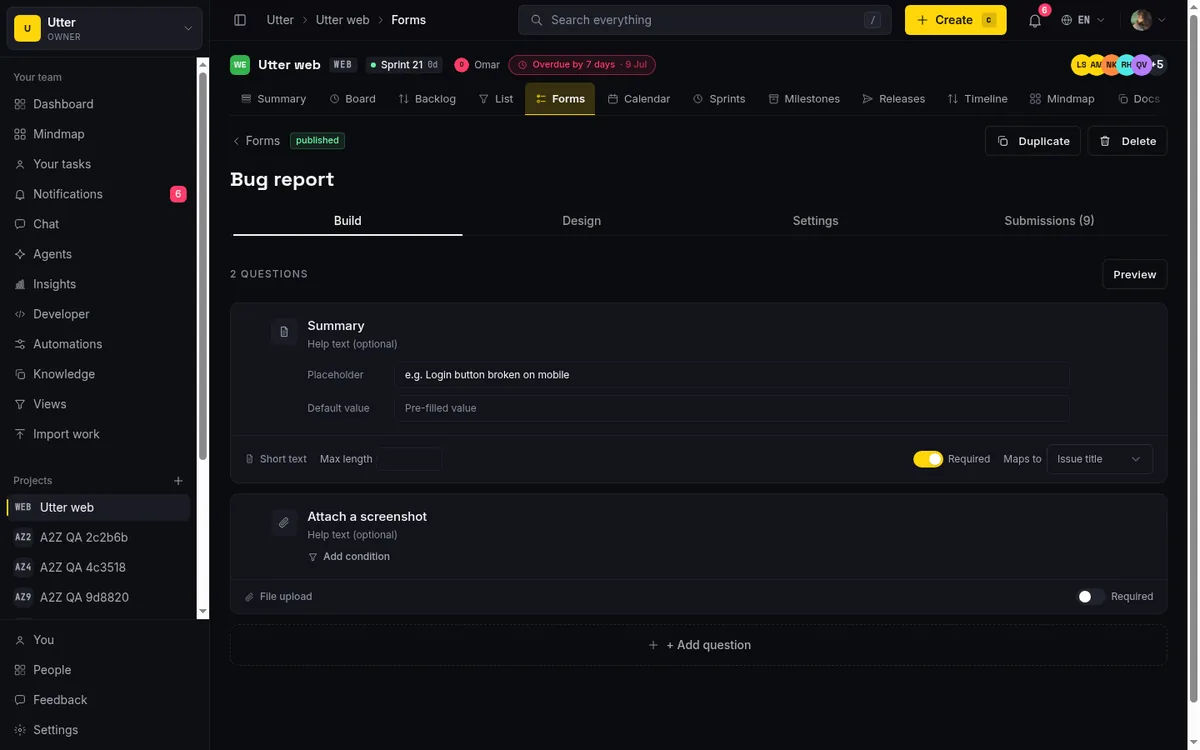
You can build that rule in the UI, or create it over the public API with a key that has the automations:write scope. Label conditions match on the label's id, not its name.
curl -X POST "https://utter.ae/api/v1/workspaces/acme/automations" \
  -H "Authorization: Bearer utp_live_your_key" \
  -H "Content-Type: application/json" \
  -d '{
    "name": "Route billing issues",
    "trigger": "issue.created",
    "conditions": {
      "match": "all",
      "rules": [{ "field": "label", "op": "is", "value": "BILLING_LABEL_ID" }]
    },
    "actions": [
      { "type": "assign_to", "assign_target": "member", "member_id": "PAYMENTS_LEAD_ID" },
      { "type": "set_priority", "priority": "high" },
      { "type": "move_to_sprint", "sprint_target": "active" }
    ]
  }'
const res = await fetch("https://utter.ae/api/v1/workspaces/acme/automations", {
method: "POST",
headers: {
Authorization: "Bearer utp_live_your_key",
"Content-Type": "application/json",
},
body: JSON.stringify({
name: "Route billing issues",
trigger: "issue.created",
conditions: {
match: "all",
rules: [{ field: "label", op: "is", value: "BILLING_LABEL_ID" }],
},
actions: [
{ type: "assign_to", assign_target: "member", member_id: "PAYMENTS_LEAD_ID" },
{ type: "set_priority", priority: "high" },
{ type: "move_to_sprint", sprint_target: "active" },
],
}),
});
const rule = await res.json(); // 201 with the created ruleimport requests
rule = requests.post(
"https://utter.ae/api/v1/workspaces/acme/automations",
headers={"Authorization": "Bearer utp_live_your_key"},
json={
"name": "Route billing issues",
"trigger": "issue.created",
"conditions": {
"match": "all",
"rules": [{"field": "label", "op": "is", "value": "BILLING_LABEL_ID"}],
},
"actions": [
{"type": "assign_to", "assign_target": "member", "member_id": "PAYMENTS_LEAD_ID"},
{"type": "set_priority", "priority": "high"},
{"type": "move_to_sprint", "sprint_target": "active"},
],
},
).json()This is also why triage pairs so well with intake forms. A public form at /f/<token> turns an outside request into an issue, and it carries routing defaults of its own: a default assignee, labels, a target sprint. Those defaults plus an issue.created rule plus AI classification give you a request that arrives already typed, labeled, prioritized, and assigned, with a human never touching it until there is an actual decision to make. That is the whole win.
What to let AI decide, and what to escalate
Be honest about the line. Here is where we draw it.
| Decision | Who owns it | Why |
|---|---|---|
| Type and priority on a routine report | AI | Wrong costs two seconds to fix |
| A couple of labels from the existing set | AI | Checkable at a glance, cheap to undo |
| Severity that pages someone at 2am | Human | The text does not carry that context |
| Anything touching a customer commitment | Human | The model does not know who is about to churn |
| Closing or deleting work | Human | Auto-apply never does this at all |
| Priority the reporter already set | Human | Auto-apply refuses to override it |
The short version: if a mistake on one ticket costs seconds, let the model make the call. If a "small bug" might actually block a launch, that is a context call, not a text call, and context calls stay human.
The auto-apply guards encode most of this for you already. But the judgment about which projects get auto-apply at all is yours. Noisy inbound project with a clear label taxonomy? Turn it on. High-stakes project where every issue is a deliberate decision? Leave it on suggest.
The cost question, answered up front
Auto-triage sounds like a way to accidentally spend a fortune on model calls. It is guarded against exactly that.
- Bulk paths, CSV import, service import from Trello and friends, form submissions, and the public API never trigger auto-triage. Only an interactive create does, so importing five hundred rows fires zero model calls.
- There is a per-project rate cap on top of that.
- The whole thing stops the moment a workspace runs out of AI credits.
- Suggestions run on a cheap, fast model with a tiny token budget, because this is a short classification task, not an essay.
The honest contrast
Jira's Rovo and Linear both do a version of this, and both put it behind the higher tiers. Rovo is an add-on with its own per-seat pricing on top of Jira. Auto-triage of this kind sits in the paid layer, not the base plan.
In Utter, triage is built in. It is part of the AI features that come with the product, metered by the same credit balance as the rest, not a separate line item you upgrade into. That is a deliberate choice: triage is the highest-leverage AI feature for a normal team, so gating it behind an enterprise SKU means the teams who would benefit most never get to it.
None of this replaces judgment. It removes the part of triage that was never judgment to begin with, the reading, the typing, the labeling, so the person is left with the decisions that actually need a person. Start with suggest mode on one busy project. Watch it for a week. When you stop correcting it, turn on auto-apply and wire an issue.created rule to route what it labels. If you are handing more of the board to agents in general, we wrote about that trust curve in running a project with AI agents.
If you want to see the full surface, the pricing page lays out what is included, and the automations and forms both live one click deep in any project.
Frequently asked questions
How do I set up AI issue triage that assigns, labels, and prioritizes?
Split the job the way Utter does: AI classifies each new issue (type, priority, and labels drawn only from your project's existing set), and your own issue.created automation rules handle assignment and routing from those results. Start in suggest mode, where nothing changes until you accept, and turn on auto-apply per project once you stop correcting it.
Should AI assign issues to people?
No, and Utter's AI deliberately does not. Classifying and labeling is pattern-matching against the text in front of you; routing is a decision about people and capacity that changes week to week, and a model guessing wrong sends work to someone who is out on leave. The pattern that works: AI puts the label on, then a deterministic automation rule assigns, prioritizes, and drops the issue in the sprint based on that label.
Will AI triage override decisions a human already made?
The auto-apply guards are built to prevent that: it only sets priority when the issue is still on the default medium, only refines a generic task into a bug or story (never reclassifying typed work, epics, or subtasks), and only attaches labels that already exist in the project. Every change lands as one activity entry attributed to the AI with its reason, and if nothing is confidently actionable it writes nothing.
Will auto-triage burn through model calls and AI credits?
It is guarded against exactly that: bulk paths (CSV import, service imports, form submissions, the public API) never trigger auto-triage, only an interactive create does, so importing five hundred rows fires zero model calls. There is a per-project rate cap on top, everything stops when the workspace runs out of AI credits, and suggestions run on a cheap, fast model with a tiny token budget.
Related reading

How to automate project management with AI, and what to leave manual
The right order to automate project management with AI: reporting first, intake second, execution agents last, and the decisions that should stay human.
July 15, 2026 · 8 min read

What an AI issue tracker actually is, and how to pick one
Most tools that say AI issue tracking mean a summarize button. A five-part checklist for what the label should mean, plus the failure modes to test in a pilot.
July 15, 2026 · 8 min read
Turn a request form into a triaged issue automatically (no human inbox in the middle)
How to wire a public intake form to a tracked, classified issue: routing defaults, an issue.created automation, and an AI triage first pass.
June 16, 2026 · 7 min read

How to give an AI agent human-in-the-loop approval before it changes your issues
Build an approval gate for AI agents in Utter: let the agent triage into a Needs review column, a human moves it forward, and transition rules stop skips.
May 20, 2026 · 9 min read

Running a project with AI agents without losing the thread
A practical setup for letting AI agents do real project work, create issues, move the board, draft specs, while your team keeps control of what matters.
July 11, 2026 · 5 min read

Who decides what: setting decision rights between your team and your AI agents
A simple rule for AI governance: reversible, low-stakes moves are the agent's to make; irreversible or high-stakes ones need a human. How to draw the line.
July 15, 2026 · 7 min read
Two agents, one backlog: coordinating a triage agent and a coding agent with issue status as handoffs
A practical multi-agent workflow: custom board columns and status transitions as the handoff bus between a triage agent and a coding agent, with human review in the middle.
July 1, 2026 · 9 min read
How to set up automations
Set up project management automation rules in Utter: the when/if/then model, six triggers, conditions, nine actions, run history, plan caps, and real limits.
July 15, 2026 · 18 min read
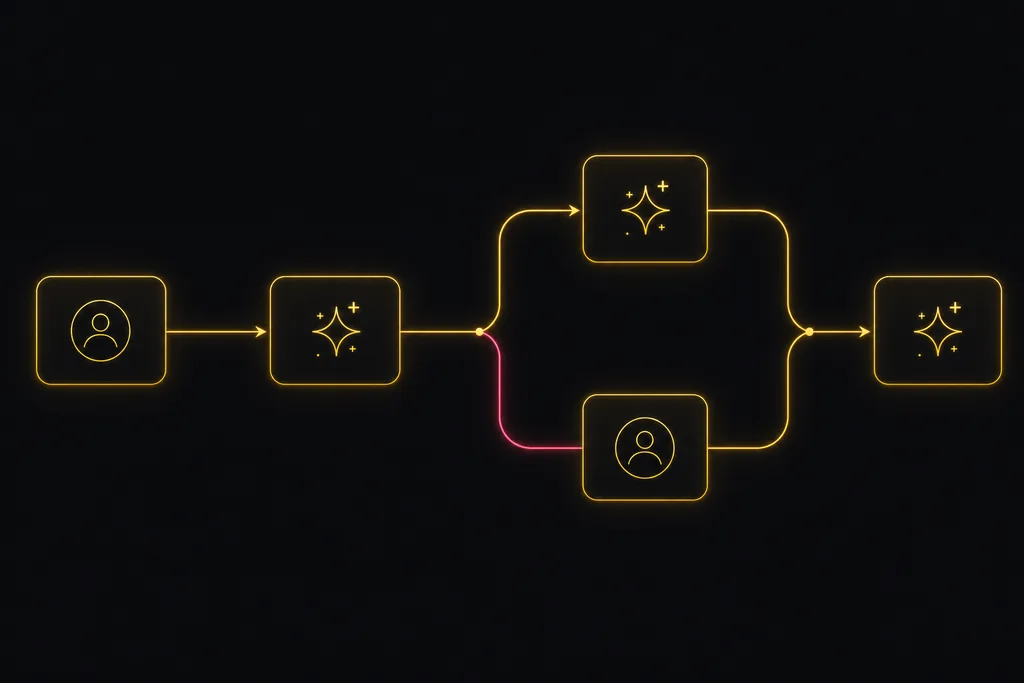
Chat with your AI agents, then put them in a workflow
Utter lets you DM an AI agent or @mention it in a channel, watch it work, and connect agents and people on a canvas so a ticket routes itself through triage, build, and review.
July 17, 2026 · 7 min read

AI agent governance for project teams: seven controls your tracker can enforce
Governance for AI agent teams is not a policy PDF. Seven controls your tracker can enforce, from identity to offboarding, and what tooling cannot fix.
July 15, 2026 · 10 min read
أضف تعليقًا
ابدأ النقاش.